Description
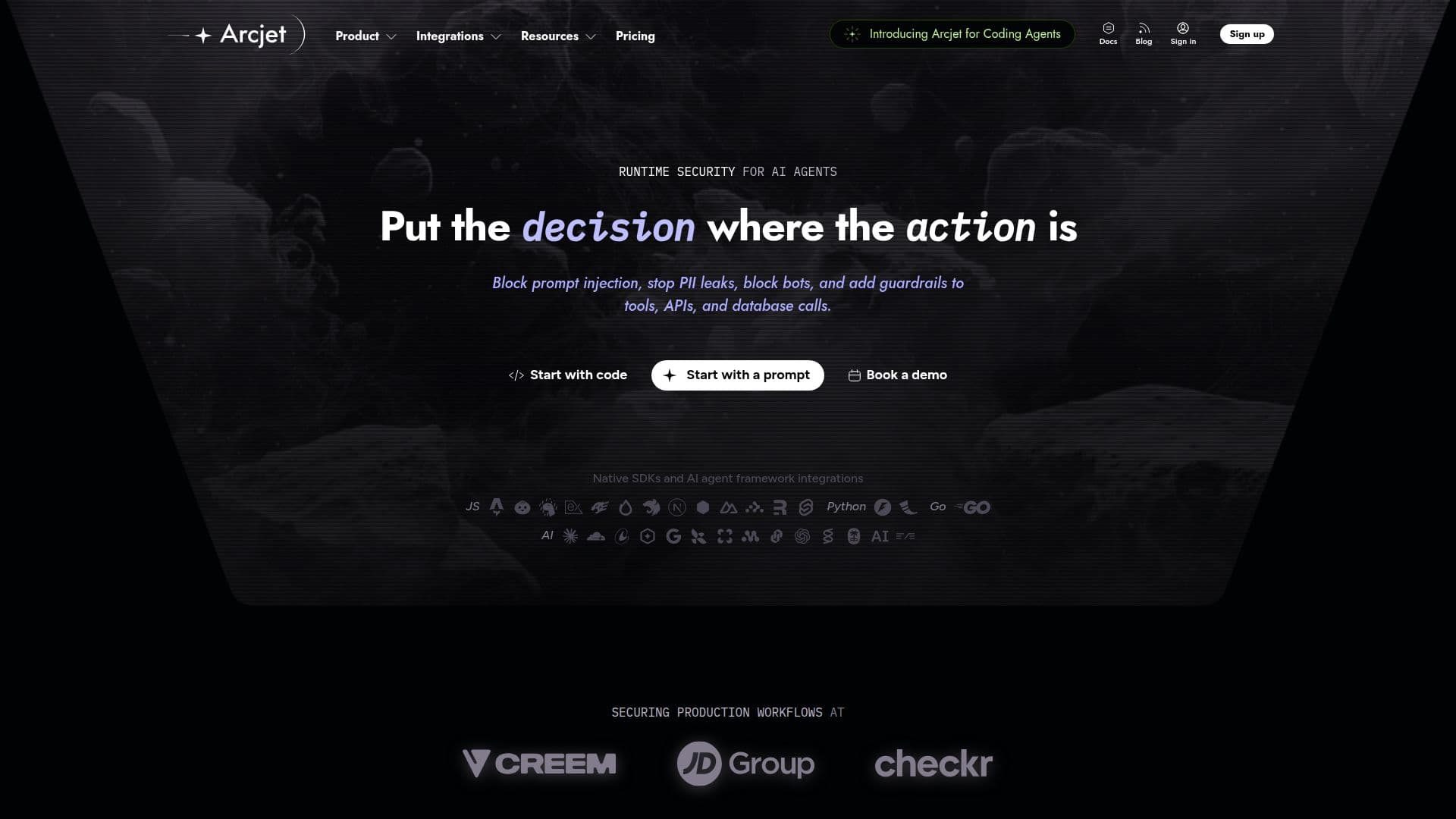
Arcjet is an AI agent runtime security platform designed to provide comprehensive security measures for AI agents operating within organizations. It enables users to discover AI agents running in their systems, enforce security policies across every action, prompt, and tool call, and maintain evidence to prove what happened. Arcjet's capabilities include detecting prompt injection, authorizing agent tool calls, redacting personally identifiable information (PII), and blocking bots and abuse.
Read More
The platform operates by observing, enforcing, and auditing actions taken by AI agents. It captures every action within an application, checks it against security policies, and returns decisions such as allow, block, redact, or hold for review. These decisions are kept as evidence, ensuring that sensitive data remains within the user's environment.
Arcjet offers native SDKs and integrations with AI agent frameworks, allowing seamless integration into existing systems. It supports coding agents like Claude Code, GitHub Copilot, Cursor, and OpenAI Codex, providing organization-wide visibility through OpenTelemetry and the Claude Compliance API.
Pricing for Arcjet includes an Individual plan at $25 per month, a Startup plan at $299 per month, and custom pricing for Enterprise plans. Usage fees apply, with a 15-day free trial available. The platform is suitable for security and platform teams, engineering teams, and B2B SaaS product teams looking to enforce granular security policies on AI agents.
Arcjet's unique approach to security involves in-code decisions, allowing policies to be evaluated on the full execution context. This ensures that actions the network never sees, such as tool calls and queued jobs, are protected. The platform is SOC 2 Type II compliant, ensuring security, availability, and confidentiality.
- CategoryAI Cybersecurity Tools
- Pricing ModelFreemium
- DeploymentCloud
- PlatformsWeb
Arcjet's Core Features
AI agent discovery
Policy enforcement
Prompt injection detection
Tool call authorization
PII redaction
Bot and abuse blocking
Native SDK integrations
SIEM export
How to use Arcjet?
Sign up: Create an account on Arcjet
Install: Add Arcjet SDK to your application
Configure: Set up security policies and rules
Monitor: Observe and audit agent actions
Arcjet's Use Cases
- AI Agent Security
- Prompt Injection Detection
- Tool Call Authorization
- PII Redaction
- Bot and Abuse Protection