Description
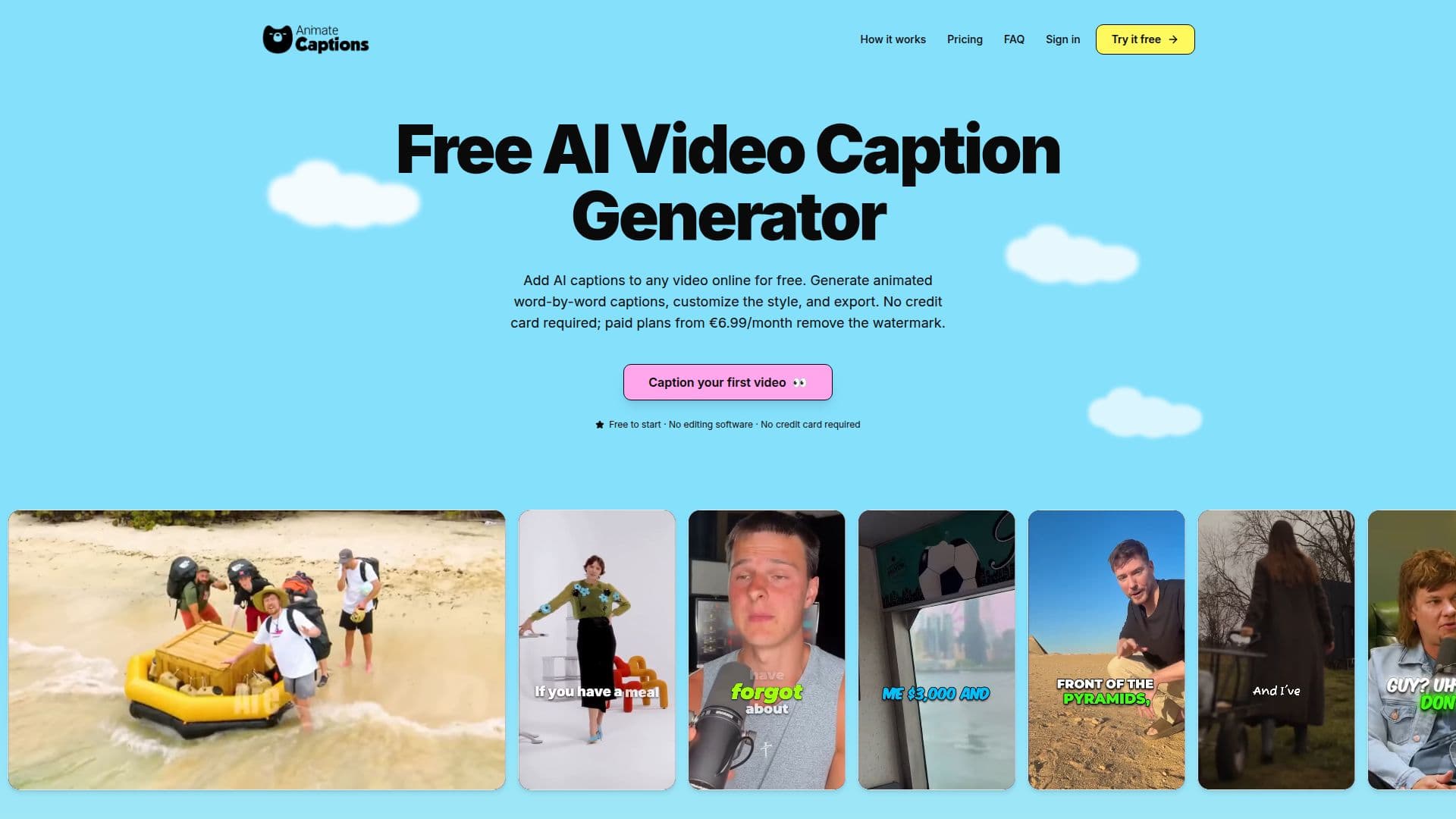
AnimateCaptions is a dedicated online tool designed to automatically generate animated, word-by-word captions for short-form videos. It simplifies the process of adding engaging captions to content for platforms like TikTok, Instagram Reels, and YouTube Shorts, making videos more accessible and improving viewer retention.
Read More
The platform operates entirely in the browser, eliminating the need for software downloads or powerful local machines. Users can upload MP4 or MOV video files up to 500 MB and 2 minutes in length. The core functionality involves transcribing the video's audio using Deepgram's Nova-3 speech-to-text model, which supports over 36 languages with automatic language detection.
Once transcribed, users can choose from more than 32 animated caption presets, including popular styles like Beast (Mr Beast palette) and Hormozi (green active word). The in-browser editor allows for extensive customization of these styles, enabling users to change font family, base color, highlight color, stroke width and color, shadow, background, and per-line position. Customizations can also be saved as reusable themes for consistent branding across multiple videos. The editor also provides the ability to correct any transcribed word, merge or split lines, hide unwanted segments, and drag captions to specific positions before export.
AnimateCaptions renders the captions directly into the video on its servers, producing a fully burned-in MP4 file. This server-side rendering ensures high-quality exports without any loss in video quality. Most 1-minute videos render in 30–60 seconds, with up to 2-minute videos taking up to 2 minutes. Users are notified in-app when their video is ready for download.
The service offers a freemium pricing model. A free plan allows users to generate, customize, and export animated captions without a credit card, though these exports include a small AnimateCaptions watermark. Paid plans, starting from €6.99/month, remove this watermark and offer additional benefits like longer video support (up to 5 minutes) and priority rendering queues. AnimateCaptions emphasizes that users retain full ownership of their uploaded videos, which are processed and stored solely for the captioning service and not used for AI model training or shared with third parties beyond necessary processors.
- CategoryAI Caption & Hashtag Generators
- Pricing ModelFreemium
- DeploymentCloud
- PlatformsWeb
AnimateCaptions's Core Features
Animated word-by-word captions
Automatic transcription via Deepgram Nova-3
32+ animated caption presets
Per-line and per-word caption customization
In-browser transcript editor for corrections
Server-side rendering for burned-in MP4 exports
Support for 36+ languages with auto-detection
No software download or credit card required for free plan
Customizable font family, colors, stroke, shadow, and background
Ability to save custom styles as reusable themes
Support for MP4 and MOV video formats
Video uploads up to 500 MB and 2 minutes (free plan)
Watermark removal with paid plans
Full-resolution exports rendered with Remotion
User retains ownership of uploaded videos
How to use AnimateCaptions?
Upload Video: Drop an MP4 or MOV file into the browser for automatic audio transcription.
Pick Style: Choose from 32+ animated caption presets and customize font, color, and position.
Edit Transcript: Correct any misheard words, merge/split lines, or reposition captions in the editor.
Export MP4: Click Export to render captions directly into the video on servers and download the finished file.
AnimateCaptions's Use Cases
- TikTok Creators
- YouTube Shorts Editors
- Reels Makers
- Podcast Clippers
- Course Creators
- Agencies & Freelancers
- Product Demo Captions
- Accessibility for Videos