
Description
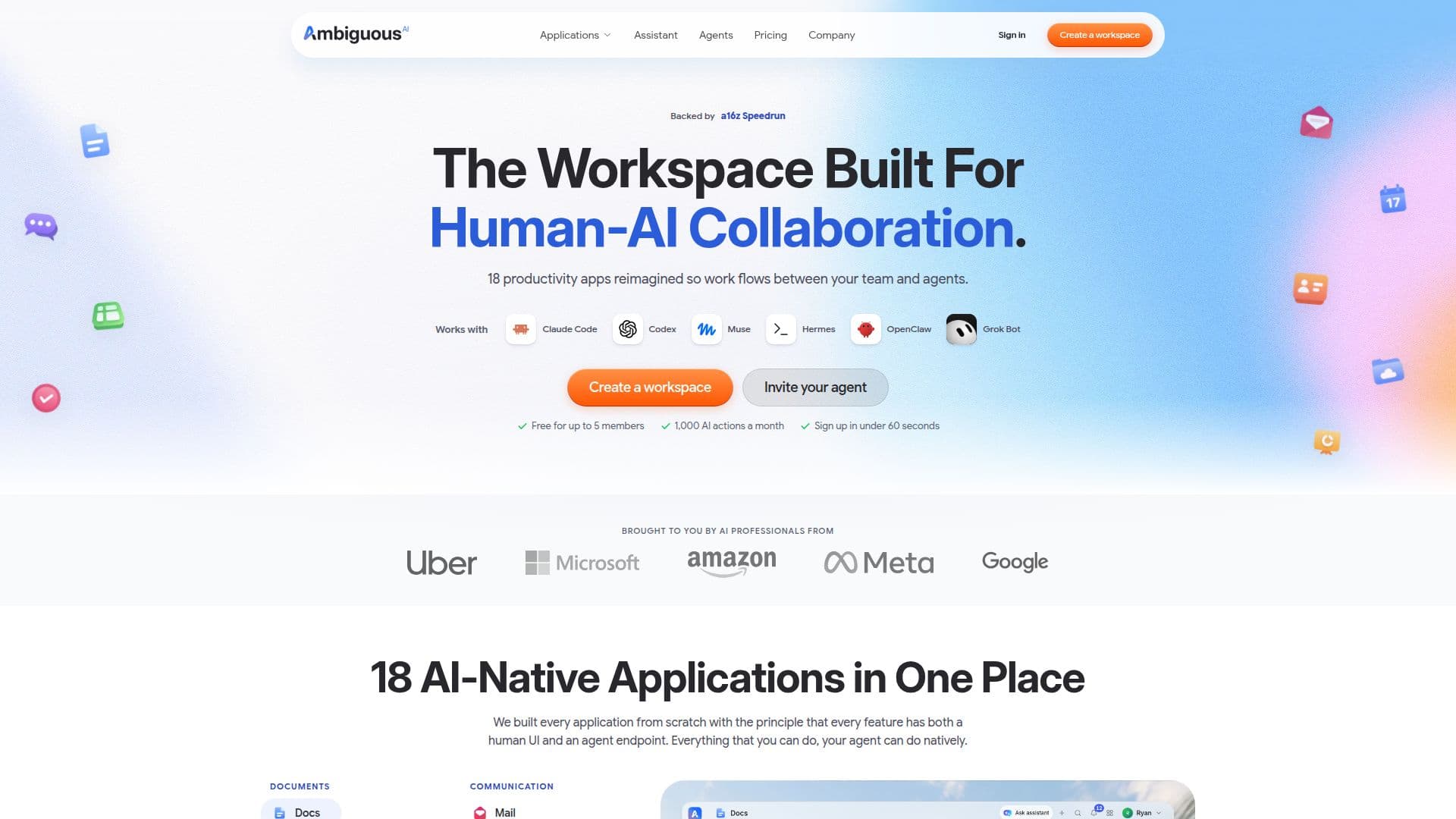
Ambiguous Workspace is designed to facilitate human-AI collaboration by integrating 18 productivity applications such as Docs, Mail, Chat, Sheets, CRM, and Calendar. Each AI agent has its own identity and operates within the same apps and data as human team members, allowing for seamless interaction and collaboration. Users can communicate with AI agents via email, chat, or task assignments, and teams of up to five can access all apps for free.
Read More
The platform offers a freemium pricing model, where teams can perform up to 1,000 AI actions per month at no cost. Additional actions can be purchased in top-up packs, or users can upgrade to a Pro plan for more extensive usage. Ambiguous Workspace supports integration with existing AI agents through MCP or CLI, enabling quick setup and operation.
Ambiguous Workspace is available on both iOS and Android, ensuring accessibility across devices. The platform emphasizes data security with encryption at rest and in transit, workspace isolation, and comprehensive audit trails. Users can export their data in various formats, ensuring no loss of fidelity.
The workspace is ideal for small to medium-sized businesses looking to enhance productivity through AI collaboration. It replaces multiple subscription services, offering a unified solution for document editing, communication, and task management. The platform's design ensures that AI agents are first-class participants, capable of performing tasks alongside human users without the need for migration when agent providers change.
- CategoryWorkflow Automation
- Pricing ModelFreemium
- DeploymentCloud
- PlatformsiOS, Android, Web
Ambiguous Workspace's Core Features
18 integrated productivity apps
Real-time human-AI collaboration
Freemium pricing model
Mobile app availability
Data export in multiple formats
Workspace isolation for security
MCP and CLI integration
Top-up packs for additional actions
How to use Ambiguous Workspace?
Configure: Set up your workspace with MCP or CLI
Use: Collaborate with AI agents in real-time
Optimize: Purchase top-up packs or upgrade for more actions
Export: Download data in various formats
Ambiguous Workspace's Use Cases
- Document Collaboration
- Task Management
- Communication
- Data Export
- Security