Description
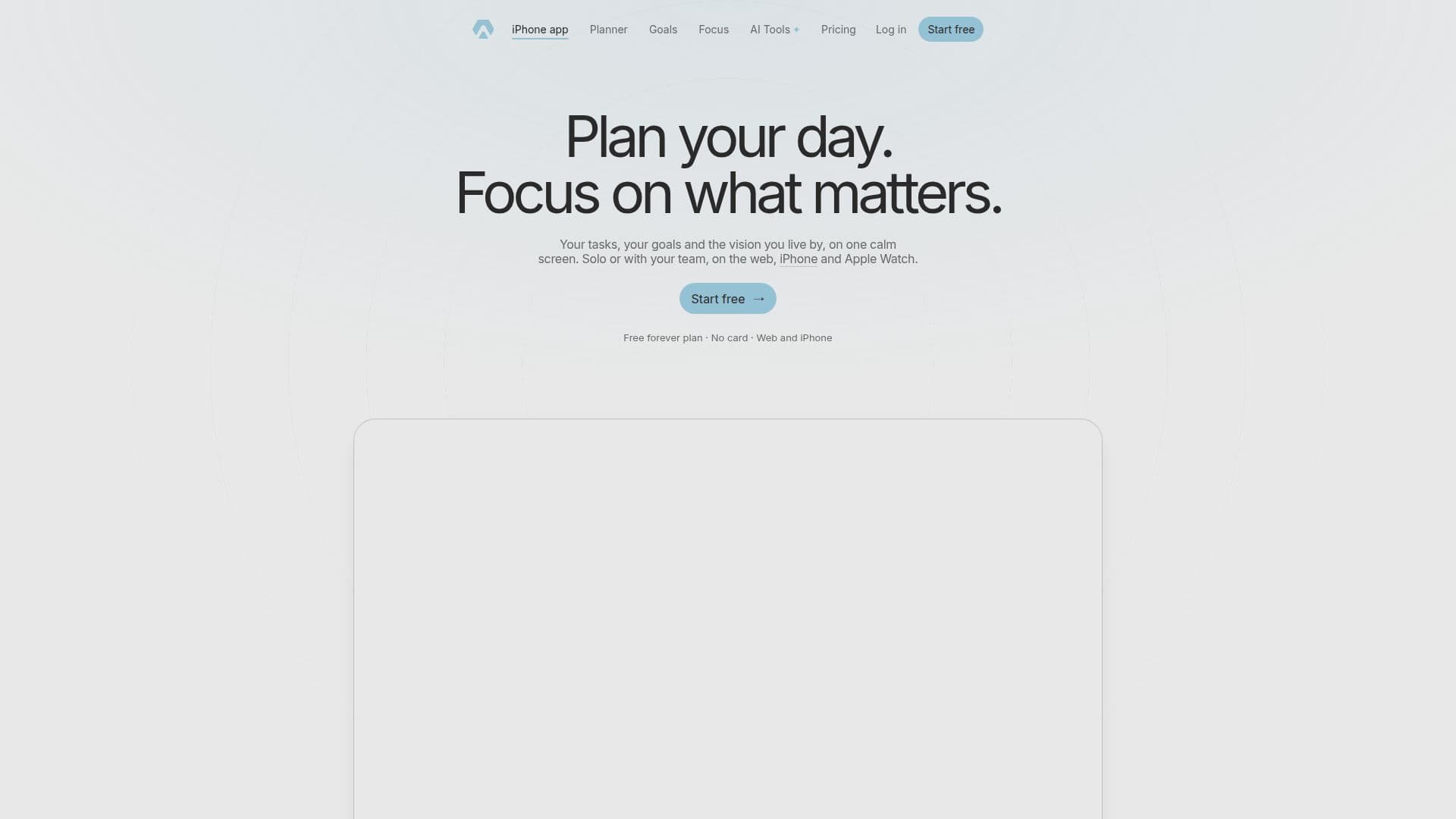
Aimgod is a comprehensive day planner and productivity tool designed to bring calm and clarity to daily tasks and long-term aspirations. It helps users plan their day in minutes, keeping goals and vision readily accessible. The platform is available for free on the web, iPhone, and Apple Watch, offering a unified experience across devices.
Read More
The core functionality revolves around three main sections: Planning, Goals, and Focus. The Planning section allows users to create a short list for the day, prioritize tasks, and track progress. Tasks can be dragged to reorder, ticked off with a tap, and assigned times that sync with Google Calendar and Apple Calendar, complete with phone reminders. Users can also view their entire week, drag tasks between days, and filter by 'sphere' (life areas like work, health, family).
Goals provides a structured approach to bigger objectives, allowing users to set monthly, quarterly, and yearly goals as interconnected cards on a canvas. Completing one step unlocks the next, and an integrated AI can help build an entire goal path from a single sentence. The Focus section is for keeping essential points in sight, grouped by spheres. It can display thoughts, reminders, or reasons behind goals as a calm, full-screen slideshow, playing them one by one at a user-defined pace.
Aimgod also supports team collaboration through shared spheres. Users can invite others via email or link, allowing teams of any size to work on shared tasks. The platform offers control over who can add or change tasks and how completion is marked (one tick for everyone or individual ticks). Data privacy is a priority, with Aimgod stating it never sells user data and offers options to export or delete accounts. The tool integrates with Claude, allowing users to manage their day, add tasks, set times, and track goals using natural language commands directly within Claude or Aimgod's AI circle.
The pricing model includes a robust free plan that offers the full day planner, Goals, Focus, shared spheres (with a limit of 3), and a productivity dashboard, along with AI quick add and Claude connector. A Premium subscription, available for $7 a month or $60 a year, expands on this by providing unlimited spheres and a smarter AI model for more advanced planning and goal setting. Payments are handled securely through Paddle, with a 14-day money-back guarantee.
- CategoryProductivity
- Pricing ModelFreemium
- DeploymentCloud
- PlatformsWeb, iPhone, Apple Watch
Aimgod's Core Features
Calm day planner with tasks and times
Goals section with measurable steps on a canvas
Focus mode for keeping key points in sight
Shared spheres for team collaboration
Integration with Google Calendar and Apple Calendar
AI quick add for tasks and goal path generation
Claude connector for natural language task management
Weekly overview and productivity dashboard
Repeating tasks, reminders, and subtasks
Customizable spheres with color-coding
Data export to CSV and account deletion options
Full screen mode for Focus slideshows
Apple Watch app for on-wrist planning and AI access
Private by design, only shared sphere tasks are visible to others
How to use Aimgod?
Create an account: Sign up for a free Aimgod account on the web or via the iPhone app.
Plan your day: Add tasks to your daily list, set optional times, and drag them into your preferred order.
Set goals: Define monthly, quarterly, and yearly goals as cards on a canvas, linking them to create a path.
Utilize Focus: Add important thoughts or reminders to Focus spheres and view them in a calm slideshow.
Connect with AI: Use the built-in AI or connect to Claude to add tasks, set times, and build goal paths with natural language.
Share with a team: Create a shared sphere, invite team members by email, and collaborate on tasks and goals.
Sync calendars: Tasks with times automatically appear in your Google or Apple Calendar with reminders.
Aimgod's Use Cases
- Daily Task Management
- Long-Term Goal Setting
- Maintaining Focus
- Team Collaboration
- Calendar Synchronization
- AI-Assisted Planning
- Personal Productivity Tracking
- Cross-Device Access
- Habit Building