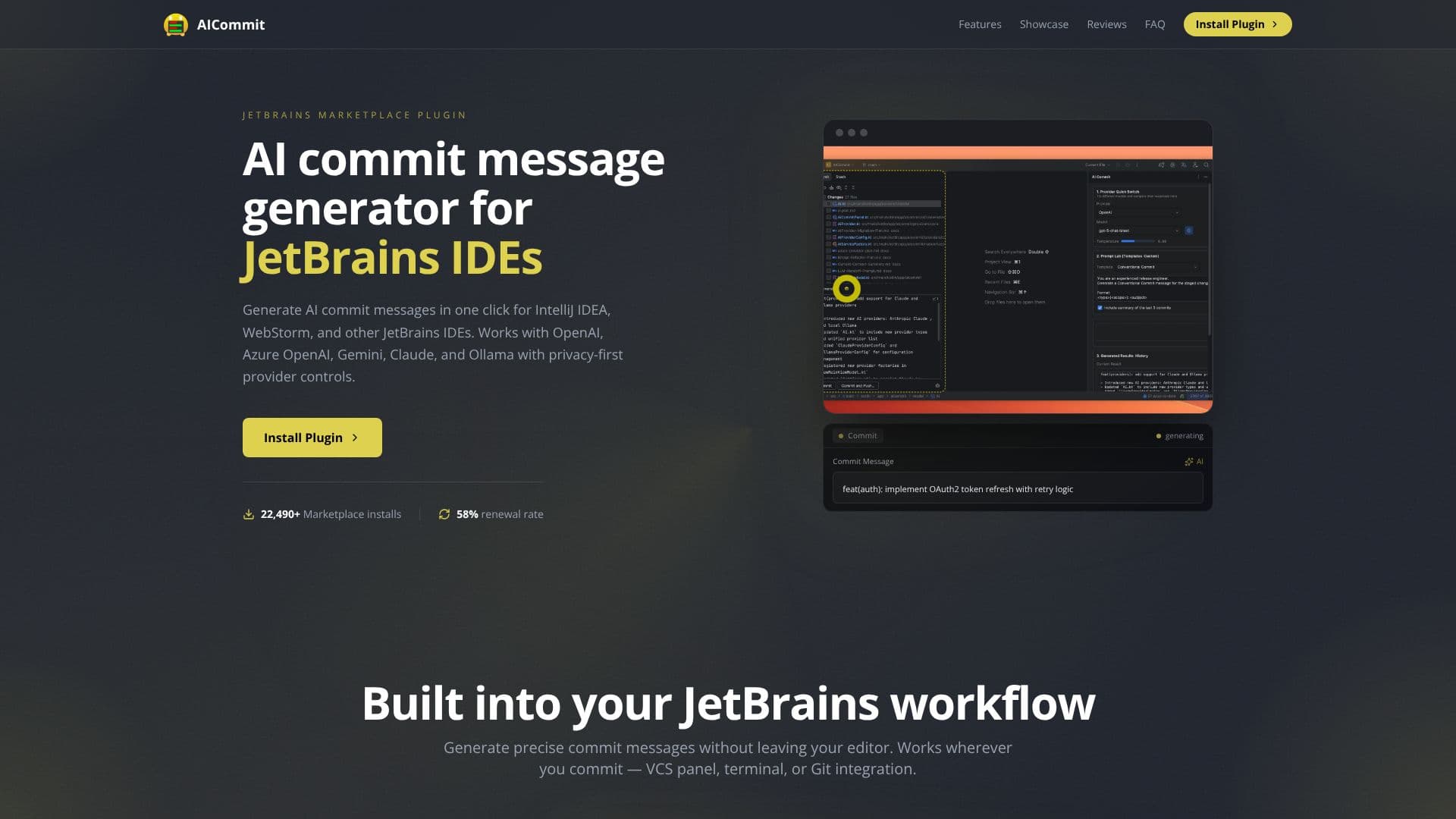
Description
AICommit revolutionizes the way developers create commit messages within the JetBrains IDE ecosystem. This powerful plugin, designed for IntelliJ IDEA, WebStorm, and other JetBrains IDEs, allows for one-click generation of AI-powered commit messages. By analyzing staged code differences, AICommit produces professional and meaningful messages in under two seconds, eliminating the common developer bottleneck of staring at a blank commit field.
Read More
The plugin offers unparalleled flexibility in AI provider integration. It supports major platforms including OpenAI, Azure OpenAI, Google Gemini, Anthropic Claude, and even local models via Ollama. Users can effortlessly switch between providers and models without needing to alter configuration files, ensuring a tailored and efficient experience. This adaptability makes AICommit suitable for a wide range of development environments and security requirements.
Privacy is a cornerstone of AICommit's design. The plugin prioritizes data security by never collecting or logging user code or commit messages. For cloud-based generation, staged diffs are sent exclusively to the user's configured provider. For those requiring a completely local workflow, Ollama integration ensures that all processing remains on the user's machine, making it an ideal solution for teams with strict data security policies.
AICommit goes beyond simple generation with its Prompt Lab and Custom Templates features. The Prompt Lab allows users to pick their preferred provider and model, apply prompt templates, and review generation history all within a single interface. Custom templates can be utilized for established conventions like Conventional Commits, release notes, and more, further streamlining the commit process and ensuring consistency across projects.
With over 22,490 installations and a 58% renewal rate on the JetBrains Marketplace, AICommit has proven its value to the developer community. User feedback consistently highlights its efficiency, precision, and ease of use. The plugin is compatible with all IntelliJ-platform IDEs, including popular choices like PyCharm, GoLand, Rider, and Android Studio, ensuring broad accessibility for JetBrains users.
- CategoryAI Coding Assistants
- Pricing ModelPaid (Subscription)
- DeploymentCloud, Runs locally
- PlatformsJetBrains IDEs
AICommit's Core Features
One-click AI commit message generation
Supports OpenAI, Azure OpenAI, Gemini, Claude, and Ollama
Privacy-first provider controls
Works within JetBrains IDEs (VCS panel, terminal, Git integration)
Prompt Lab for provider/model selection and template application
Customizable prompt templates for Conventional Commits, Release Notes, etc.
Local-only workflow option with Ollama
Code diff analysis for context-aware message generation
Review generation history
Seamless integration into JetBrains workflow
How to use AICommit?
Install Plugin: Get AICommit from the JetBrains Marketplace.
Configure Provider: Select your AI provider (OpenAI, Gemini, Claude, Ollama, etc.) and enter credentials.
Stage Changes: Stage the code changes you want to commit.
Generate Message: Click the generate button in the commit panel.
Review & Commit: Review the AI-generated message and commit your changes.
AICommit's Use Cases
- Automated Commit Messages
- IDE Integration
- Privacy-Focused Development
- Team Consistency
- Time Saving
- Code Documentation