
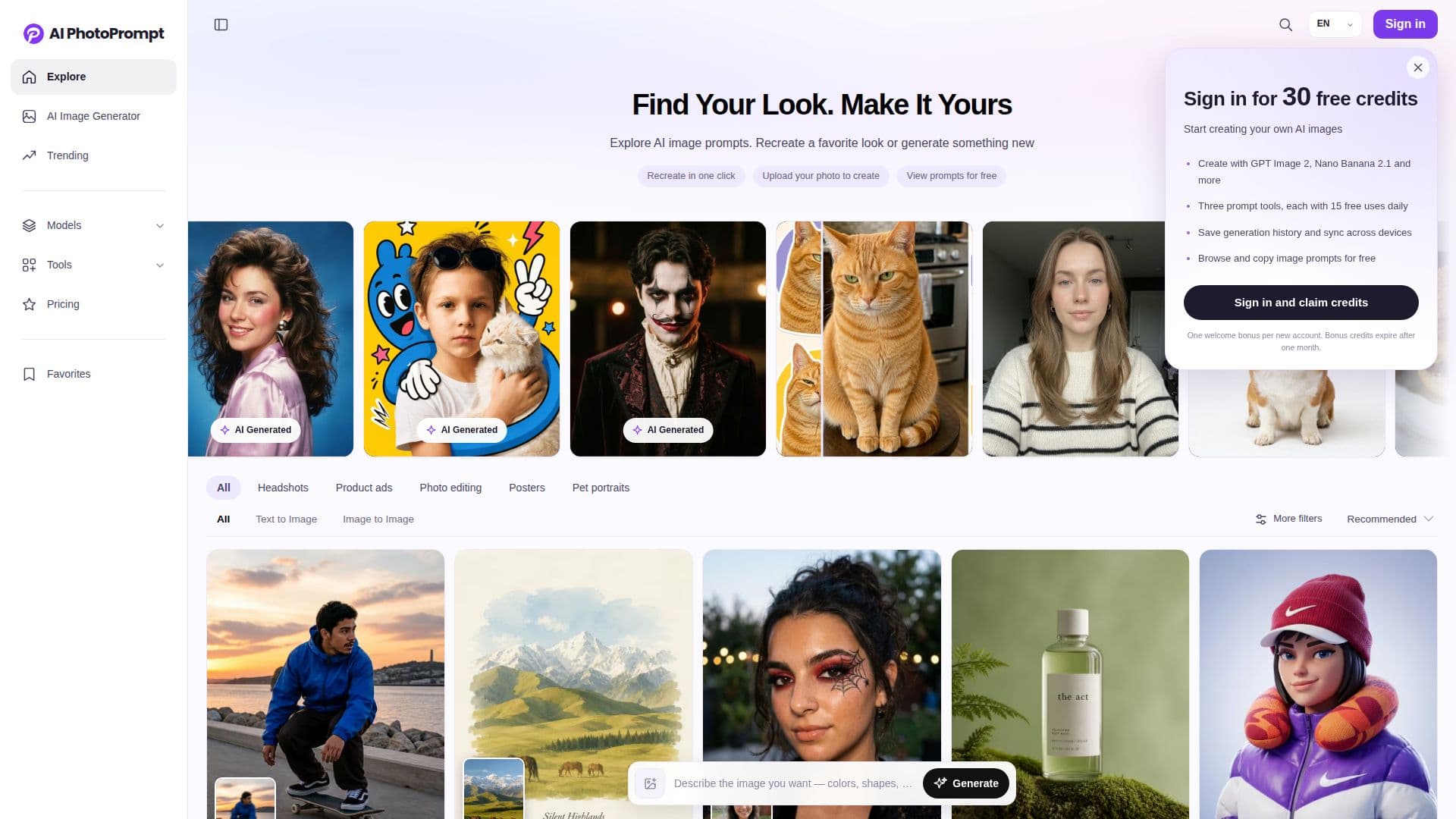
Description
AI PhotoPrompt serves as a comprehensive AI image prompt library and image creation platform, designed to assist users in transforming visual concepts into various AI-generated images. The platform allows users to explore a vast collection of image examples, copy their associated prompts, and then utilize these prompts to create their own unique images. It supports several AI image generation models, including Gemini, GPT Image, and Seedream, with additional model options available within the generator.
Read More
Users can browse AI image prompts and copy them for free, with AI PhotoPrompt also providing free daily uses of its prompt tools. For more extensive AI image generation and advanced features, credits can be purchased through one-time top-ups, ensuring no subscription or automatic renewal. This flexible pricing model allows users to pay only for what they need.
The platform offers several key functionalities to facilitate image creation. Users can recreate an AI image they like by selecting it from the library and clicking "Create Similar," using its prompt as a starting point for customization. It also supports image-to-image generation, enabling users to upload their own photos (portraits, product photos, etc.) and use a prompt to modify elements like background, lighting, style, or setting while preserving important details from the original image.
For those who need help crafting prompts, AI PhotoPrompt provides an "Image to Prompt" tool that analyzes an uploaded reference image and generates an editable text prompt based on its subject, composition, lighting, colors, and visual style. Additionally, the "Prompt Generator" can turn a short idea into a detailed prompt, and the "Prompt Enhancer" can improve existing prompts with clearer instructions for various visual elements. The platform emphasizes that users do not need prior prompt-writing experience to achieve desired results.
AI PhotoPrompt also addresses common user concerns, such as maintaining specific facial or product details in generated images by advising the use of clear reference images and detailed descriptions. It acknowledges that AI image generation is not always identical or repeatable, with results varying based on the model, prompt, reference image, and settings. Users can copy and customize prompts for use with other compatible AI image generators, offering versatility for their creative projects.
- CategoryAI Image Generators
- Pricing ModelFreemium
- DeploymentCloud
- PlatformsWeb
AI PhotoPrompt's Core Features
AI Image Prompt Library
Image Creation Platform
Free Daily Prompt Tool Usage
One-Time Credit Top-Ups
Support for Gemini AI Model
Support for GPT Image Model
Support for Seedream AI Model
Image-to-Image Generator
Image to Prompt Tool
Prompt Generator
Prompt Enhancer
Customizable Prompts
Recreate Similar Images
Preserve Image Details
How to use AI PhotoPrompt?
Explore Prompts: Browse the AI image prompt library for visual inspiration and examples.
Copy or Customize: Select a prompt you like and either copy it directly or click "Create Similar" to open the editor.
Upload Reference Image: For image-to-image generation, upload your own photo (portrait, product, etc.) to guide the AI.
Refine Prompt: Use the Prompt Generator or Prompt Enhancer tools to create or improve your text prompt.
Adjust Settings: Customize the subject, style, background, lighting, and other settings in the editor.
Generate Image: Review the credit cost and generate your AI image using the selected model and settings.
Save and Adapt: Save your generated image and adapt prompts for use with other compatible AI image generators if desired.
AI PhotoPrompt's Use Cases
- AI Portrait Generation
- Product Ad Creation
- Poster Design
- Photo Editing & Style Transfer
- Prompt Engineering Learning
- Content Creation for Social Media
- Visual Concept Development
- Character Design
- Architectural Visualization
- Professional Headshots