Description
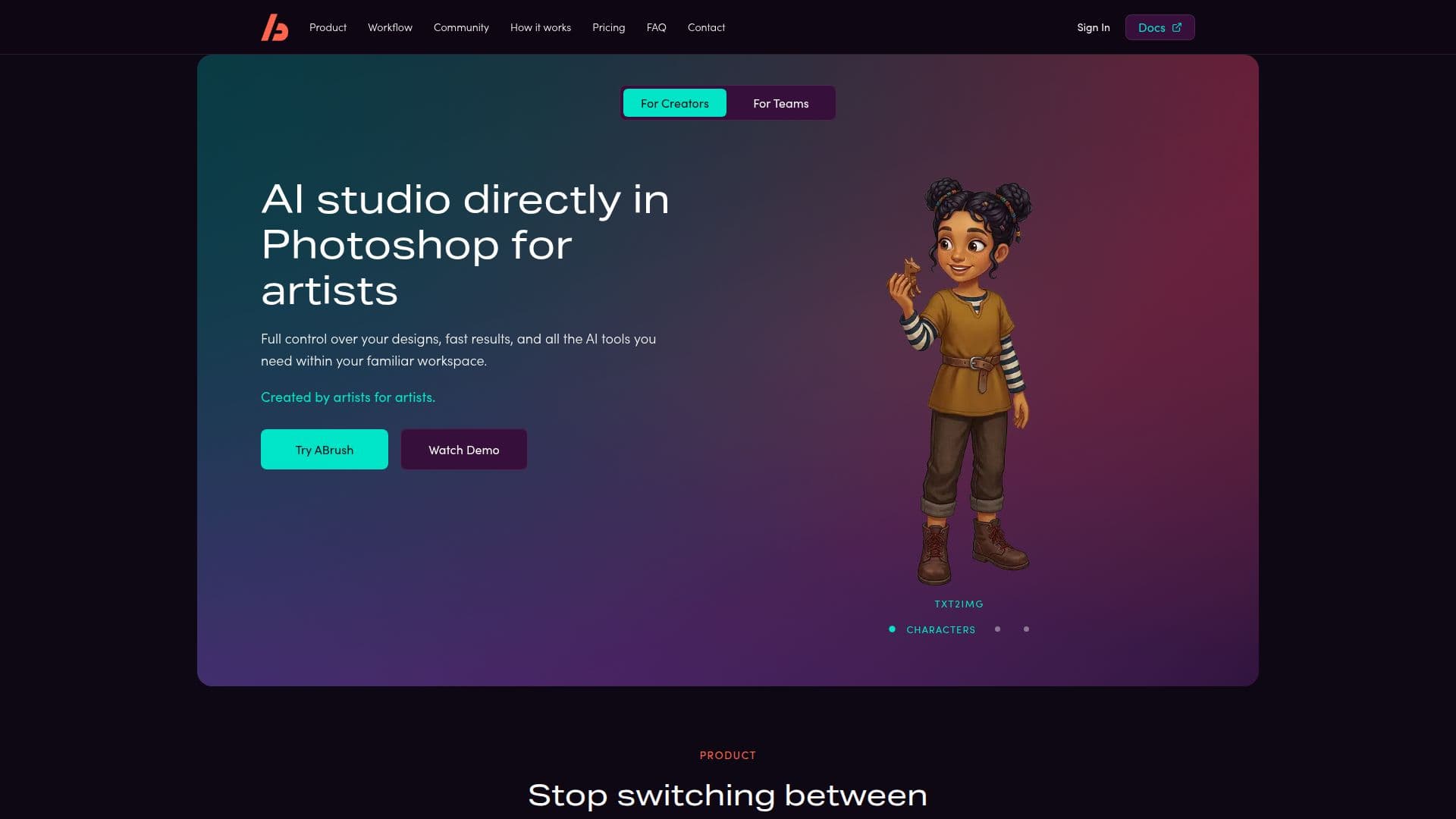
ABrush is an AI-powered image generation plugin designed to integrate seamlessly with Adobe Photoshop. It aims to serve as an intellectual companion for artists, accelerating workflows and expanding creative possibilities. With over 23 AI models, ABrush allows users to generate, edit, and upscale images directly within Photoshop, eliminating the need to switch between different tools.
Read More
The plugin is accessible to everyone, offering 300 free tokens upon registration to try its features. Users can download and install the plugin in Adobe Photoshop, requiring version 26.1 or newer. ABrush supports commercial use of generated images, granting full rights to users without any restrictions.
ABrush performs all complex computations in the cloud, ensuring high-speed performance even on low-end devices. It provides access to the latest neural networks, including Nano Banana 2/Pro, Flux, and Qwen, among others. The plugin supports predefined LoRA styles, although uploading custom LoRAs is not yet available.
The tool is designed for both beginners and professionals. Beginners can use Txt2Img and Actions modes for quick results, while professionals can leverage Edit and Img2Img modes for more precise control. ABrush also offers educational materials to help users become proficient in using prompts.
ABrush operates on a subscription model with personal plans, team accounts, and extra token packs. The Lite plan offers 300 tokens per month, while the Pro and Premium plans provide 800 and 1,800 tokens, respectively. Users can also top up tokens as needed.
Overall, ABrush provides a comprehensive AI studio directly within Photoshop, offering full control over designs and fast results, all within a familiar workspace.
- CategoryAI Image Generators
- Pricing ModelFreemium
- DeploymentCloud
- PlatformsAdobe Photoshop
ABrush's Core Features
23+ AI models
Integration with Adobe Photoshop
Cloud-based computations
Commercial use rights
Predefined LoRA styles
Txt2Img and Actions modes
Edit and Img2Img modes
Subscription model with token packs
How to use ABrush?
Sign up: Register on the website to receive free tokens
Download: Access the plugin from your account
Install: Follow instructions to integrate with Photoshop
Use: Generate and edit images within Photoshop
ABrush's Use Cases
- Image Generation
- Image Editing
- Image Upscaling
- Creative Workflows
- Commercial Projects