Description
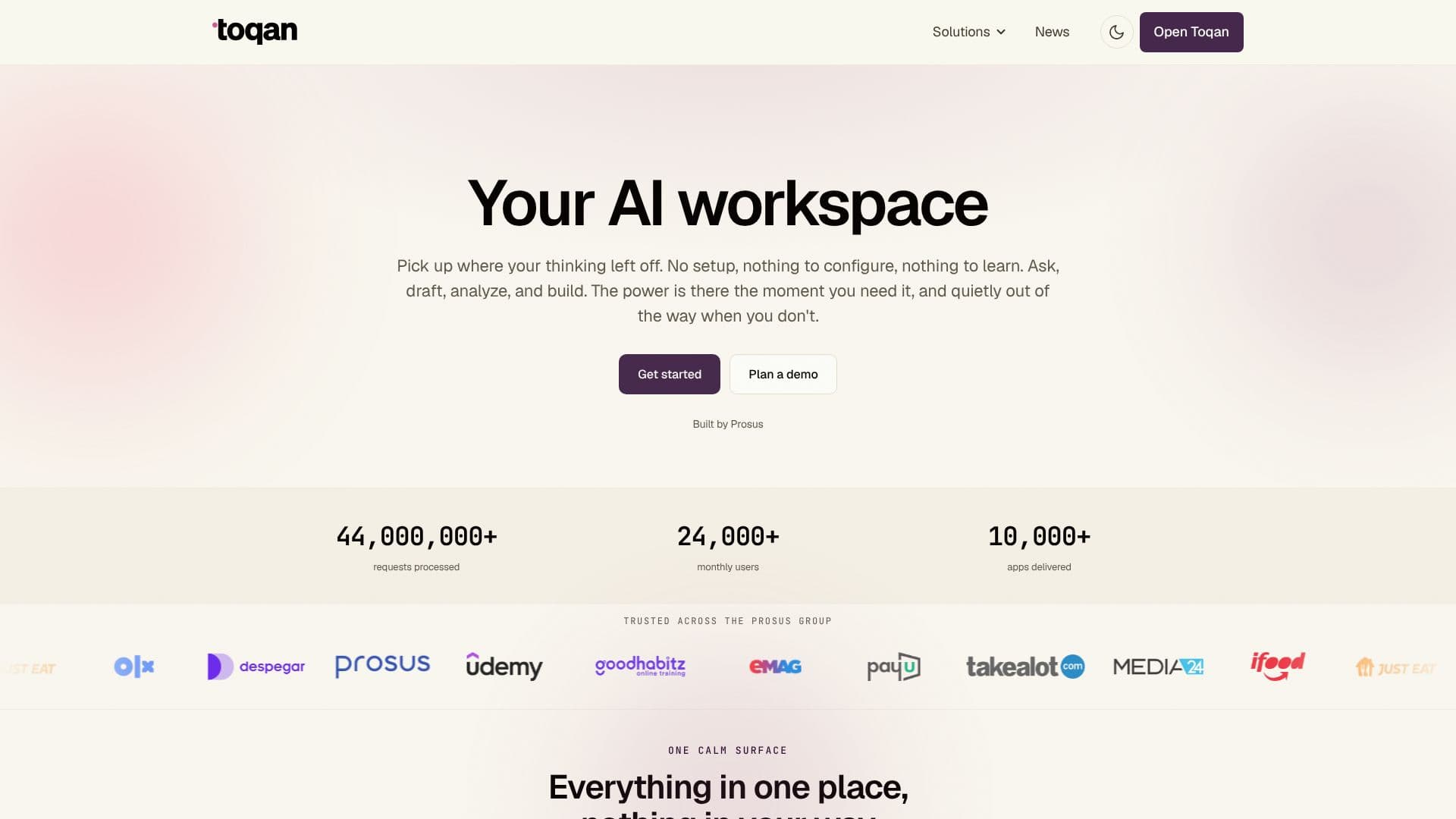
Toqan offers an AI workspace that is ready to use from the moment you access it, eliminating the need for complex setup, configuration, or learning curves. It empowers users to ask questions, draft content, analyze data, and build applications seamlessly. The platform's core philosophy is to provide AI power precisely when it's needed, ensuring it remains out of the way when not actively in use, allowing users to focus on their work.
Read More
With Toqan, users can pick up their thinking process exactly where they left off. The workspace consolidates various functionalities into a single, calm interface. Users can search the web, analyze their data, build custom apps and dashboards, and even generate finished decks or reports. Toqan intelligently remembers context and can run tasks on a schedule, keeping the work front and center without unnecessary distractions.
One of Toqan's key strengths is its ability to democratize app creation. Anyone can become a builder by describing the dashboards, tools, or internal applications they need. Toqan then constructs these from a single prompt and allows for easy sharing with team members. Examples include an Expense Tracker that logs spending and provides real-time category totals.
Toqan integrates with existing workflows by connecting to popular tools such as Slack, Google Drive, Gmail, Calendar, Linear, and Notion. It also supports connecting to proprietary data via MCP and OAuth. Once connected, these tools are readily available within the workspace. The platform also works on the user's behalf, remembering context to resume tasks without requiring recaps and executing scheduled or recurring tasks autonomously.
Key capabilities include building and sharing apps safely, creating internal tools and dashboards from natural language prompts, surfacing metrics through automated reports and KPI digests, building knowledge bases over documents, automating scheduled tasks and Slack alerts, orchestrating multi-step workflow automation with multiple agents, and automating customer support and HR processes. Toqan is built by Prosus on enterprise-grade infrastructure, ensuring security and reliability for businesses.
- CategoryAutomation & Agents
- Pricing ModelNot specified
- DeploymentCloud
- PlatformsWeb
Toqan's Core Features
No setup or configuration required
Ask, draft, analyze, and build capabilities
Contextual memory for ongoing tasks
Scheduled and recurring task execution
Build and share internal apps from prompts
Integrates with Slack, Google Drive, Gmail, Notion, and more
Connects to custom data via MCP and OAuth
Automated reports and KPI digests
Knowledge base creation over documents
Workflow automation with multi-agent pipelines
Customer support and HR automation features
Private by default security
Enterprise-grade infrastructure
How to use Toqan?
Open Toqan: Access the workspace directly without any initial setup.
Start Working: Begin by asking questions, drafting content, or analyzing data.
Connect Tools: Integrate with your existing applications like Slack or Google Drive.
Build Apps: Describe the tools or dashboards you need, and Toqan will build them.
Schedule Tasks: Set up recurring or one-off tasks for Toqan to execute autonomously.
Share Work: Distribute created apps and reports with your team.
Optimize Workflows: Leverage automation for reporting, support, and HR processes.
Toqan's Use Cases
- Automated Reporting
- Internal App Building
- Knowledge Management
- Scheduled Task Automation
- Workflow Orchestration
- Customer Support Automation
- HR Process Automation
- Data Analysis
- Content Drafting