
Description
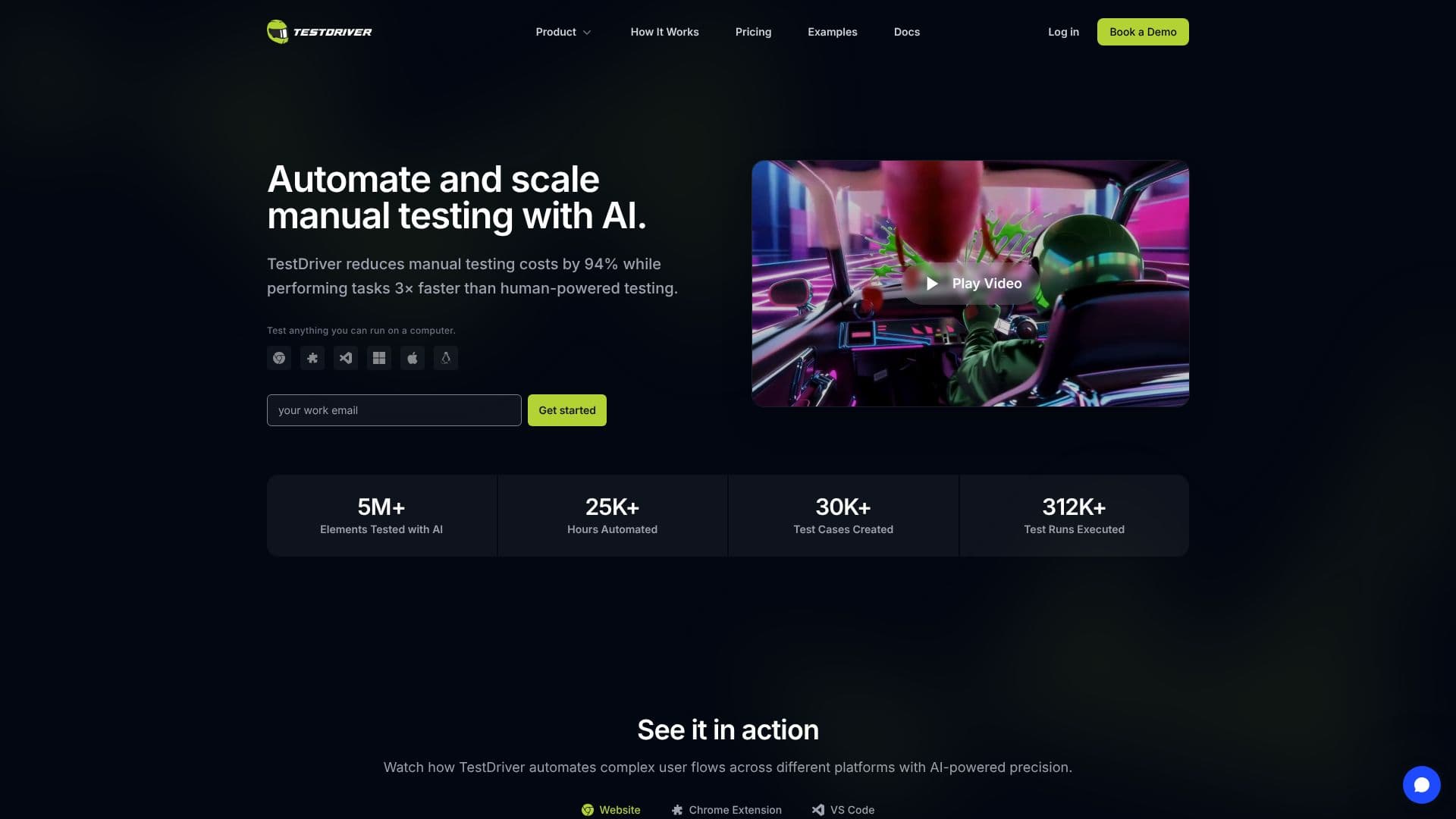
TestDriver offers an AI-powered solution for UI testing, designed to seamlessly integrate with any GitHub repository. By simply mentioning `@testdriverai` within a repository, users can trigger the generation of UI tests and the detection of regressions before they are merged into the codebase. This approach aims to significantly reduce the manual effort and time associated with end-to-end testing.
Read More
At its core, TestDriver utilizes AI Vision to generate tests. Users can describe desired user flows in plain English, and the AI agent will interact with the application—clicking, typing, and reading the screen—to understand the flow and automatically write the corresponding test. This process eliminates the need for manual selector identification or complex DOM manipulation. Once elements are identified, they are cached using a vision fingerprint, allowing subsequent test runs to match the cache for instant and deterministic execution with minimal AI token cost.
TestDriver supports a wide range of application types, including third-party web apps, Chrome extensions, desktop applications (Windows and macOS), and VS Code extensions. It can also handle rich media, embedded content, documents, AI-generated content, and complex flows like OAuth. The tests are written in plain Vitest, ensuring they run consistently across different environments, including CI/CD pipelines. The platform emphasizes self-healing capabilities, meaning tests can adapt to UI changes like color or layout shifts without breaking, by re-invoking the AI to find and update element caches.
Debugging is streamlined with TestDriver, offering video replays of failing runs, network logs, and a detailed action log to help pinpoint issues. It also provides CPU, memory, and network performance monitoring. The tool aims to catch regressions and monitor software quality by tracking pass rates and failure trends, with the ability to export results to JUnit XML. TestDriver offers a free tier with essential features and paid plans for increased parallel tests, testing hours, and advanced support, making it accessible for individual developers and large engineering teams alike.
- CategoryAI Code Review & Testing
- Pricing ModelFreemium
- DeploymentCloud
- PlatformsWeb
TestDriver AI UI Testing's Core Features
AI-powered UI test generation
Automatic regression detection
Integration with GitHub repositories
Supports web, desktop, and browser extensions
Self-healing tests that adapt to UI changes
No-code/low-code test creation via natural language
Vision fingerprinting for deterministic test execution
Debugging tools including video replays and network logs
CI/CD pipeline integration
Blackbox testing capabilities
Caching of identified elements and assertions
Performance monitoring (CPU, RAM, Network)
How to use TestDriver AI UI Testing?
Integrate: Mention @testdriverai in your GitHub repository.
Describe: Define user flows in plain English.
Generate: TestDriver's AI Vision creates UI tests automatically.
Run: Execute tests within your CI/CD pipeline.
Validate: Assert outcomes and monitor for regressions.
Heal: Allow tests to adapt to UI changes automatically.
Debug: Review video replays and logs for failing tests.
TestDriver AI UI Testing's Use Cases
- Automated UI Testing
- Regression Detection
- Cross-Platform Testing
- CI/CD Integration
- No-Code Test Creation
- Third-Party App Testing
- Debugging Failing Tests
- Adapt to UI Changes