Description
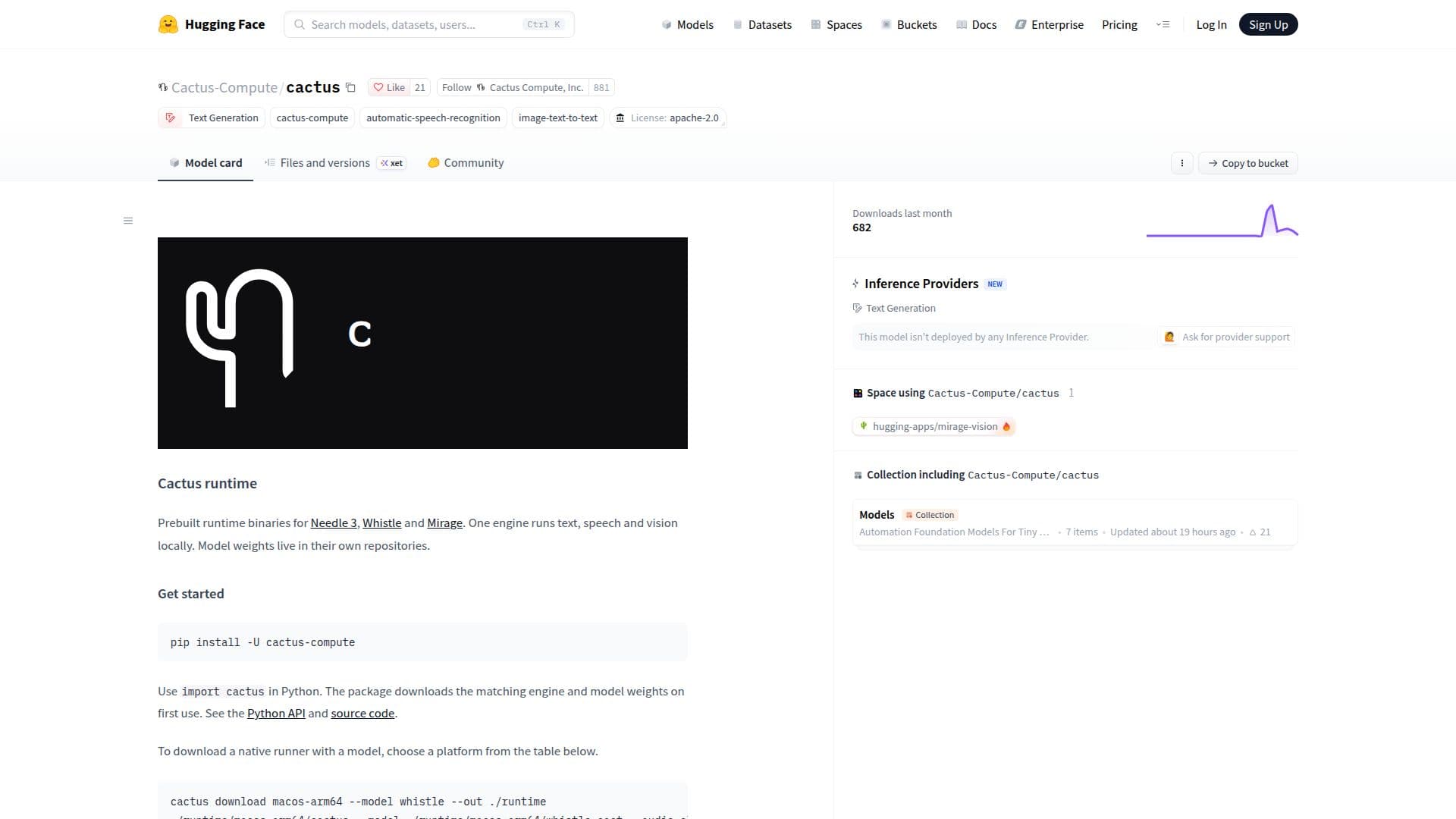
Cactus Runtime is a versatile engine designed to run text, speech, and vision models locally across various operating systems and environments. It offers prebuilt runtime binaries for specific models like Needle 3, Whistle, and Mirage, allowing developers to integrate powerful AI capabilities directly into their applications.
Read More
The core functionality of Cactus involves providing a unified engine that can handle diverse AI tasks. Model weights are stored in their own repositories, ensuring flexibility and modularity. For Python developers, integration is straightforward: simply import `cactus`, and the package automatically downloads the matching engine and model weights upon first use. A comprehensive Python API and source code are available for detailed implementation.
Cactus supports an extensive list of platforms, making it highly adaptable for different deployment scenarios. These include macOS Apple Silicon, various Linux distributions (x86-64, ARM64, ARMv7, RISC-V, MIPS32el), Windows (x64, ARM64), Android (ARM64, ARMv7, RISC-V), iOS (ARM64, Simulator ARM64), tvOS ARM64, watchOS ARM64, and even browser and Node.js environments via WebAssembly (WASM). This broad compatibility ensures that developers can deploy their AI models on almost any target device or system.
For native integration, developers can download specific runners for their chosen platform. These runners are designed to load `.cact` weights at runtime. Static libraries, including `cactus.h`, are provided for C and C++ applications, facilitating deep integration into existing native codebases. The Python runtime wheels further extend this support, covering common desktop and server architectures.
Cactus also offers a WASI component, exporting `cactus:runtime/[email protected]`, and is available as a signed OCI artifact. This allows for deployment in WebAssembly System Interface environments, broadening its reach to serverless functions and other modern cloud-native applications. The project emphasizes reproducible downloads, providing SHA-256 checksums and specific revision tags for release artifacts. A detailed deployment guide is available to assist with native integration, browser use, and offline setup.
- CategoryMLOps & Model Deployment
- Pricing ModelOpen source
- DeploymentRuns locally, Cloud
- PlatformsmacOS, Linux, Windows
Cactus Runtime Highlights
Local execution of text, speech, and vision models
Prebuilt runtime binaries for Needle 3, Whistle, and Mirage
Python API for easy integration
Automatic engine and model weight downloads on first use (Python)
Support for macOS Apple Silicon
Support for Linux x86-64, ARM64, ARMv7, RISC-V, MIPS32el
Support for Windows x64 and ARM64
Support for Android ARM64, ARMv7, RISC-V
Support for iOS ARM64, iOS Simulator ARM64
Support for tvOS ARM64 and watchOS ARM64
WebAssembly (WASM) support for Browser and Node.js
WASI component for WebAssembly System Interface environments
Static libraries (libcactus.a, cactus.h) for C/C++ applications
Model weights managed in separate repositories
SHA-256 checksums for reproducible downloads
Getting Started with Cactus Runtime
Install Python package: Use `import cactus` in Python to automatically download the engine and model weights.
Download native runner: Choose a platform from the supported list and download the corresponding binaries.
Specify model: Use `--model needle3` or `--model mirage` when running native runners to select a specific model.
Integrate with C/C++: Include `cactus.h` and link `libcactus.a` in your C/C++ applications.
Deploy with WASI: Utilize the WASI component `cactus:runtime/[email protected]` or the OCI artifact for WASI environments.
Access Python API: Refer to the Python API documentation for detailed usage and source code examples.
Cactus Runtime's Use Cases
- Local AI Model Execution
- Cross-Platform AI Development
- Embedded AI Systems
- Web-Based AI Applications
- Native Application Integration
- Python AI Development
- Offline AI Processing