Description
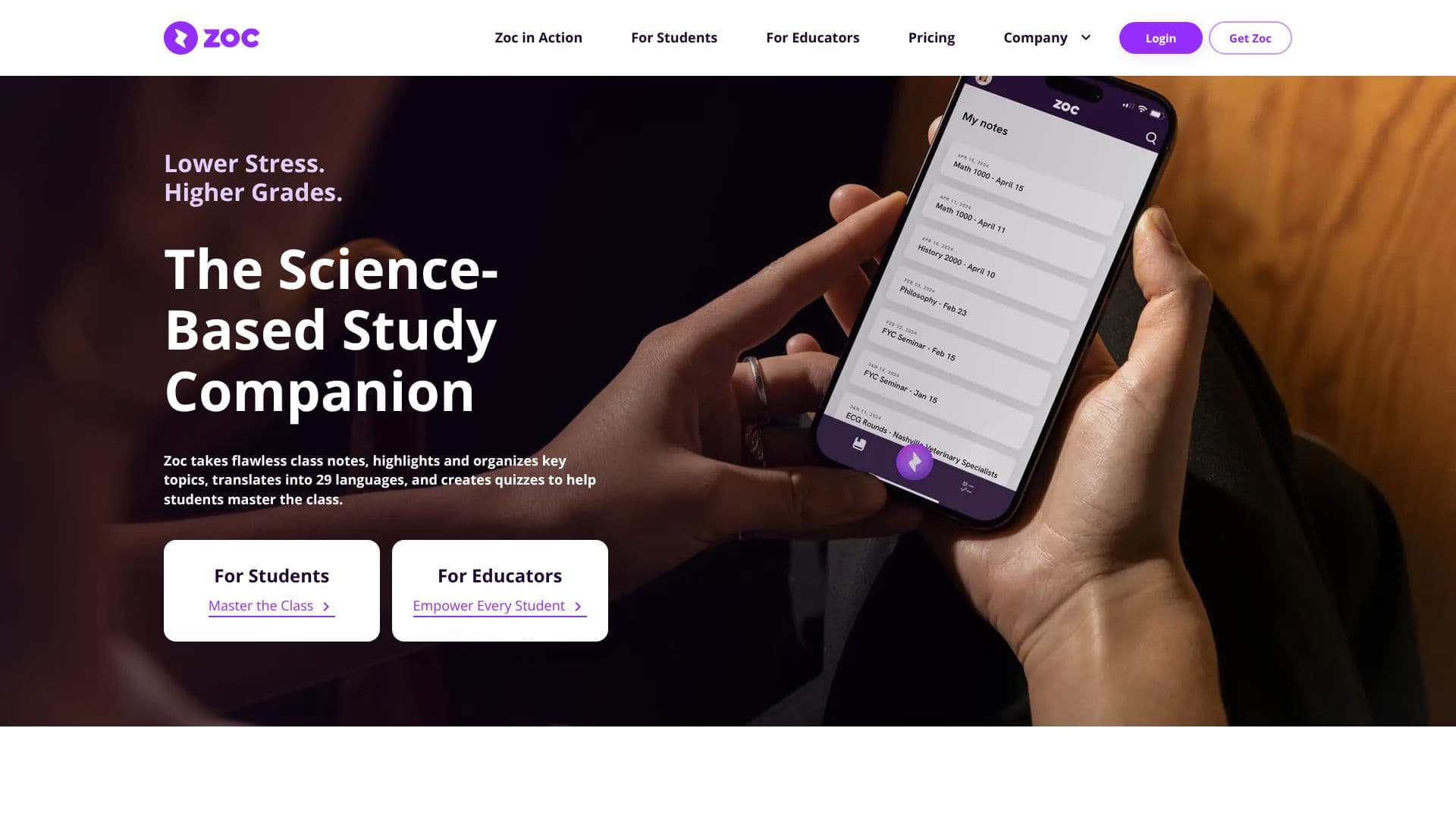
Zoc is a science-based study companion that revolutionizes how students engage with lecture material. By leveraging state-of-the-art AI technology, Zoc aims to lower student stress and improve academic outcomes. The application automatically generates accurate transcripts from in-class lectures, accessible on laptops or phones. Following transcription, Zoc synthesizes the key topics from these notes, organizing them into familiar and digestible formats. This synthesized information then transforms into an interactive tutor, offering three distinct difficulty levels to cater to individual learning paces and comprehension needs.
Read More
One of Zoc's standout features is its translation capability, supporting 29 languages. This is particularly beneficial for students who are non-native English speakers, helping to level the educational playing field. The platform is built upon trusted educational frameworks, such as Bloom's taxonomy, ensuring that its learning aids are pedagogically sound. Research suggests that tools like Zoc can significantly increase classroom attention, enhance study effectiveness, and boost overall student achievement.
Zoc is designed to benefit a wide range of students, from high-achievers seeking an academic edge to those facing learning challenges. It addresses the needs of undergraduates who juggle jobs, have learning differences, or are non-native English speakers. Educators can also explore the science behind Zoc, including white papers by its Chief Learning Scientist, to understand its impact on student engagement and performance. Zoc has been recognized by the Webby Awards for its innovative approach to educational technology.
- CategoryAI Study Tools
- Pricing ModelFree Trial
- DeploymentCloud
- PlatformsWeb, Mobile
Zoc's Core Features
AI-powered lecture transcription
Automatic synthesis and organization of key topics
Interactive AI tutor with three difficulty levels
Translation of notes into 29 languages
Science-based study companion leveraging Bloom's taxonomy
Increases classroom attention and study effectiveness
Supports students with diverse learning needs
Voice-to-text note-taking capabilities
Personalized learning aids
Free trial available with no credit card required
How to use Zoc?
Access Zoc: Open Zoc on your laptop or phone during a lecture.
Transcribe: Generate an accurate transcript of the lecture automatically.
Synthesize: Zoc extracts and organizes key lecture topics into familiar formats.
Tutor: Transform notes into an interactive tutor with adjustable difficulty levels.
Translate: Utilize the 29-language translation feature for better comprehension.
Master: Use the synthesized notes and quizzes to master class material.
Zoc's Use Cases
- Lecture Transcription
- Study Material Synthesis
- Interactive Tutoring
- Language Translation
- Learning Support
- Enhanced Focus
- Academic Achievement