Description
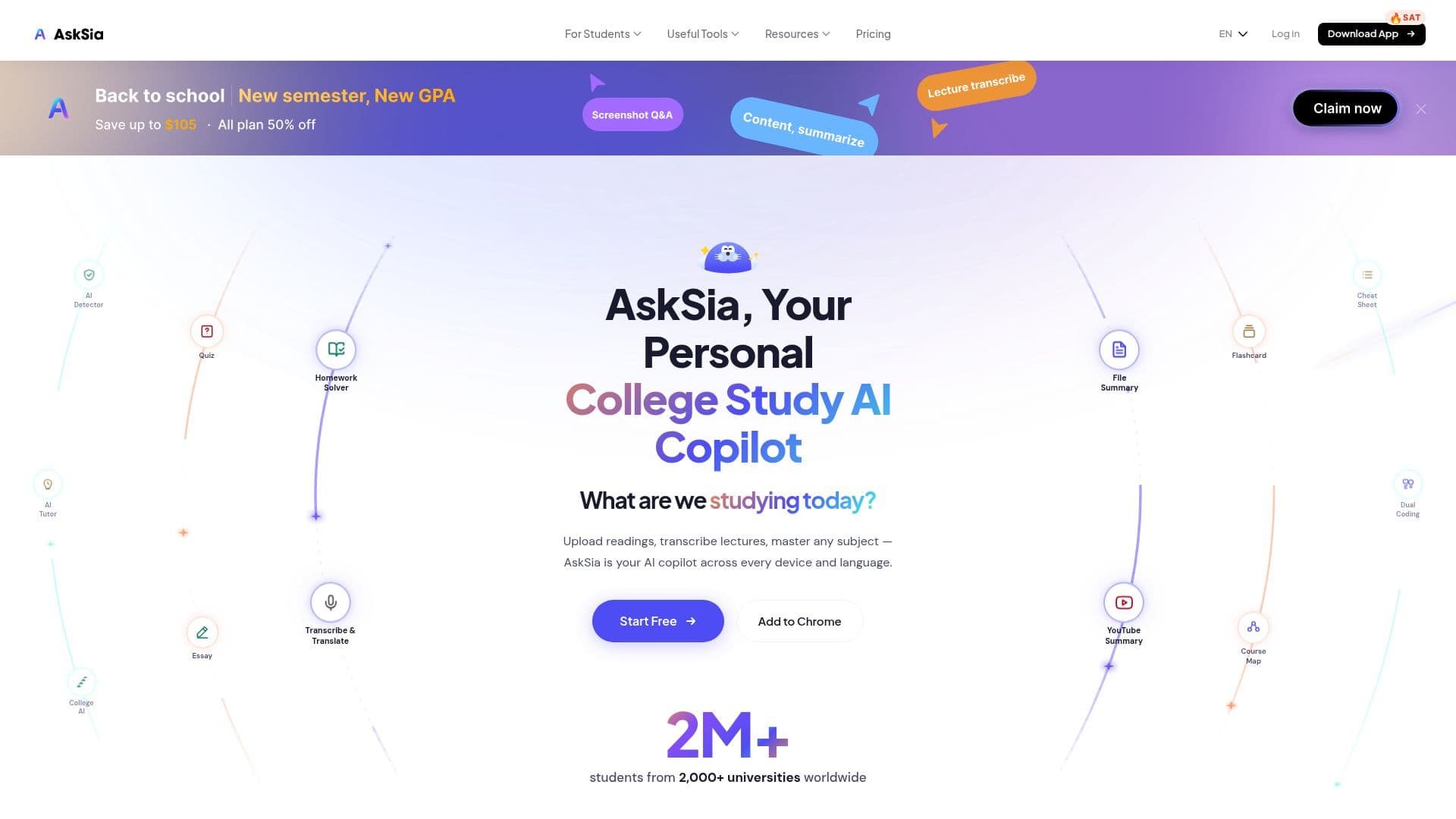
AskSia is an AI study platform built around a student's own course materials rather than generic internet answers. Students upload readings, slides, and PDFs, and record or upload lectures, and Sia transcribes them, highlights key concepts, organizes notes, and answers questions based on the actual coursework. Because it works from your textbooks, lectures, and syllabus, every answer is relevant to what you are studying.
Read More
The platform combines step-by-step homework help, live lecture transcription with auto-translation to 20+ languages, exam-ready note generation, flashcards and quizzes, and a personal knowledge graph that remembers your materials and questions across web, mobile, and desktop. It covers all university subjects, from STEM and business to law and the humanities, adapting to your materials instead of a fixed subject list.
AskSia is available on iOS and Android, on the web, as a Chrome extension for one-click import from Canvas, Blackboard, Brightspace, and other LMS platforms, and as a desktop agent that studies from files already on your computer. It is used by more than two million students across 120+ countries and 2,000+ universities.
There is a free plan with no credit card required, plus paid Plus, Super, and A+ tiers. The top A+ plan adds the Chrome extension, desktop agent, adaptive weak-spot targeting, personalized study plans, and a Grade Confidence Guarantee backed by a money-back offer. AskSia is an independent company, not affiliated with the universities it covers, and positions itself as a learning tool to be used within each institution's academic-integrity policy.
- CategoryAI Study Tools
- Pricing ModelFreemium
- DeploymentCloud, Mobile app
- PlatformsWeb, iOS, Android
AskSia's Core Features
AI answers grounded in your own uploaded course materials
Live lecture transcription with auto-translate to 20+ languages
PDF, slide, and reading upload with key-concept highlighting
Automatic note organization and exam-ready note generation
Flashcards, quizzes, and step-by-step homework help
Chrome extension with one-click LMS import (Canvas, Blackboard, Brightspace)
Desktop agent that studies from files on your computer
Cross-device personal knowledge graph on web, mobile, and desktop
How to use AskSia?
Add your materials: Upload PDFs, slides, and readings, or connect your LMS via the extension.
Capture lectures: Record a lecture in the app or upload audio or video for transcription.
Study your content: Ask questions and get answers grounded in your actual coursework.
Organize: Let Sia highlight key concepts and turn materials into structured, exam-ready notes.
Review: Generate flashcards and quizzes and target your weak spots before exams.
AskSia's Use Cases
- Lecture capture and notes
- Coursework Q&A
- Exam preparation
- Studying in a second language
- LMS-integrated studying