
Description
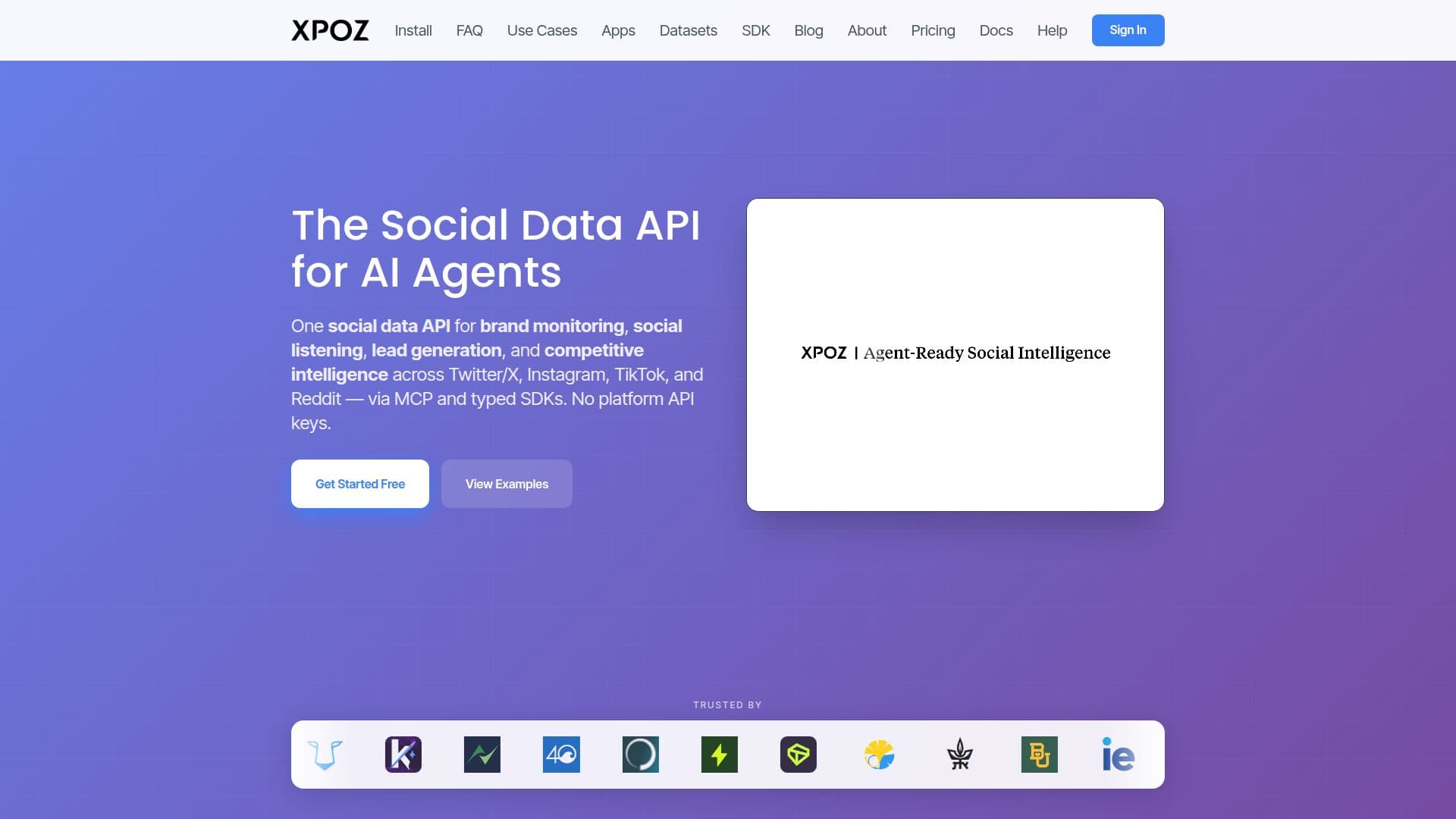
Xpoz is a social data infrastructure layer for AI agents and developers, delivering unified access to public posts, profiles, and engagement data across Twitter/X, Instagram, TikTok, and Reddit. It exposes a remote MCP server plus typed TypeScript and Python SDKs and a CLI, so teams can search, filter, and stream social data using plain-language queries instead of managing separate platform APIs.
Read More
Because it works through the Model Context Protocol, Xpoz connects to MCP-compatible clients such as Claude, Claude Code, ChatGPT, Codex, Gemini CLI, and Cursor, as well as automation platforms like n8n and Make.com. Users authenticate via Google OAuth and can begin querying without obtaining or paying for individual platform API keys.
Xpoz is positioned as the data layer for building brand monitoring, social listening, lead generation, and competitive intelligence workflows, rather than an all-in-one dashboard. It supports tracked keywords and users for continuous monitoring, plus premium tools for sentiment analysis, influence scoring, network visualization, and trend detection.
Pricing starts with a free tier of 500 one-time credits, Pro at $20 per month with 7,500 monthly credits, and Max at $200 per month with 120,000 monthly credits, plus a custom Enterprise plan. Credits are charged per query by platform, with no charge for the number of rows returned.
- CategoryWeb Scraping & Data Extraction
- Pricing ModelFreemium
- DeploymentCloud
- PlatformsWeb
Xpoz's Core Features
One API across Twitter/X, Instagram, TikTok, and Reddit
Remote MCP server with Streamable HTTP and OAuth 2.1
Natural-language querying of posts, profiles, and trends
Typed TypeScript and Python SDKs plus a CLI
Tracked keywords and users for continuous monitoring
Premium tools for sentiment, influence scoring, and trends
Field selection, filtering, caching, and pagination
Integrations with Claude Code, Codex, Gemini CLI, Cursor, n8n, and Make.com
How to use Xpoz?
Choose an install method: Add the remote connector, run the terminal command, or install the SDK/CLI.
Authenticate: Sign in via Google OAuth on first use to get access.
Connect your client: Add the MCP server to Claude, ChatGPT, Codex, Gemini CLI, Cursor, or an automation tool.
Query in natural language: Search posts, profiles, hashtags, or trends across the supported platforms.
Build workflows: Use tracked keywords, filters, and premium tools to power monitoring or lead generation.
Xpoz's Use Cases
- Brand monitoring
- Social listening
- Lead generation
- Competitive intelligence
- AI agent tooling