Description
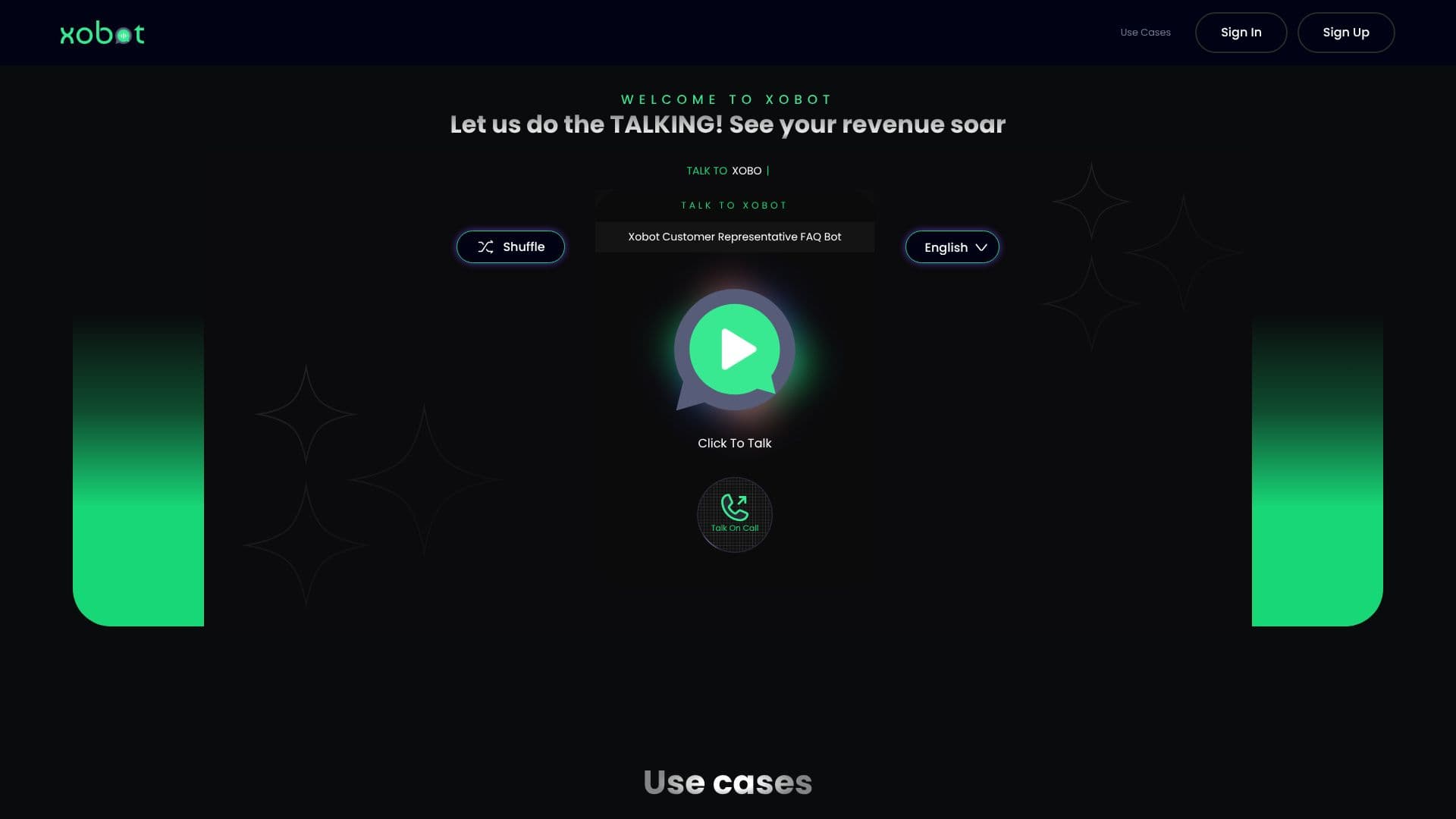
Xobot empowers businesses to automate their customer communication with advanced AI voice bots. The platform is built for ease of use, allowing users to set up and deploy voice agents within minutes. Xobot's core functionality revolves around enabling businesses to "let us do the TALKING!" so they can "focus on the Business."
Read More
The setup process is streamlined into four simple steps: choose the goal for your agent, connect to your CRM, add phone numbers, and then test and deploy. This quick integration ensures that businesses can quickly leverage AI for their communication needs.
Xobot offers a range of specialized agents designed for specific business scenarios. These include Appointment Scheduling agents for efficient booking, Sales Lead bots to engage potential customers, Missing Info bots to gather necessary details, and FAQ Voice Agents to provide instant answers to common queries. This versatility makes Xobot suitable for a wide array of industries.
Key features include comprehensive Call Analytics, providing users with an intuitive dashboard to gain insights into call duration, AI success rates, and other crucial data points. This data-driven approach helps businesses make informed decisions to optimize their customer interactions. The platform also emphasizes testing, allowing users to test their voice bots on the self-service platform in real-time, ensuring a smooth and efficient development process before launch.
Xobot is designed for businesses looking to enhance customer engagement, improve operational efficiency, and boost revenue through automated voice communication. Its integrations with various tools further enhance its utility, making it a flexible solution for diverse business requirements. The platform aims to provide a seamless experience from setup to deployment and ongoing analysis.
- CategoryAI Voice Agents
- Pricing ModelFree Tier
- DeploymentCloud
Xobot's Core Features
AI Voice Bot Platform
Automated Customer Communication
Appointment Scheduling Agents
Sales Lead Generation Bots
Missing Information Gathering Bots
FAQ Voice Agents
Call Analytics Dashboard
CRM Integration
Real-time Bot Testing
5-Minute Setup Process
Cross-Industry Reservations
Calendar Voice Sync
How to use Xobot?
Choose Goal: Select the primary objective for your AI agent.
Connect CRM: Integrate Xobot with your existing Customer Relationship Management system.
Add Phone Numbers: Input the phone numbers where your bot will operate.
Test & Deploy: Test your bot's functionality and launch it live.
Xobot's Use Cases
- Schedule Appointments
- Capture Sales Leads
- Gather Missing Info
- Answer FAQs
- Handle Reservations
- Customer Support
- Lead Qualification