
Description
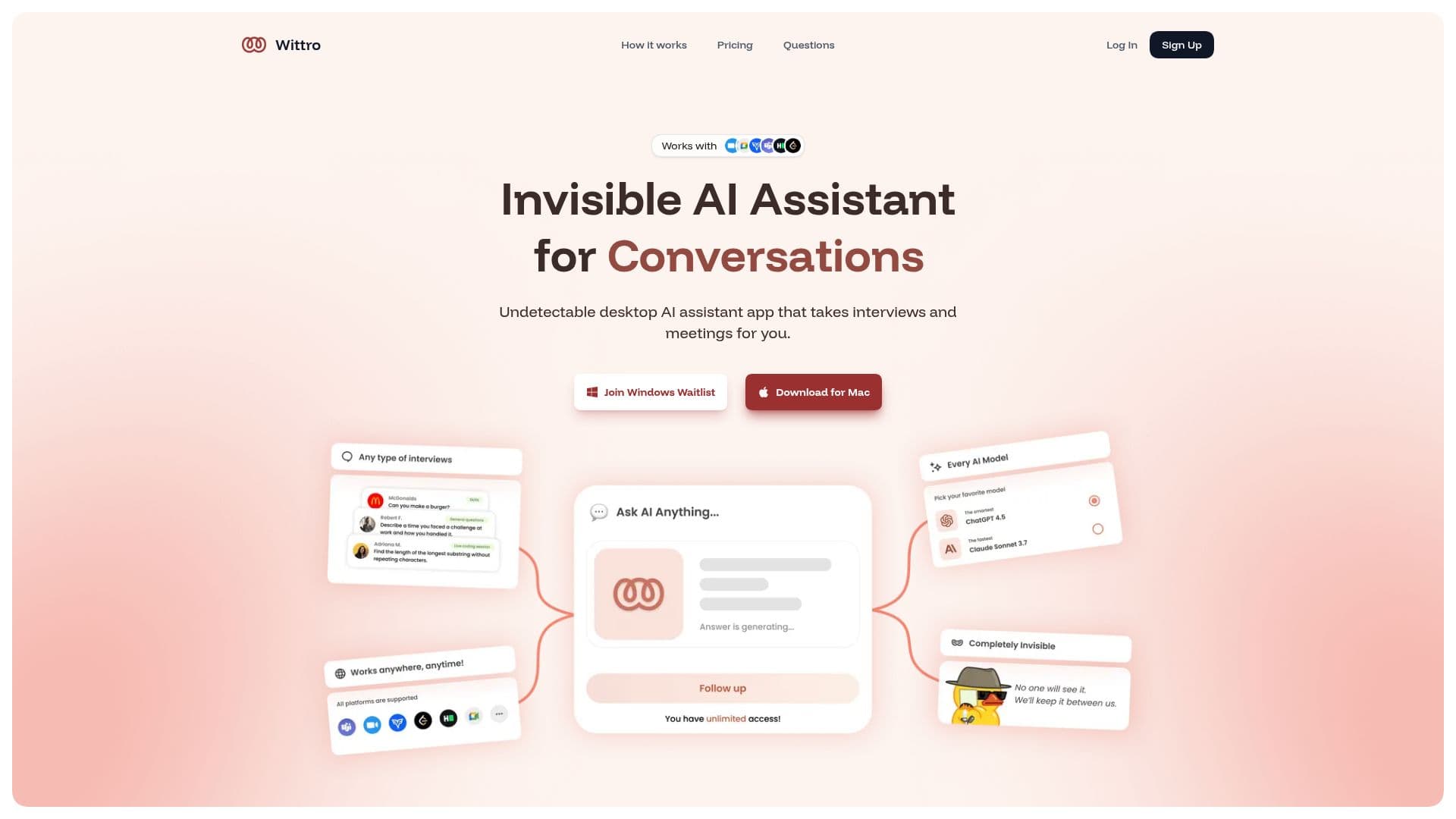
Wittro is a desktop AI assistant designed to help users through job interviews, meetings, exams, and other conversations. It positions itself as an undetectable, invisible assistant that can either watch the user's screen to answer questions automatically or respond when directly asked.
Read More
The app is installed by dragging it into the applications folder. Once running, it can read the screen and generate full, easy-to-understand answers that cover the aspects of a given question, or reply to a question the user types.
Wittro is offered under several plans so users can choose the option that fits their needs, and its support team is described as available around the clock.
- CategoryAI Interview Prep
- Pricing ModelFreemium
- DeploymentDesktop app
- PlatformsmacOS, Windows
Wittro's Core Features
Desktop AI assistant for interviews and meetings
Screen-aware answers based on what is on your display
Direct question-and-answer mode
Invisible, on-screen assistant design
Full, easy-to-understand answers to questions
Multiple subscription plans
24/7 support team
How to use Wittro?
Install the app: Drag Wittro into your applications folder to get started.
Grant screen access or ask: Let Wittro see your screen and answer, or type a question directly.
Get your answer: Receive a full response that covers the aspects of your question.
Wittro's Use Cases
- Job interviews
- Meetings
- Exams
- Conversations