Description
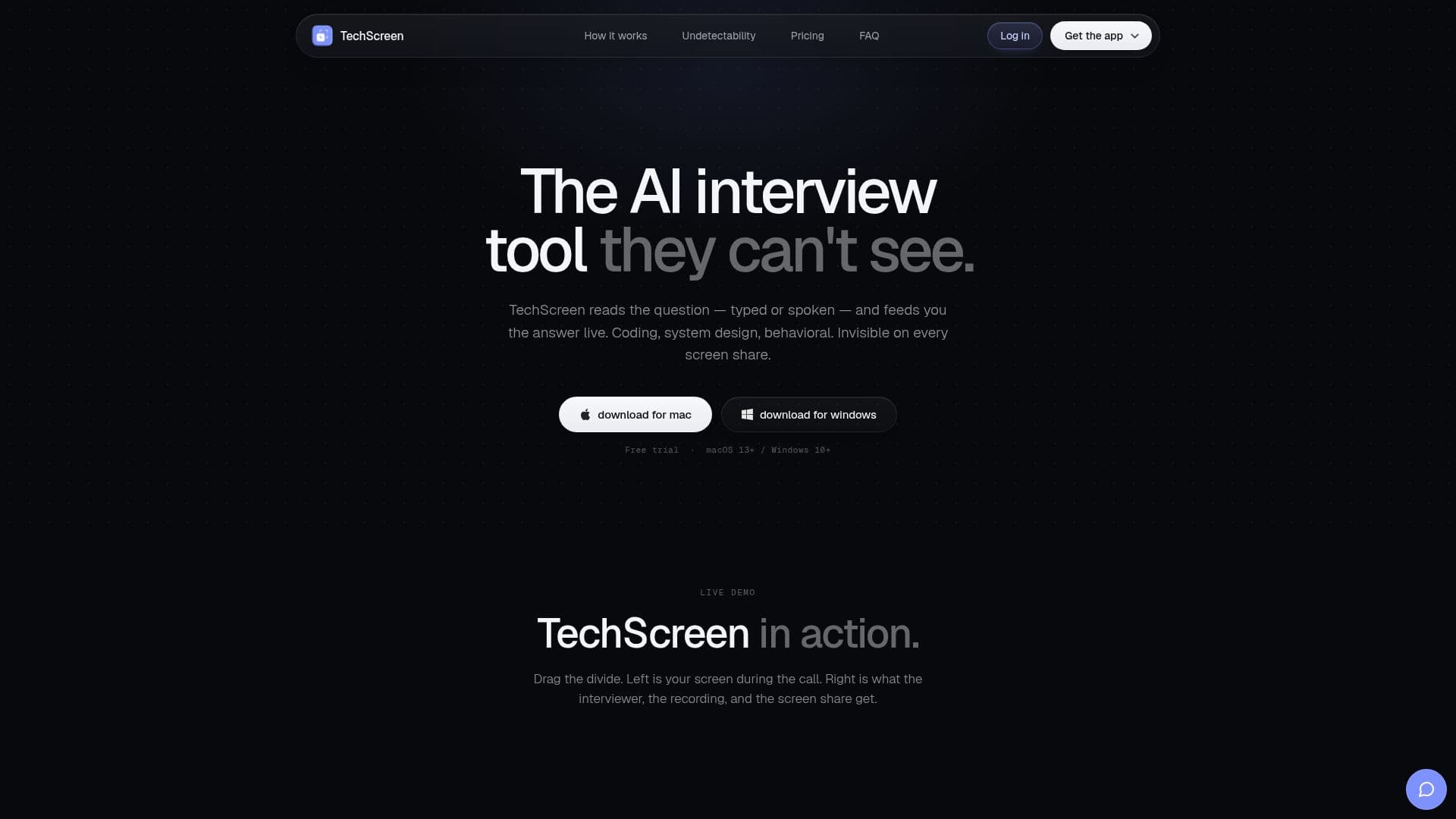
TechScreen is an AI-powered interview assistant that helps candidates perform in technical interviews with real-time support. It reads the interview question, whether typed or spoken, and feeds the candidate a live answer for coding, system design, and behavioral rounds, working in the background so the candidate can focus on solving problems.
Read More
A key design point is that TechScreen's window is excluded from screen capture by the operating system rather than hidden by a trick, so it stays undetected on screen shares, screenshots, and recordings across platforms such as Zoom, Google Meet, Microsoft Teams, HackerRank, and CoderPad, which the team says are re-tested daily against the current release. It processes multiple input types, including computer audio in conversation mode and up to seven screenshots, hears the question through system audio, and floats above the IDE, browser, and call.
TechScreen runs entirely on keyboard shortcuts to show, hide, and move the window without touching the mouse, delivering instant responses with no complex setup. It offers a free trial with three tokens and no credit card required, with paid plans starting at $19 per month.
- CategoryAI Interview Prep
- Pricing ModelFreemium
- DeploymentCloud
- PlatformsWeb
TechScreen's Core Features
Real-time answers for coding, system design, and behavioral questions
Window excluded from screen capture by the operating system
Reads questions from typed text or system audio
Supports up to seven screenshots plus conversation mode
Always-on-top window that floats above your IDE and call
Runs entirely on keyboard shortcuts
Tested daily against major interview platforms
How to use TechScreen?
Sign up: Create an account and install TechScreen.
Set input: Choose computer audio, typed text, or screenshots.
Position the window: Let it float above your IDE, browser, and call.
Get answers live: Read the answer as soon as the question is asked.
Control by shortcut: Show, hide, and move the window with keyboard shortcuts.
TechScreen's Use Cases
- Coding interviews
- System design
- Behavioral rounds
- Screen-share safety