
Description
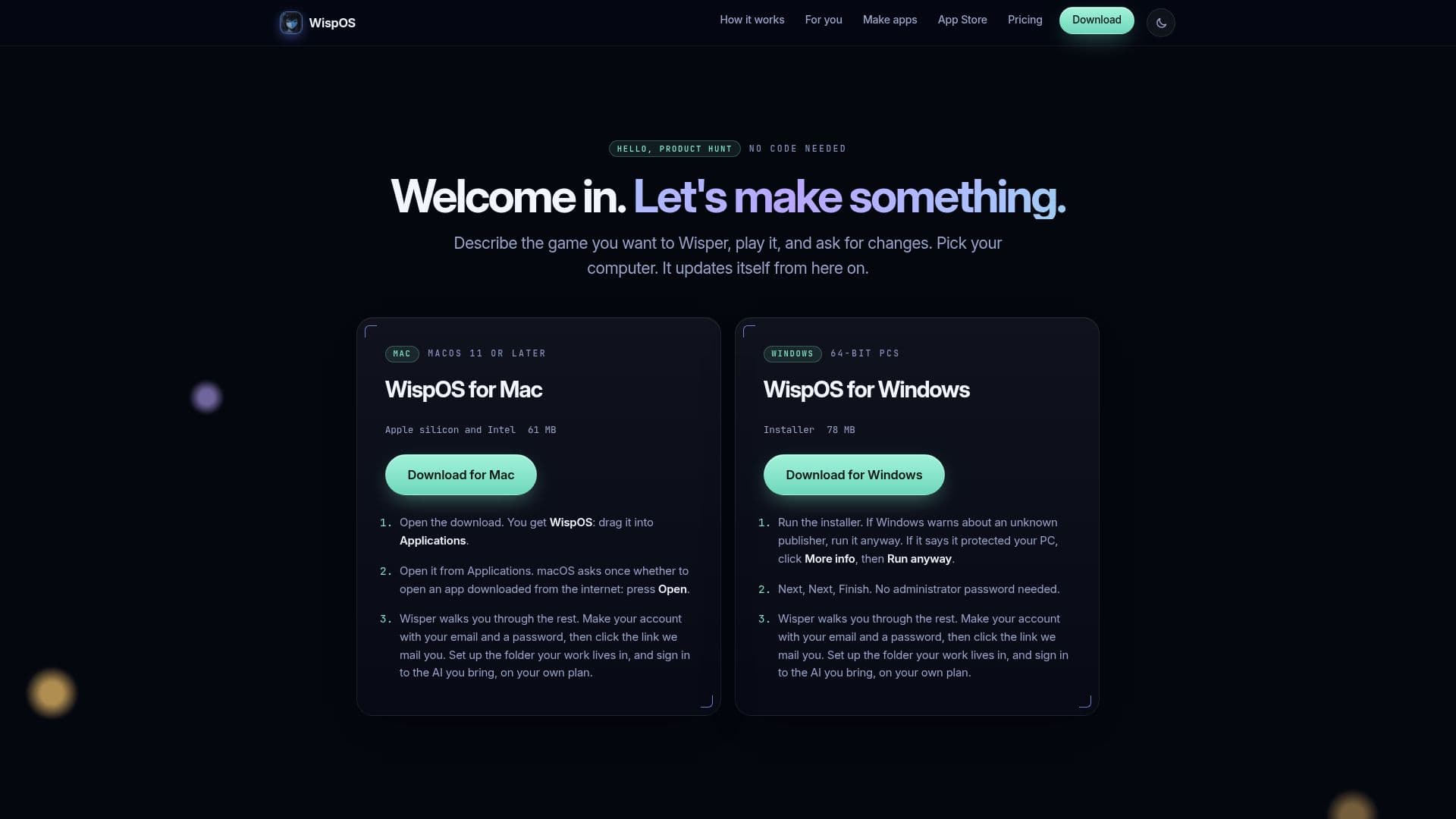
WispOS is a desktop application designed to empower users to create games and apps without writing any code. It operates by allowing users to describe their desired creations to an AI they already use, such as Claude. The platform is free to download and use on Mac and Windows, with no credits to purchase, as users bring their own AI plans.
Read More
The core of WispOS revolves around "Wisper," an interactive AI assistant. Users communicate their ideas to Wisper in natural language, and she then dispatches the tasks to project-specific AI agents. These agents work in the background to generate the game or app, handling tasks like writing code, rendering art, and laying out interfaces. Wisper keeps users updated on progress and presents decisions that require human input, ensuring a collaborative development process.
The application supports development for multiple platforms, including Mac, Windows, iPhone, and Android. Users can add their phones to interact with Wisper and test their creations directly on mobile devices. WispOS emphasizes user control and privacy, with all project files stored locally on the user's computer. It also features an integrated App Store where creators can submit their games and apps for review and listing, with the option to sell paid apps and in-app purchases in the future.
WispOS is built to be flexible, allowing users to utilize any AI that can write code. It provides a comprehensive building guide that ensures consistency in app creation, regardless of the AI tool employed. This means creations are not locked to a specific AI vendor and can be modified with different AIs over time. The platform is currently in open beta, inviting users to experiment, create, and provide feedback to help shape its ongoing development.
- CategoryAI App Builders
- Pricing ModelFree
- DeploymentDesktop app
- PlatformsMac, Windows, iPhone, Android
WispOS's Core Features
No-code game and app creation by describing ideas to AI
Supports Mac (macOS 11+), Windows (64-bit PCs), iPhone, and Android
Utilizes user's existing AI plan (e.g., Claude) for processing
Interactive AI assistant "Wisper" manages development tasks
Background AI agents handle code generation, art rendering, and layout
Local storage of all project files on the user's computer
Integrated App Store for submitting and sharing creations
Ability to sell paid apps and in-app purchases (future feature)
Cross-platform compatibility for creations (web builds for games)
Real-time updates and decision prompts from Wisper
Browser integration for Wisper to read pages and drive actions
Memory ledger for Wisper to recall past decisions and builds
Morning Review feature with daily updates and queue status
Timers and reminders functionality
Shareable AI agents and projects for collaboration
How to use WispOS?
Download and Install: Get WispOS for Mac or Windows from the official website and follow the installation instructions.
Create Account and Connect AI: Sign up with your email, set up your work folder, and sign in to your preferred AI service with your own plan.
Describe Your Game/App: Tell Wisper in natural language what you want to create, using simple sentences.
Iterate and Refine: Play your creation, ask Wisper for changes, and review her recommendations for decisions.
Add Phone Companion: Connect your iPhone or Android device to interact with Wisper and play your creations on mobile.
Submit to App Store: Once ready, submit your game or app to the WispOS App Store for review and listing.
WispOS's Use Cases
- Game Development
- Custom App Creation
- AI Agent Building
- Mobile Prototyping
- Content Generation
- Educational Tool Creation
- Community Sharing