
Description
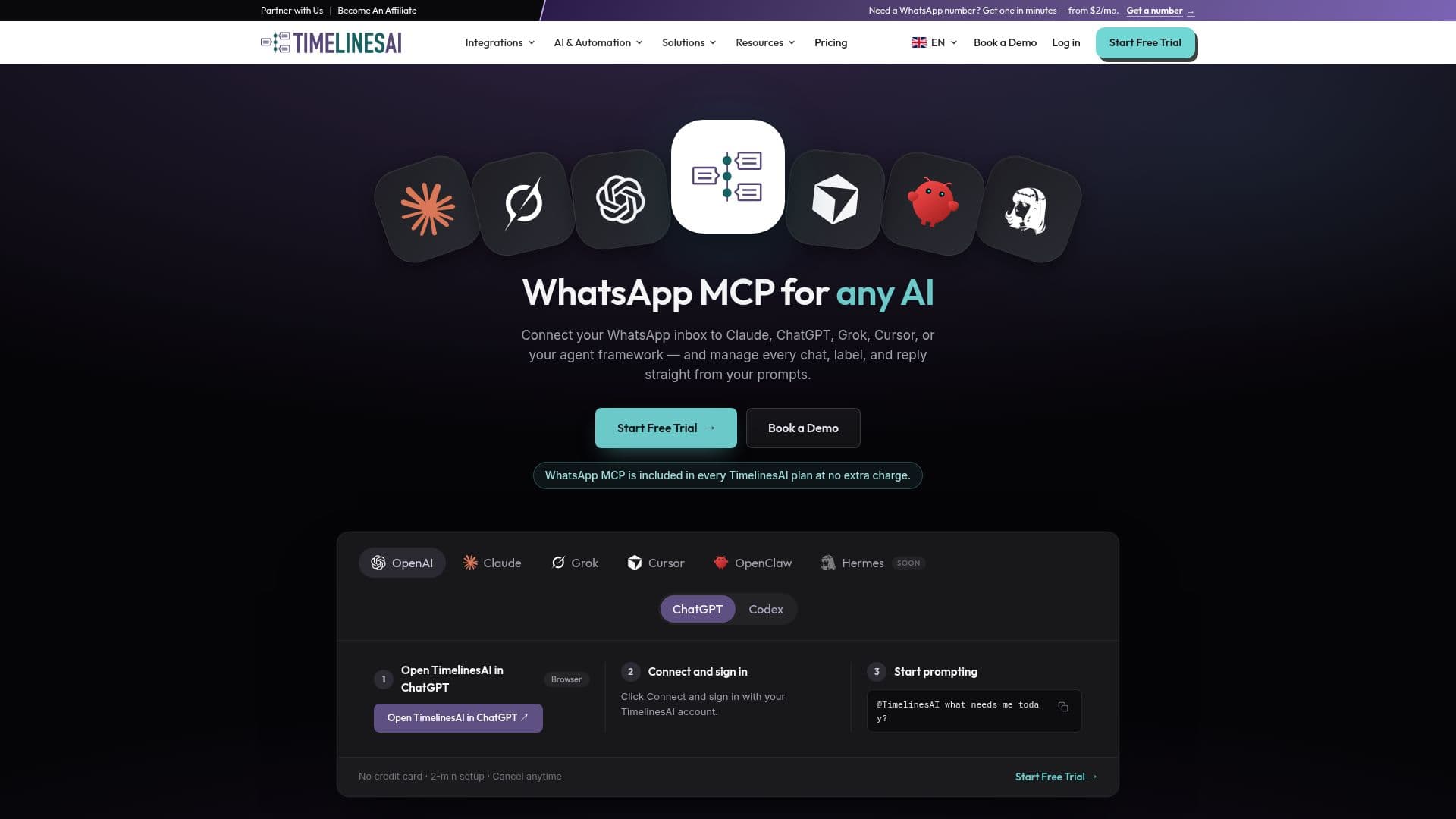
WhatsApp MCP Server by TimelinesAI is a robust platform designed to integrate your WhatsApp inbox with various AI agents such as Claude, ChatGPT, Grok, Cursor, and Codex. This integration allows users to automate message replies, manage chat triage, and synchronize conversations with popular CRM systems like HubSpot, Pipedrive, and Salesforce. The platform operates on the Model Context Protocol (MCP), an open standard that facilitates AI agents' use of external tools, providing 34 tools for browsing chats, reading history, sending replies, and more.
Read More
One of the standout features of WhatsApp MCP Server is its ease of setup. Users can connect their WhatsApp accounts without needing API keys, thanks to OAuth authentication. This means that in just two minutes, users can have their WhatsApp inbox connected and ready to interact with AI agents. The platform supports both personal and business WhatsApp accounts, eliminating the need for the WhatsApp Business API.
WhatsApp MCP Server is included in every TimelinesAI plan at no extra cost, with messages sent through MCP drawing from the same monthly messaging quota as regular usage. This ensures that users can manage their communication budgets effectively without incurring additional charges. The platform also supports multi-number management, allowing teams to handle multiple WhatsApp numbers from a shared inbox, enhancing collaboration and response times.
The platform is particularly beneficial for teams in industries such as sales, customer support, and medical tourism, where efficient communication is crucial. It offers features like mass messaging campaigns, no-code workflow automation, and conversational analytics, making it a versatile tool for various business needs. With its comprehensive CRM integration capabilities, WhatsApp MCP Server helps streamline workflows, reduce manual messaging tasks, and improve overall team efficiency.
- CategoryAI Support Chatbots
- Pricing ModelIncluded in all plans
- DeploymentCloud
- PlatformsWhatsApp
WhatsApp MCP Server's Core Features
Two-way WhatsApp CRM sync
Shared team inbox for WhatsApp
Multi-number WhatsApp management
No-code workflow automation
ChatGPT AI auto-responder
Mass messaging campaigns
Conversational analytics
OAuth authentication
How to use WhatsApp MCP Server?
Connect: Scan a QR code to connect your WhatsApp account.
Integrate: Sync with CRM systems like HubSpot and Salesforce.
Automate: Set up no-code workflows for message automation.
Manage: Use the shared inbox for team collaboration.
WhatsApp MCP Server's Use Cases
- Sales Automation
- Customer Support
- CRM Integration
- Mass Messaging
- Workflow Automation