Description
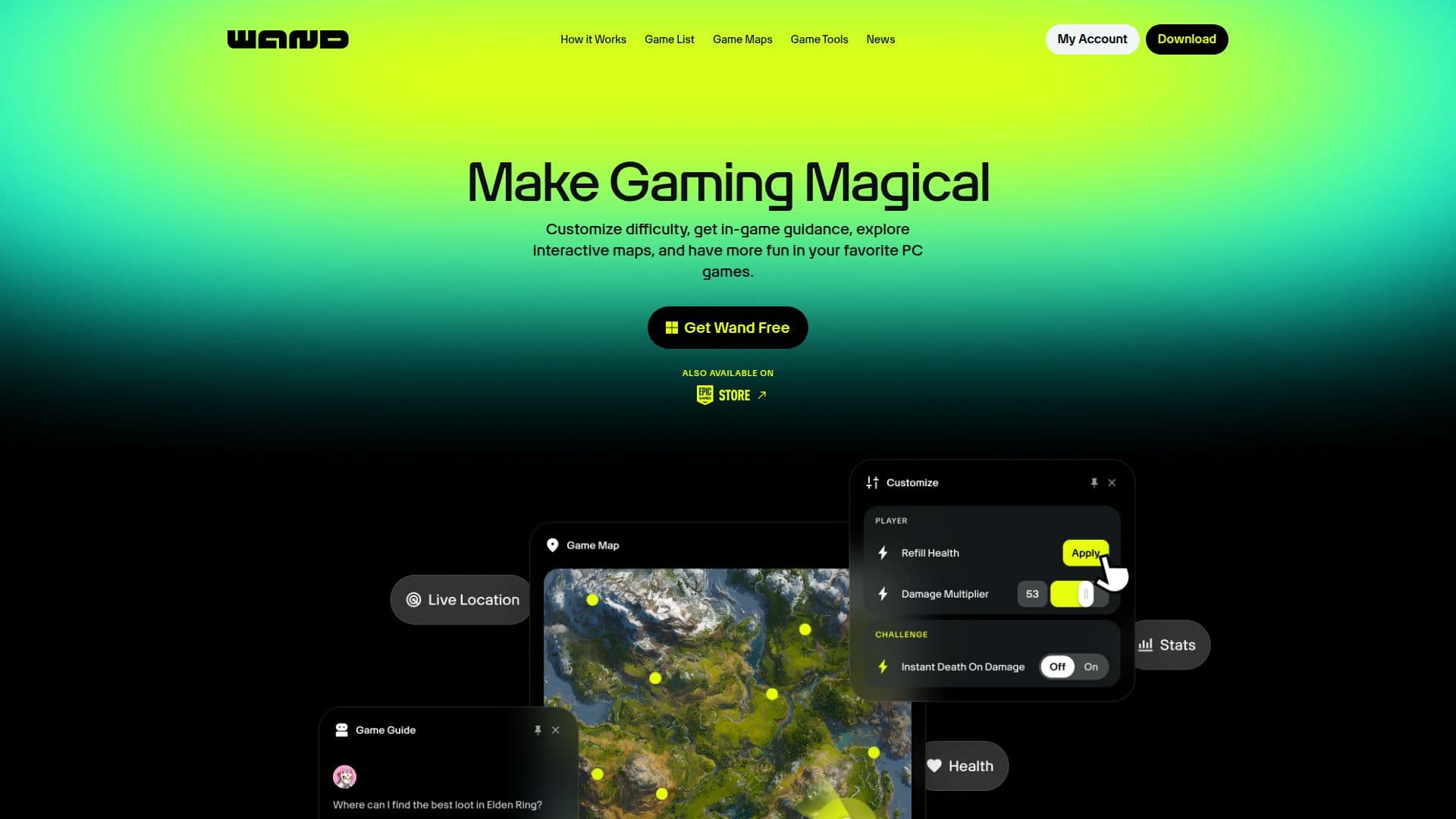
Wand is a comprehensive gaming tool designed to enhance the experience of PC gamers by providing interactive maps, game guidance, and customization options. With support for over 3500 games, Wand allows players to customize difficulty levels, explore interactive maps, and receive in-game guidance to make gaming more accessible and enjoyable.
Read More
The app is trusted by over 40 million gamers and offers features like one-click teleportation, live location tracking, and video clipping. Wand automatically detects installed games, enabling users to start using its tools immediately. Players can launch their games with Wand and access various tools by pressing Alt+W.
Wand Pro offers advanced features such as custom controls and presets, ad-free experience, and the ability to vote for new games. This subscription service supports the development team and unlocks additional capabilities.
Wand is particularly beneficial for players with disabilities or limited time, allowing them to enjoy games at their own pace. The app is praised for making hard games accessible and providing a relaxing gaming experience. It is ideal for gamers who want to explore beyond the main quest without the frustration of grinding.
Overall, Wand is a valuable tool for gamers looking to enhance their gaming experience with customization and guidance features, making it easier to enjoy a wide range of games.
- CategoryAI Gaming Assistants
- Pricing ModelFreemium
- DeploymentCloud
- PlatformsPC
Wand's Core Features
Interactive maps
Game guidance
Customization tools
One-click teleportation
Live location tracking
Video clipping
In-game overlay
Advanced controls & presets
Ad-free experience
Game voting
How to use Wand?
Launch: Start your game with Wand
Access: Hit Alt+W anytime
Select: Choose your tool
Customize: Adjust settings as needed
Wand's Use Cases
- Difficulty Customization
- In-Game Guidance
- Interactive Maps
- Video Clipping
- Live Location Tracking