
Description
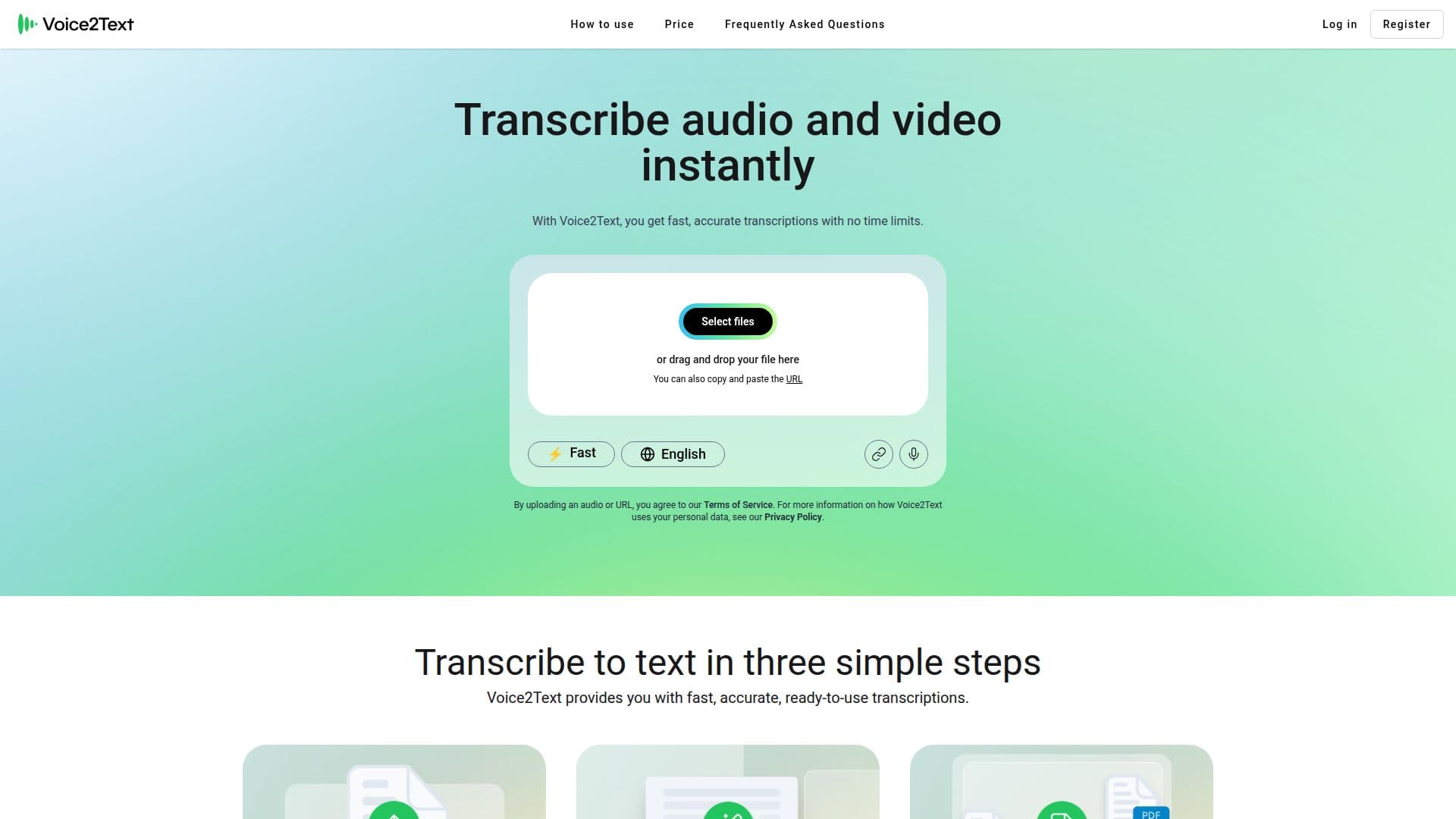
Voice2Text is a powerful transcription platform designed to convert audio and video files into text with high accuracy and speed. It supports a wide range of audio formats such as MP3, WAV, M4A, AAC, OGG, OPUS, and WMA, as well as video formats like MP4, MOV, MPEG, and WMV. Users can upload files directly or paste a link for instant transcription. The platform utilizes advanced artificial intelligence to deliver high-accuracy transcriptions within minutes, making it suitable for interviews, meetings, conferences, classes, and content creation.
Voice2Text supports transcription in over 90 languages, with particularly high accuracy in languages such as English, Spanish, French, German, Italian, Portuguese, Dutch, Chinese, Japanese, Arabic, and Russian. This makes it an excellent tool for multilingual transcription, global teams, and international content creators.
The platform offers two models: the Fast model, which provides quick results, and the Pro model, which offers more precise transcriptions. Users can choose between speed and accuracy based on their needs. There are no limits on the total monthly transcription duration, allowing users to transcribe as many files as needed, although account sharing with third parties is not permitted.
Voice2Text ensures data security and privacy by processing files securely and encrypting them. Users can delete their files at any time, ensuring full control over their data. Additionally, the platform allows users to edit transcriptions directly and export them in various formats such as TXT, DOCX, SRT, or PDF.
The subscription model is flexible, allowing users to cancel at any time and retain access until the end of the billing period. This provides a hassle-free experience for both personal and professional use.
Voice2Text Transcription Tool's Core Features
Automatic transcription of audio and video
Supports multiple audio and video formats
Transcribes in over 90 languages
High-accuracy AI-driven transcriptions
Fast and Pro transcription models
Unlimited monthly transcription duration
Secure and encrypted file processing
Editable and exportable transcriptions
How to use Voice2Text Transcription Tool?
Upload: Add your audio or video file
Choose Model: Select Fast or Pro
Transcribe: Wait for AI processing
Edit: Make adjustments as needed
Export: Download in preferred format
Voice2Text Transcription Tool's Use Cases
- Interview Transcription
- Meeting Notes
- Content Creation
- Multilingual Projects
- Educational Transcriptions