
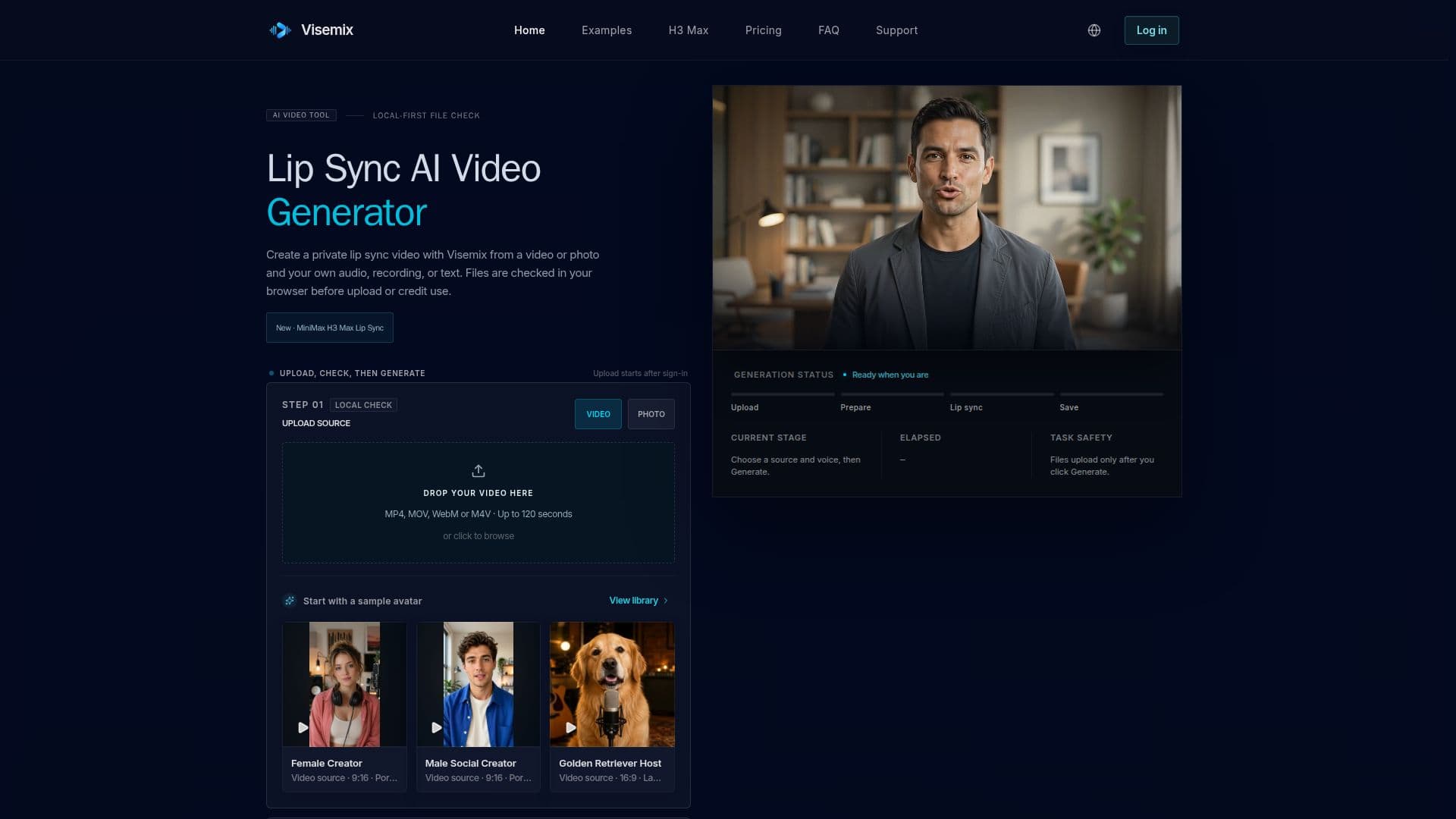
Description
Visemix is a browser-based AI lip-sync video generator designed for creators, localization teams, educators, and product teams. It enables users to create private, synchronized videos by matching visible mouth movements to a new voice track. The platform supports various input sources, including existing videos, portrait photos, uploaded audio, browser recordings, and text-to-speech capabilities.
Read More
The workflow begins with a free, browser-based file compatibility check that verifies format, duration, resolution, and audio timing without uploading files or using credits. This pre-flight check helps identify potential input problems early. After passing the check, users can sign in and proceed with private video generation using trial or purchased credits. Visemix ensures privacy by performing initial file checks locally and only uploading files after explicit user consent and sign-in.
The tool offers flexibility in content creation, allowing users to turn a portrait photo into a talking video or modify mouth movements in an existing video. It supports various image formats like JPG, PNG, WebP, AVIF, HEIC, GIF, BMP, or TIFF for photos, and MP4, MOV, WebM, or M4V for videos, with specific duration limits for audio and video inputs. Generated videos are delivered without a Visemix watermark, even for trial results.
Visemix also features a dedicated MiniMax H3 Max generator for creating short 5–15 second talking videos from a single portrait, dialogue, and optional reference audio. This specialized tool is ideal for brief introductions, product messages, or character scenes, offering output resolutions of 480P and 768P. The platform emphasizes responsible use, requiring users to have permission for all submitted media and ensuring generated results are stored privately.
For optimal lip-sync quality, Visemix recommends using short videos with clear, front-facing speakers, visible lips, steady lighting, and audio of similar duration. While it can handle songs, singing, or rap, users are advised to start with short segments due to the complexity of syncing long vowels and rapid syllables. The platform provides clear guidance on improving quality and troubleshooting common issues, ensuring a smooth creation process for diverse use cases like marketing, education, social content, and AI avatars.
- CategoryAI Video Generators
- Pricing ModelFreemium
- DeploymentCloud
- PlatformsWeb
Visemix's Core Features
AI Lip-Sync Video Generation
Video and Photo Source Input
Uploaded Audio, Browser Recording, Text-to-Speech Input
Browser-Based File Compatibility Checks
Private Credit-Based Generation
Watermark-Free Downloads
Talking Photo Creation (MiniMax H3 Max)
Support for Various Video and Image Formats
Support for Various Audio Formats
Consent Attestation for Media Use
Account-Scoped Private Storage
Credit Return for Failed Generations
Multiple Quality Options (Standard, Pro, Ultra)
Monthly and Annual Subscription Plans
One-Time Credit Packs
How to use Visemix?
Choose Source: Select a video or portrait photo you want to use for lip-syncing.
Add Voice: Upload audio, record directly in your browser, or enter text for text-to-speech generation.
Run Local Check: Perform a free browser-based compatibility check for format, size, duration, and resolution.
Sign In & Generate: After the check passes, sign in, review credit estimate, and submit your private lip-sync generation job.
Review & Download: Monitor job progress, then download your completed, watermark-free video.
Visemix's Use Cases
- Talking Photo Creation
- AI Dubbing Preview
- Social Media Clips
- AI Avatar Generation
- Marketing Videos
- Educational Content
- Creator Content
- Localization