
Description
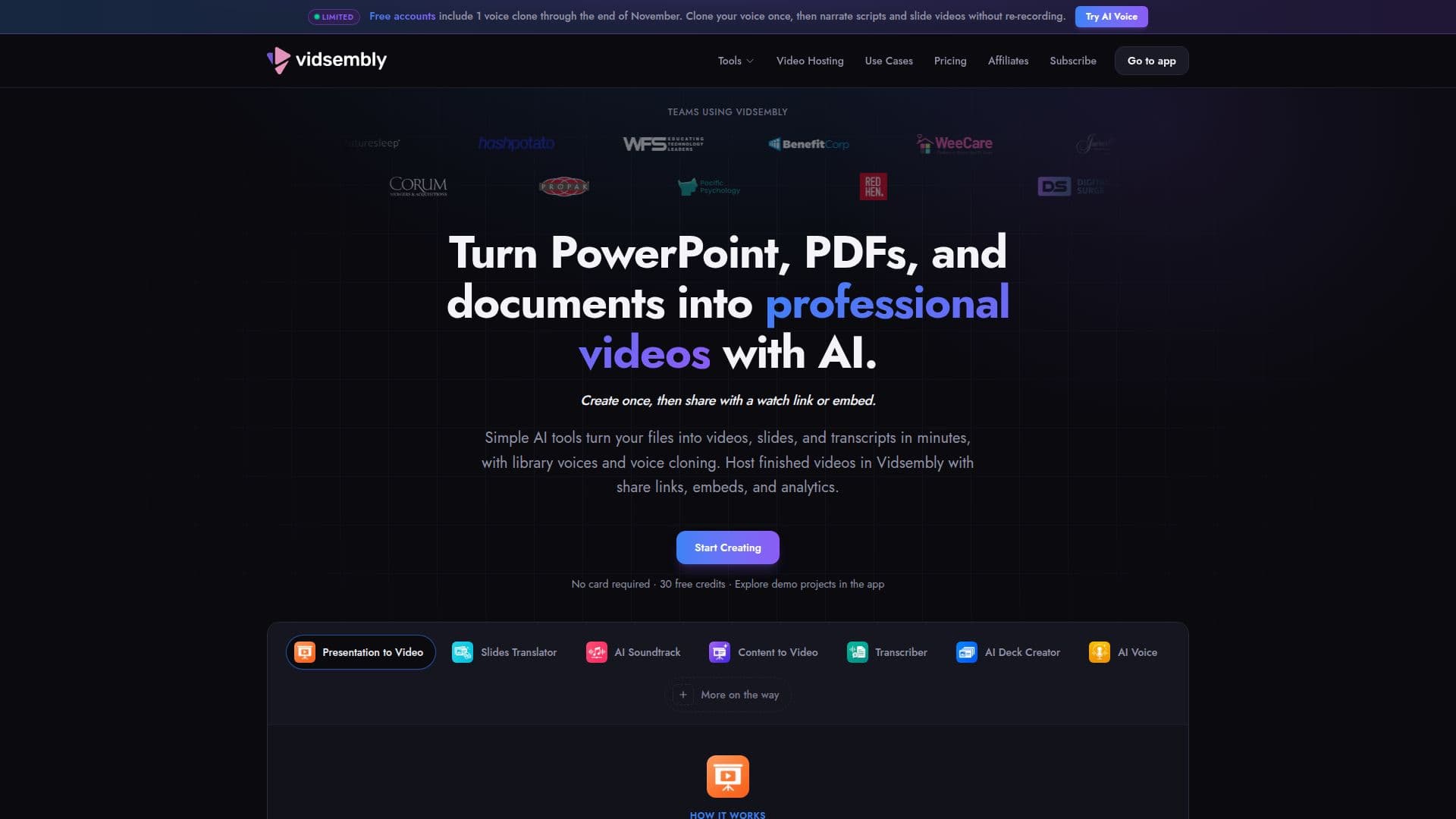
Vidsembly is a comprehensive platform designed to simplify content creation by converting existing files into narrated videos, presentations, and transcripts. It caters to teams in training, education, sales enablement, and internal communications, allowing them to produce high-quality content without requiring video editing expertise. The platform's guided AI tools streamline the workflow, enabling users to upload files, respond to prompts, and export finished content efficiently.
Read More
Key tools within Vidsembly include Content to Video, which generates a slide deck and narrated video from documents or text, and Presentation to Video, which transforms existing PowerPoint or PDF files into narrated videos. The Transcriber tool supports various audio and video formats to produce searchable transcripts. Additionally, Vidsembly offers an AI Deck Creator for generating editable slide decks from notes, an AI Soundtrack feature for adding instrumental music to videos, and AI Voice for creating voiceovers using library voices or custom voice clones.
Beyond content creation, Vidsembly provides integrated video hosting. Users can upload MP4s or publish their generated videos directly to a personal library, then share them via watch links or embed them on websites. The hosting service includes analytics, with basic view counts available on free plans and comprehensive dashboards (views over time, watch time, traffic sources) for Pro and Elite subscribers. This allows teams to track video performance without needing an enterprise video platform.
Vidsembly operates on a credit-based system for generating AI outputs like videos, voiceovers, and transcripts. A free plan is available, offering one-time credits and basic features, including a watermarked video export. Paid plans (Pro and Elite) remove watermarks, unlock premium AI voices, provide more voice cloning options, and offer higher resolution exports (up to 4K on Elite). These plans also include significantly more video library storage and the option to purchase additional storage add-ons. The platform emphasizes ease of use, eliminating the need for complex timeline editors and making advanced content production accessible to a wider audience.
- CategoryAI Video Generators
- Pricing ModelFreemium
- DeploymentCloud
- PlatformsWeb
Vidsembly's Core Features
Content to Video: Generate narrated videos and slide decks from documents or text.
Presentation to Video: Convert PowerPoint (PPTX, PPT) and PDF files into narrated videos.
AI Voice: Create voiceovers using library AI voices or custom voice clones.
Voice Cloning: Clone your own voice for personalized narration (1 on Free, 3 on Pro, 5 on Elite).
Transcriber: Generate searchable transcripts from MP3, MP4, WAV, and M4A audio/video files.
AI Deck Creator: Produce editable slide decks from notes or documents.
AI Soundtrack: Add original instrumental soundtracks to videos (MP4, MOV, WebM, M4V).
Video Hosting: Upload MP4s or publish exports, share watch links, and embed videos.
Video Analytics: Track video views (Free) and comprehensive performance (Pro, Elite).
Multi-language AI Voiceover: Supports 12 output languages including English, Spanish, Chinese, and German.
No Video Editing Experience Required: Guided, conversational workflow without timeline editing.
Credit-based System: Credits used for generating AI outputs; do not expire.
High-Resolution Export: Original resolution on Free, 720p/1080p on Pro, 4K on Elite.
Watermark Removal: Available on paid plans.
Storage Add-ons: Purchase additional video library storage on Pro and Elite plans.
How to use Vidsembly?
Upload Files: Select the appropriate tool and upload your presentation, document, audio, or video file.
Answer Prompts: Follow the guided, conversational workflow by responding to a few simple prompts.
Customize Narration: Choose from library AI voices or create and use your own voice clone for narration.
Generate Content: Utilize tools like Content to Video, Presentation to Video, or AI Deck Creator to produce your desired output.
Export or Host: Export your finished video, transcript, or deck, or publish videos directly to the Vidsembly hosting library.
Share and Embed: Share watch links for hosted videos or embed the player on your website or internal portals.
Track Performance: Monitor video view counts and, with paid plans, access full analytics dashboards.
Vidsembly's Use Cases
- Training Video Creation
- Educational Content Production
- Sales Enablement Videos
- Internal Communications Assets
- Document to Video Conversion
- Presentation Narration
- Audio/Video Transcription
- Slide Deck Generation
- Video Hosting and Sharing
- Voiceover Production