Description
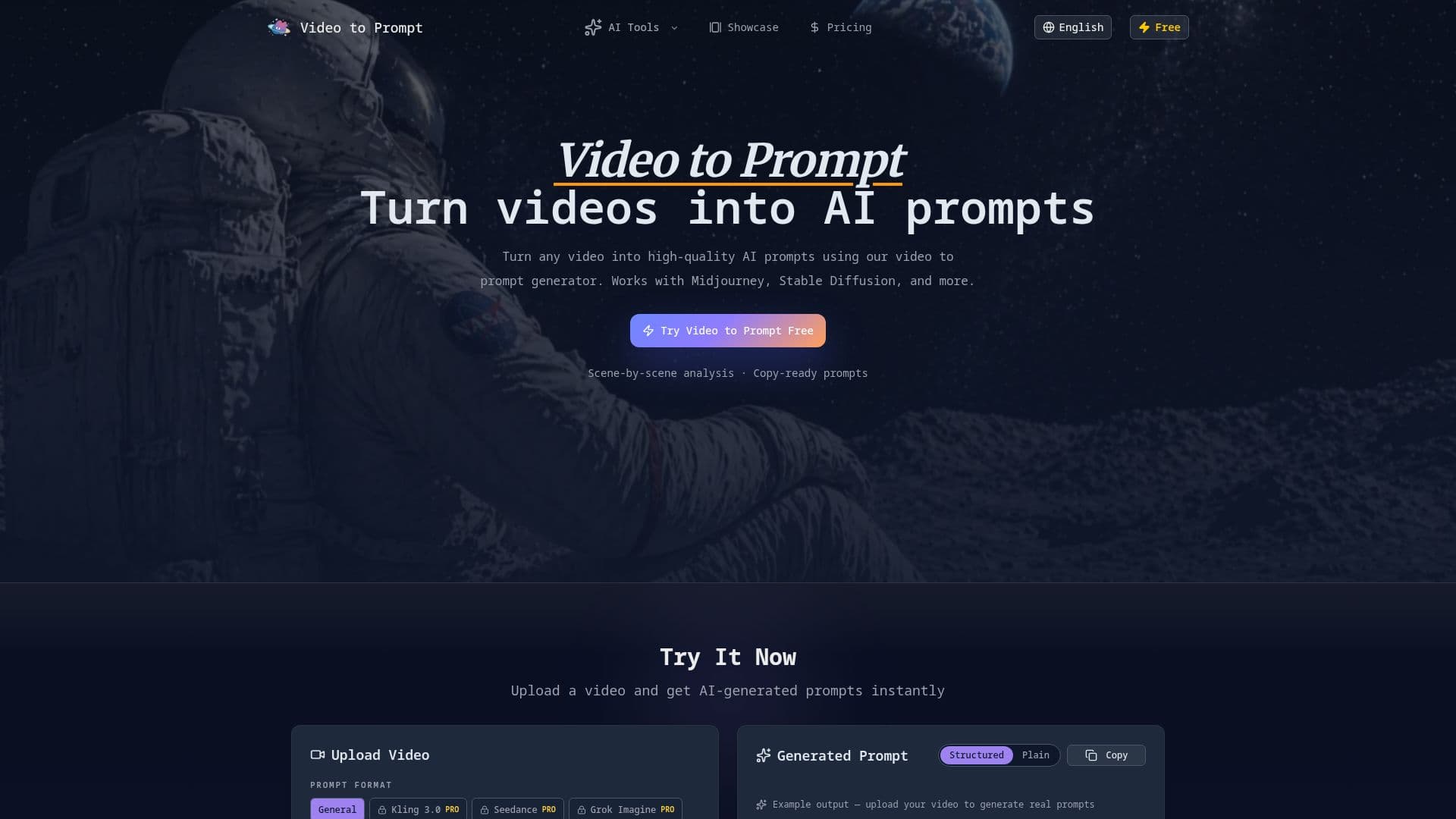
Video to Prompt is an innovative AI tool designed to transform video content into detailed, structured prompts for various AI creative platforms. This generator simplifies the process of creating AI-generated images and videos by eliminating the need for manual prompt writing. Users can upload video files in common formats such as MP4, MOV, AVI, and WebM, or paste a video URL, and the system instantly begins its analysis.
Read More
The core functionality of Video to Prompt lies in its advanced AI scene analysis. The tool meticulously scans every frame of a video, identifying crucial visual elements like objects, lighting, color palettes, cinematic styles, and narrative structures. This frame-by-frame examination ensures that the generated prompts are highly accurate and comprehensive, capturing the essence and specific details of the original video content. The AI then generates copy-ready prompts optimized for popular AI tools including Midjourney, Stable Diffusion, DALL-E, and Sora, complete with style parameters and visual descriptions.
Video to Prompt supports a wide range of creative workflows. For Midjourney users, it extracts cinematic styles, composition, and visual parameters to craft stunning prompts. Stable Diffusion users benefit from detailed style tags, lighting descriptions, and composition parameters. It also facilitates video to image prompt workflows, converting key frames into detailed image prompts for tools like DALL-E and Adobe Firefly. Filmmakers and content creators can leverage the tool to analyze reference videos and generate prompts that help recreate specific cinematic styles, lighting setups, and visual aesthetics in their AI-generated content.
The platform offers a tiered pricing structure, including a free option with limited credits, and paid plans (Starter, Pro, Max) that provide more credits, faster processing, and commercial licenses. All generated prompts are saved in a prompt history, allowing users to revisit, copy, and reuse their results anytime. This feature enhances efficiency and consistency across multiple projects. The tool also includes a "Video Prompt Generator" feature, which allows users to turn a short idea, script, or scene description into structured AI video prompts with global setup and time-based shots, further expanding its utility for pre-visualization and concept development.
Overall, Video to Prompt aims to empower creators by automating the complex task of prompt engineering, enabling them to focus more on creative execution and less on the technicalities of prompt formulation. Its robust features, support for multiple AI platforms, and user-friendly interface make it a valuable asset for anyone looking to integrate AI into their visual content creation process.
- CategoryPrompt Engineering Tools
- Pricing ModelFreemium
- DeploymentCloud
- PlatformsWeb
Video to Prompt's Core Features
Convert any video into high-quality AI prompts
Scene-by-scene video analysis
Generate copy-ready prompts instantly
Supports MP4, MOV, AVI, WebM, and other video formats
AI analyzes visual elements, composition, lighting, and cinematic style
Optimized prompts for Midjourney, Stable Diffusion, DALL-E, and Sora
Includes style parameters and visual descriptions in prompts
Prompt history and management for saved results
Multi-format video upload via file or URL
Frame-by-frame scene analysis detects objects, color, and composition
Cinematic prompt generation with mood descriptors
Fast video to prompt conversion (under 60 seconds)
Video Prompt Generator for text-to-video prompts
Free credits included, no signup required to try
How to use Video to Prompt?
Upload Video: Drag and drop your video file or paste a video URL (MP4, MOV, AVI, WebM, up to 50MB/2min).
AI Analyzes Content: The AI scans every scene, identifying visual elements, composition, lighting, and cinematic style.
Generate Prompt: Receive ready-to-use AI prompts optimized for various creative tools instantly.
Export & Use: Copy your generated prompts and use them immediately in your favorite AI creative tools.
Manage History: Access all generated prompts saved in your account for future use.
Video to Prompt's Use Cases
- Midjourney Prompt Generation
- Stable Diffusion Prompts
- Video to Image Prompt Workflows
- Filmmakers & Content Creators
- AI Video Generation
- Creative Briefs
- Accessibility Notes
- Shot Breakdowns