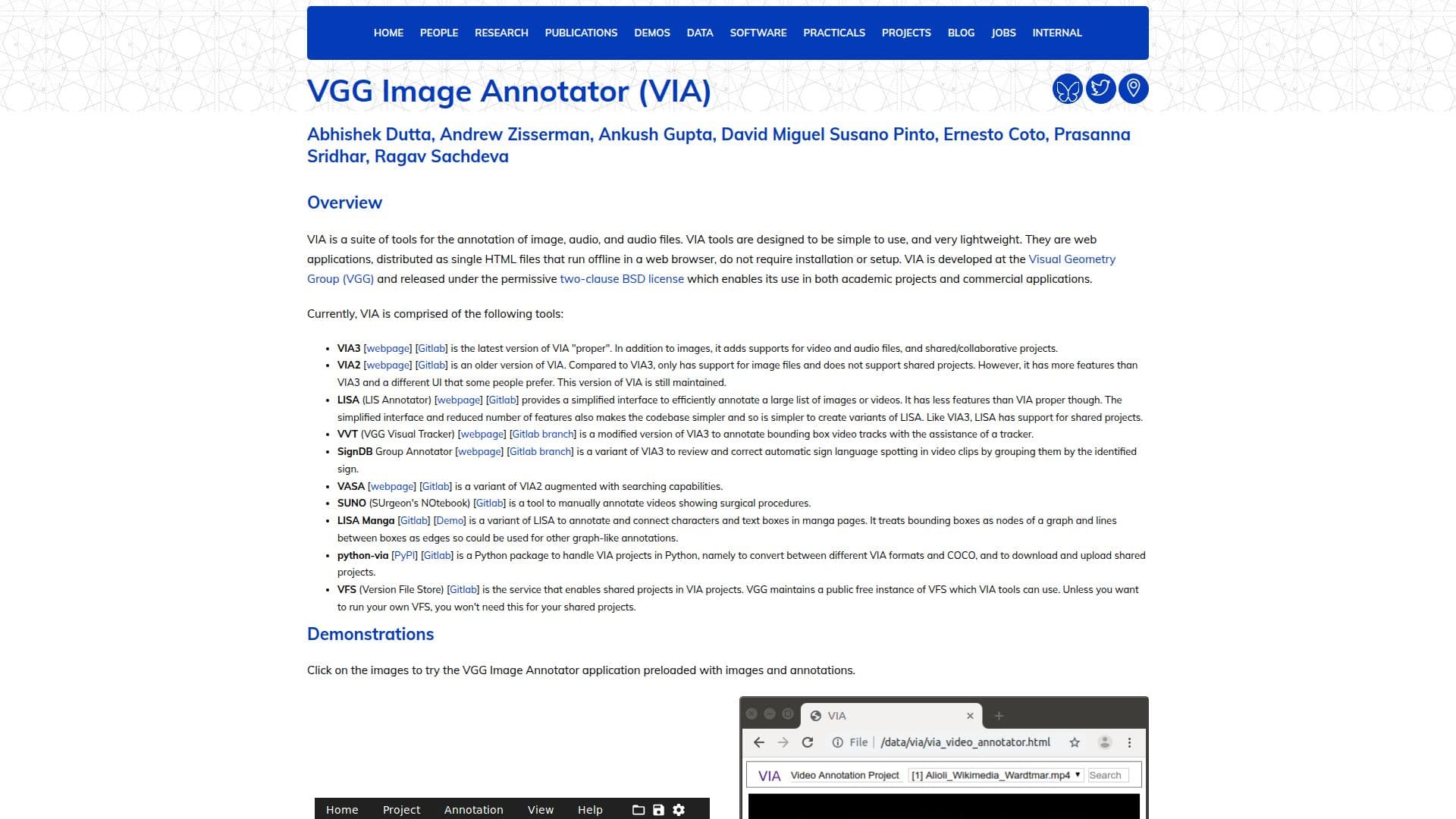
Description
VIA, developed by the Visual Geometry Group at the University of Oxford, is a suite of annotation tools designed for images, audio, and video files. These tools are web applications distributed as single HTML files, allowing them to run offline in a web browser without requiring installation or setup. VIA is released under the permissive two-clause BSD license, making it suitable for both academic and commercial applications.
Read More
The suite includes several tools, such as VIA3, which supports video and audio files and collaborative projects, and VIA2, which focuses on image files with a different UI and more features than VIA3. LISA provides a simplified interface for annotating large lists of images or videos, while VVT is a modified version of VIA3 for annotating bounding box video tracks. VASA enhances VIA2 with searching capabilities, and SUNO is tailored for annotating surgical procedure videos.
VIA tools are designed to be lightweight and easy to use, running on most modern web browsers without external libraries. The software is open source, encouraging contributions under the same BSD license. VIA's development is supported by research grants, and it has been used extensively in various projects, demonstrating its impact in the field of computer vision.
- CategoryMachine Learning & Data Science
- Pricing ModelOpen Source
- DeploymentOffline
- PlatformsWeb
VIA Annotation Suite's Core Features
Image, audio, and video annotation
Offline web application
No installation required
Collaborative project support
Open source BSD license
Lightweight HTML files
Supports multiple file formats
User-friendly interface
Python package for project handling
Search capabilities in VASA
Bounding box video tracking
Surgical video annotation
Graph-like annotations in manga
Public free instance of VFS
COCO format conversion
How to use VIA Annotation Suite?
Configure: Load VIA projects and adjust settings
Use: Annotate images, audio, and video files
Optimise: Use collaborative features for shared projects
Export: Save annotations in CSV or JSON format
VIA Annotation Suite's Use Cases
- Image Annotation
- Audio Annotation
- Video Annotation
- Collaborative Projects
- Surgical Video Annotation
- Manga Annotation
- Search Annotations
- Bounding Box Tracking
- Graph-like Annotations
- COCO Format Conversion