Description
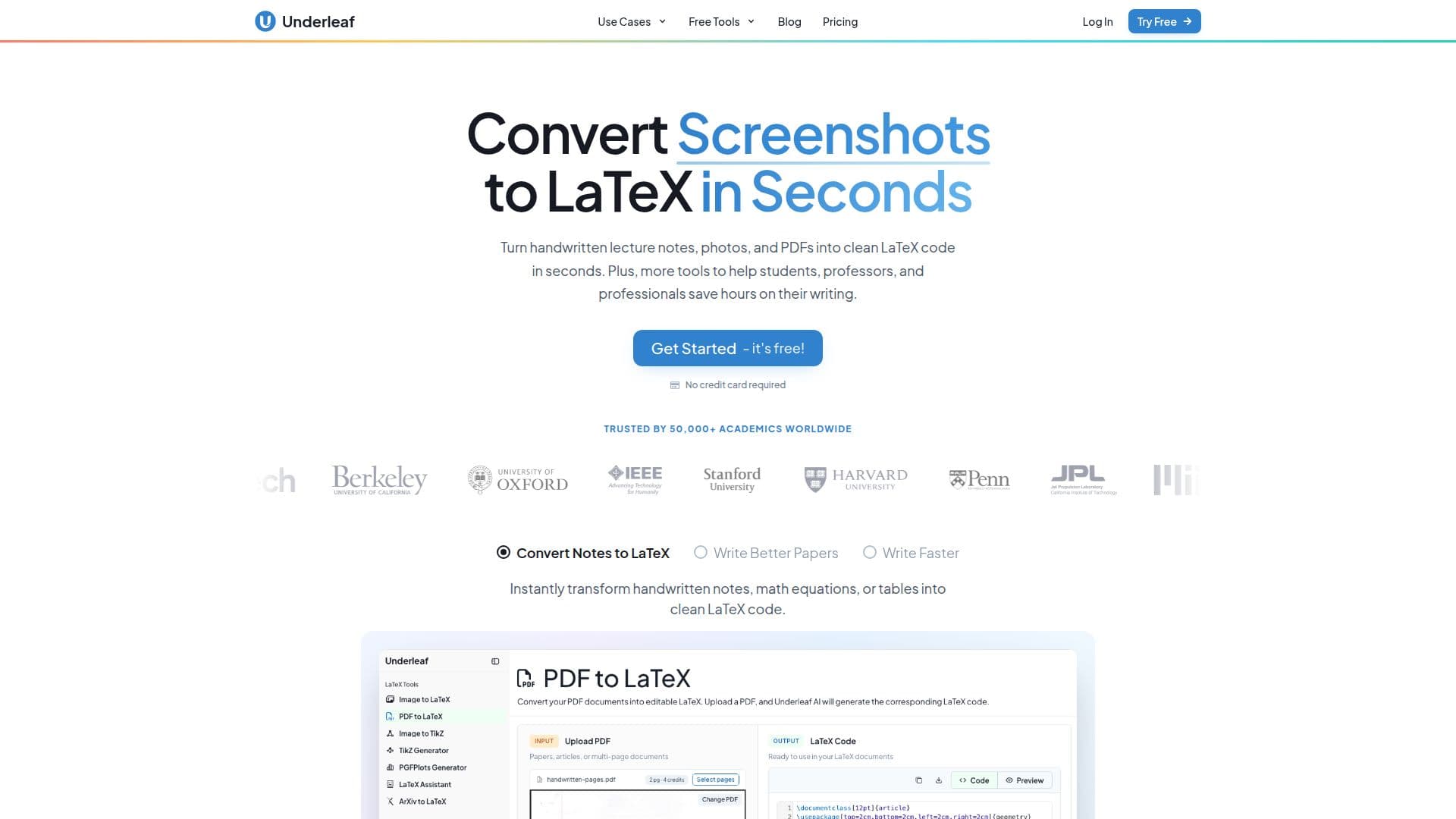
Underleaf is an AI-powered platform for academic writing and LaTeX, built for students, professors, and researchers. Its core capability is conversion: it turns handwritten notes, photos, screenshots, whiteboard shots, single equations, tables, spreadsheets, Word documents, and multi-page PDFs into clean, compilable LaTeX, and it can convert diagrams and plots to TikZ. Math converts at 98%+ accuracy, including matrices, integrals, and aligned multi-line derivations, with a typeset preview before download.
Read More
Beyond conversion, Underleaf offers academic writing tools that draft abstracts, tighten paragraphs, and summarize dense sections while keeping the user's terminology and notation, along with citation lookup and BibTeX generation in the same place. Multi-page PDFs come back as one structured document with sections, numbered and referenceable equations, tables, and figures in the right places.
Everything runs in the browser with no installation, and an optional Chrome extension puts the same AI assistance beside a user's draft to rewrite, shorten, or explain selections, insert or replace text, find citations, and convert images to LaTeX inline. Underleaf also provides 60+ free tools, including image-to-LaTeX, Excel-to-LaTeX, a TikZ generator, and a 3D graphing calculator, plus learning tutorials and a verified AI/ML conference deadline calendar.
Underleaf emphasizes privacy, processing only submitted content over encrypted connections and not storing document content permanently. It offers a free plan with 10 credits per month and no card, Essentials at $4.99/month billed annually (200 credits, up to 10 pages per PDF), and Pro at $9.99/month billed annually (500 credits, up to 20 pages per PDF), plus team plans. It reports 50,000+ academic users across 200+ universities and 240K+ pages converted.
- CategoryAcademic Writing & Citations
- Pricing ModelFreemium
- DeploymentCloud
- PlatformsWeb, Chrome
Underleaf's Core Features
Convert handwriting, images, PDFs, and Word docs to compilable LaTeX
98%+ math accuracy with a typeset preview before download
Multi-page PDF conversion into one structured document
Diagram and plot conversion to TikZ
Academic writing tools for abstracts, summaries, and rewrites
Citation lookup and BibTeX generation
Chrome extension for AI help beside your draft
60+ free browser-based tools including a 3D graphing calculator
How to use Underleaf?
Drop it in: Upload a photo, scan, PDF, or spreadsheet, with multi-page documents going in whole.
Let the AI read it: Equations, matrices, tables, and figures are converted with structure intact.
Preview the result: Check the typeset output before you download anything.
Edit with AI: Fix or refine the output with AI edits and writing tools.
Compile and keep working: Copy or download the LaTeX source into your editor.
Underleaf's Use Cases
- Handwriting to LaTeX
- PDF and paper conversion
- Academic writing help
- Diagrams and tables
- Research group workflows