
Description
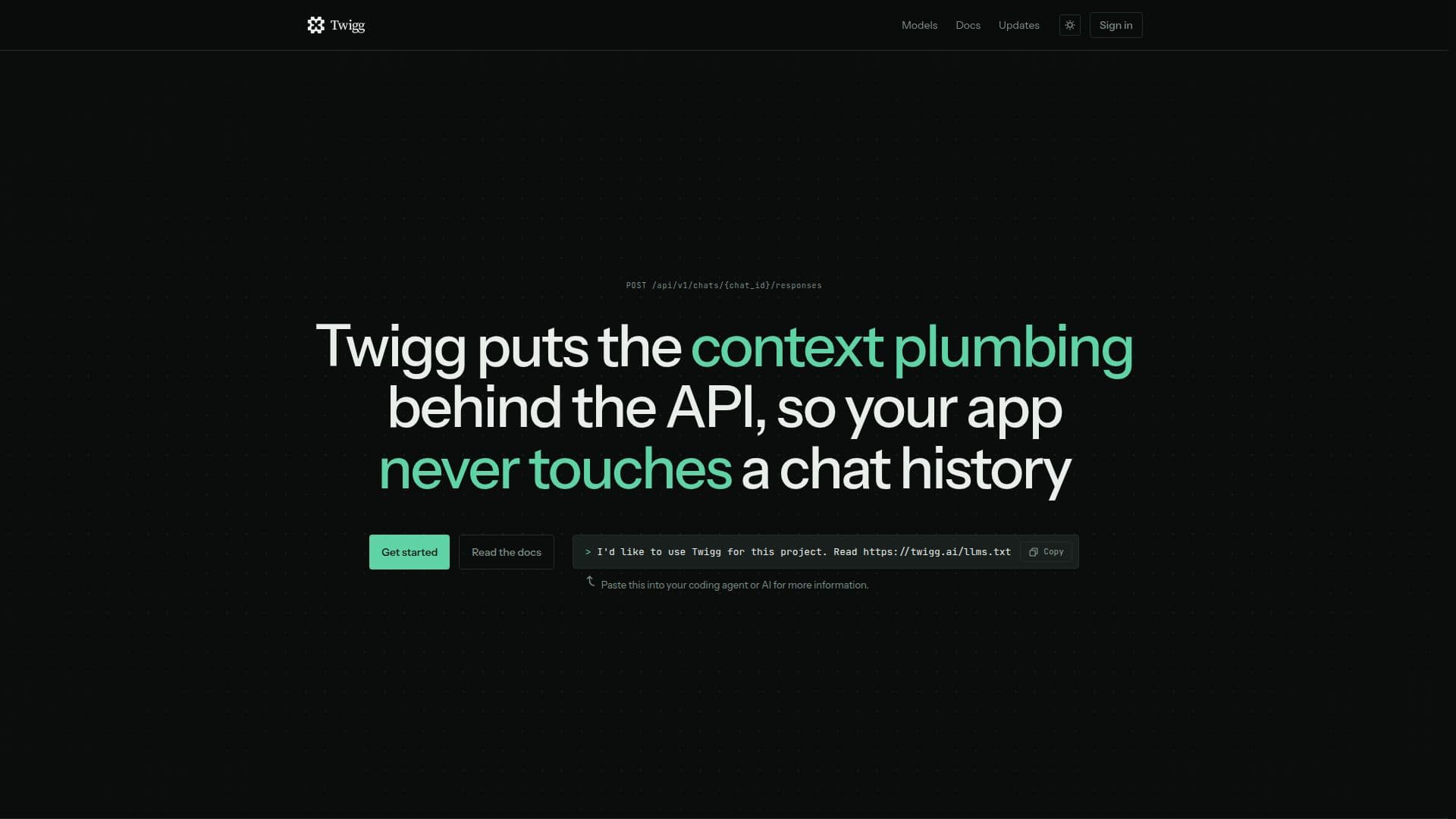
Twigg is a stateful API designed to streamline interactions with large language models (LLMs). It provides a hosted context store, assembler, and model router, enabling developers to create a chat once and send only the next event, while switching models mid-conversation. This allows conversations to live outside the LLM providers, reducing the complexity of managing chat histories.
Read More
With Twigg, developers can focus on building their products rather than handling the intricacies of context plumbing. The API manages the conversation, prepares the context, and calls the chosen model, allowing any server to handle any turn. This reduces the need for a conversation database, context pipeline, or session state, and minimizes errors by handling LLM edge cases.
Twigg supports integration with major LLM providers like OpenAI, Anthropic, and Google, allowing users to change models on any turn. It offers a flexible pricing model where users pay only for what they use, with the ability to control costs by deciding how much history each conversation carries.
The platform is designed for scalability, serving both small applications and large-scale deployments across multiple teams. It provides a simple integration process, requiring only the creation of an API key and chat ID, and supports namespaces for organizing and managing conversations.
Twigg's prepaid model ensures that users maintain control over their spending, with options for manual and automatic top-ups. The platform's context control features allow users to manage what is retained, truncated, or dropped, ensuring efficient use of resources. Overall, Twigg offers a robust solution for developers looking to integrate LLM capabilities into their applications without the overhead of managing context and storage.
- CategoryCoding & Development
- Pricing ModelPrepaid
- DeploymentCloud
- PlatformsWeb
Twigg's Core Features
Stateful API for LLM interactions
Hosted context store and model router
Supports multiple LLM providers
Flexible context management
Prepaid pricing model
Scalable integration
Namespace support for organization
Automatic and manual top-ups
How to use Twigg?
Create an API key: Generate a key in the console for authentication.
Create a chat: Initialize a chat with a unique ID for conversation tracking.
Send the prompt: Submit new messages and select the desired model.
Read the reply: Receive streamed responses and cost details.
Twigg's Use Cases
- Customer Support
- Chatbot Development
- AI Research
- Scalable Applications
- Cost Management