
Description
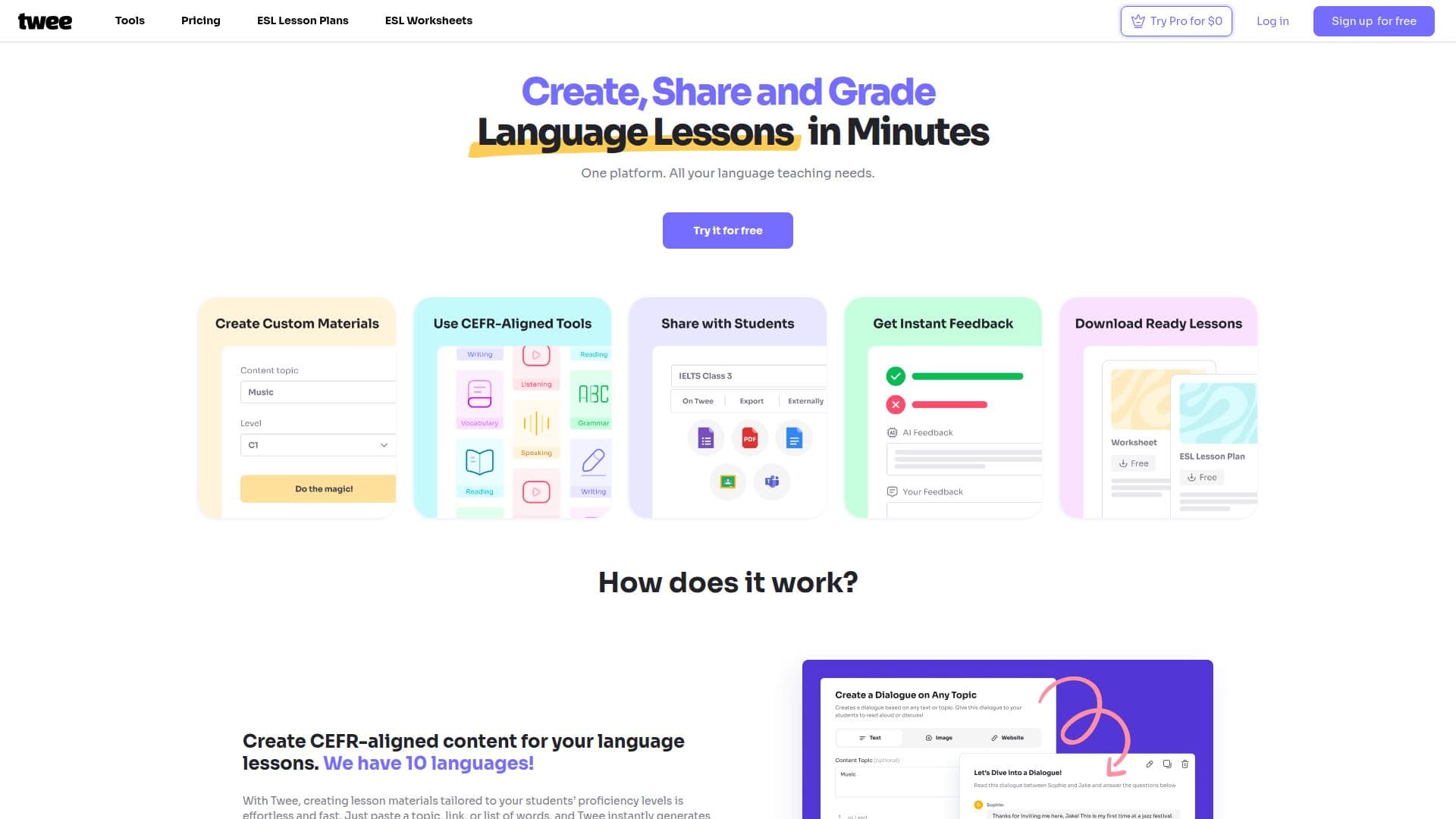
Twee is an AI-powered platform built specifically for language educators, especially ESL and EFL teachers. Teachers paste a topic, link, or list of words and Twee instantly generates texts, dialogues, fill-in-the-gap exercises, closed and open questions, writing prompts, and more, all tuned to a chosen CEFR level from A1 to C2. It offers over 40 tools covering reading, writing, listening, and speaking across 10 languages.
Read More
Beyond content creation, Twee uses AI to assess student responses, including multiple-choice, written answers, and gap-fill activities, providing feedback and saving grading time. It also handles workflow and classroom management, from planning lessons and tracking progress to organizing assignments and managing student accounts and classes.
Teachers can share interactive exercises with students, who complete them in their own accounts or anonymously. Twee's AI is trained with input from teachers to align content with the Common European Framework of Reference for Languages, and free ESL lesson plans and grammar worksheets are available in its library.
Twee launched in October 2023 and reports being used by 500,000 teachers worldwide. It offers a free tier with trial runs plus paid plans that unlock more monthly runs, Pro tools, AI response checking, and exports to PDF, Google Forms, and Google Docs.
- CategoryEducation & Research
- Pricing ModelFreemium
- DeploymentCloud
- PlatformsWeb
Twee's Core Features
Generate CEFR-aligned (A1 to C2) lesson materials from a topic, link, or word list
Over 40 tools for reading, writing, listening, and speaking
Support for 10 languages
AI assessment of student responses, including open-ended answers
Classroom and student account management
Interactive exercise sharing with students
Text-to-audio generation with credits
Exports to PDF, Google Forms, and Google Docs
How to use Twee?
Add input: Paste a topic, link, or list of words into a Twee tool.
Select a level: Choose a CEFR level, grade, or age group for the task.
Add vocabulary (optional): Enter target words or phrases you want to appear.
Generate: Run the tool to instantly create the material.
Edit and share: Adjust the output, then share interactive exercises with your students.
Grade: Use Twee's AI to assess student responses and give feedback.
Twee's Use Cases
- Lesson material creation
- Automated grading
- Classroom management
- Speaking and discussion
- Engaging warm-ups