Description
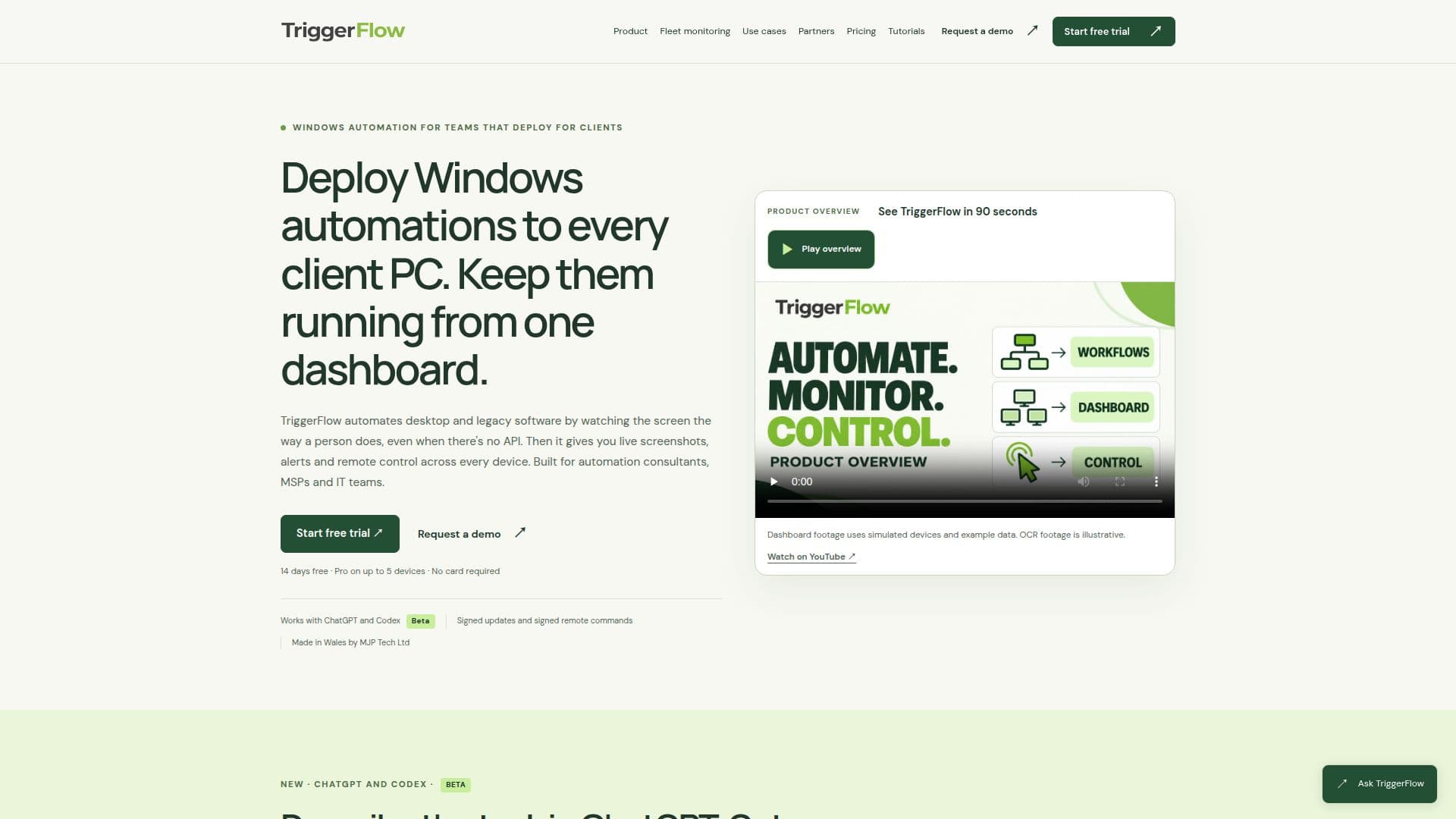
TriggerFlow is a comprehensive tool designed for automating Windows applications, fleet monitoring, and remote control. It is particularly beneficial for consultants, Managed Service Providers (MSPs), and IT teams who need to automate tasks across multiple devices without relying on APIs. TriggerFlow operates by observing the screen as a human would, allowing it to automate desktop and legacy software effectively.
Read More
The platform offers a centralized dashboard where users can deploy Windows automations to client PCs and monitor their performance. It provides live screenshots, alerts, and remote control capabilities, ensuring that users can manage and troubleshoot issues across all devices from a single interface. This is especially useful for automation consultants and MSPs who need to support multiple clients efficiently.
TriggerFlow integrates with AI tools like ChatGPT and Codex, allowing users to describe tasks in natural language and convert them into automated workflows. These workflows are tested on real machines before deployment, ensuring reliability and accuracy. Once a workflow is saved, it runs on schedule without further AI involvement, eliminating unexpected AI usage costs.
The platform offers three pricing tiers: Starter, Pro, and Business. The Starter plan is priced at £15 per device per month, suitable for repeatable tasks on a single PC. The Pro plan, at £30 per device per month, includes fleet monitoring and remote control. The Business plan, at £45 per device per month, adds AI-assisted building, screen reading, and a credentials vault. A 14-day free trial is available for the Pro plan, allowing users to test the platform on up to five devices without a credit card.
TriggerFlow is developed by MJP Tech Ltd, based in Pembrokeshire, Wales, and is supported by James Phillips. The platform is not affiliated with OpenAI, despite its integration with ChatGPT and Codex. Users can also resell TriggerFlow to their clients, providing each client with separate accounts and license keys.
- CategoryWorkflow Automation
- Pricing ModelSubscription
- DeploymentCloud
- PlatformsWindows
TriggerFlow's Core Features
Windows application automation
Fleet monitoring
Remote control
Integration with ChatGPT and Codex
Live screenshots and alerts
Workflow scheduling and testing
Separate client accounts and license keys
14-day free trial
How to use TriggerFlow?
Install the agent: Deploy TriggerFlow on each Windows PC.
Build the workflow: Record or assemble tasks using the editor.
Test and schedule: Run on real machines and set schedules.
Monitor and control: Use the dashboard for alerts and remote fixes.
TriggerFlow's Use Cases
- Windows App Automation
- Fleet Monitoring
- Remote Control
- AI Workflow Integration
- Client Management