Description
TrakMac is a voice-first macro tracking app for iOS aimed at people who train seriously. Instead of searching a food database or scanning barcodes, you tap the mic and describe a meal out loud, and TrakMac uses AI to estimate its calories, protein, carbs, and fat, then shows what you have left for the day. You confirm or adjust the transcription and can edit any number before logging.
Read More
Rather than using a generic age-and-weight formula, TrakMac builds your calorie and protein targets from your training profile, including what you can lift, your mile time, and what your weekly training looks like. The company frames this as a fix for people the standard BMI-based charts miscategorize, such as muscular athletes, runners, GLP-1 patients, and postpartum parents. Estimates calibrate to the foods you log and get more accurate the more you use it.
Voice transcription runs on your phone and works offline, while macro estimation runs on TrakMac's servers and needs a connection; logs sync when online and remain available offline once loaded. For common foods and reasonable portions, estimates typically fall within about 10% of a weighed log, and the app flags low-confidence estimates. Food log text is processed for macro estimation and is not used to train models, and the app does not collect location, contacts, or advertising identifiers.
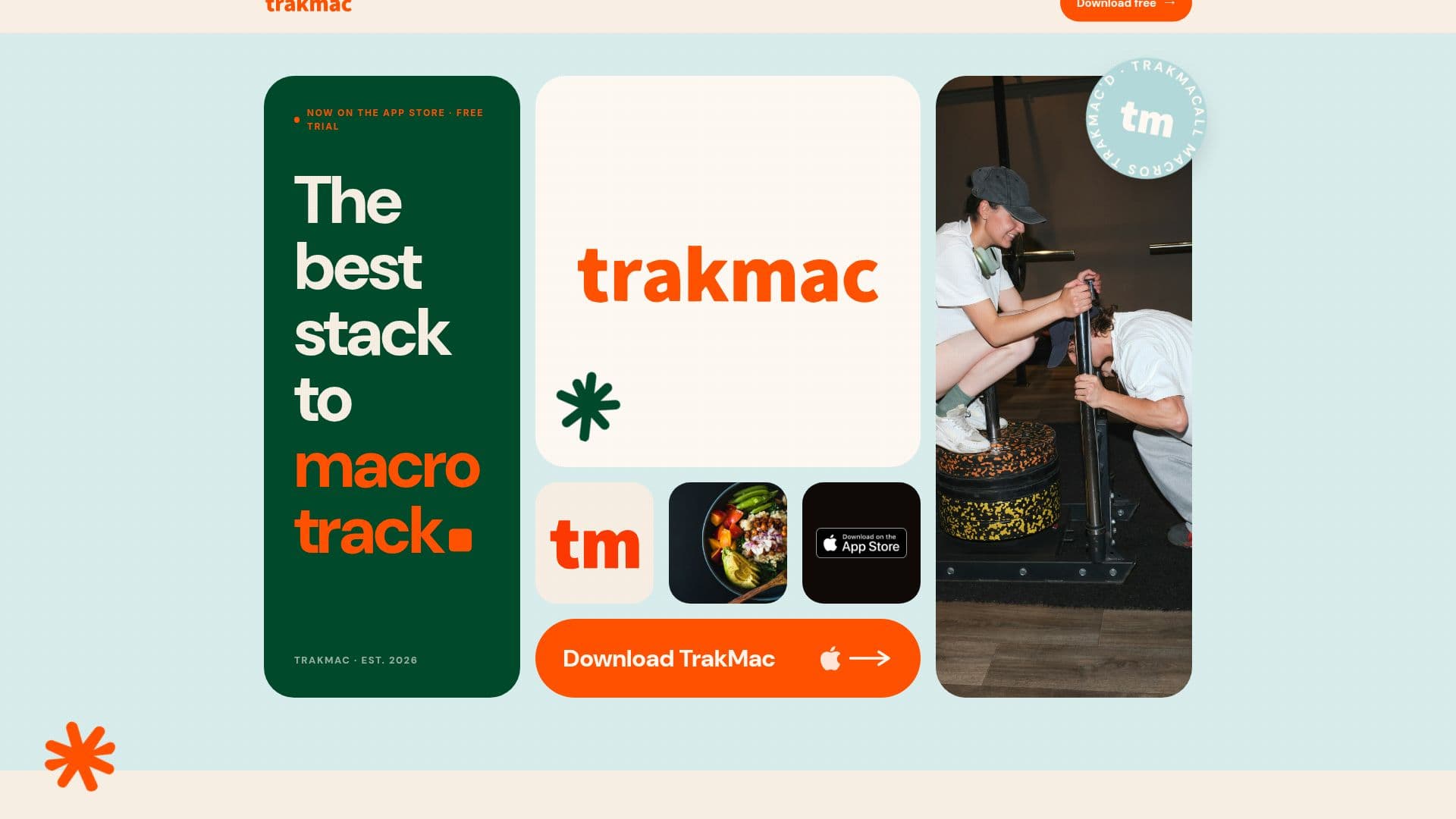
TrakMac is live on the App Store with a free 7-day trial, then costs $7.99 per month or $59.99 per year, with no ads. It is built by a husband-and-wife team in Los Angeles, and is intended for training optimization rather than clinical nutrition, and is not designed for people with disordered eating.
- CategoryNutrition & Meal Planning
- Pricing ModelFreemium
- DeploymentCloud
- PlatformsiOS
TrakMac's Core Features
Voice-first food logging with AI macro estimation
Calorie and protein targets built from training signals rather than a BMI formula
Estimates that calibrate to the foods you log over time
On-device speech transcription that works offline
Editable estimates with low-confidence flags
Remaining daily macros shown after each log
Privacy-conscious data handling with no model training on food logs
iOS app with a 7-day free trial
How to use TrakMac?
Set up your profile: Answer questions about your fitness level, training, and goals so TrakMac can build your targets.
Tap the mic: On the dashboard, describe what you ate, such as 'six ounces of grilled chicken, a cup of jasmine rice, and broccoli.'
Confirm the transcription: Check the spoken text was captured correctly.
Review the estimate: Accept or adjust the AI-estimated calories, protein, carbs, and fat.
Log it: Save the entry and see your remaining macros for the day.
TrakMac's Use Cases
- Fast meal logging
- Training-based targets
- Miscategorized bodies
- Protein tracking
- Tracking while traveling