
Description
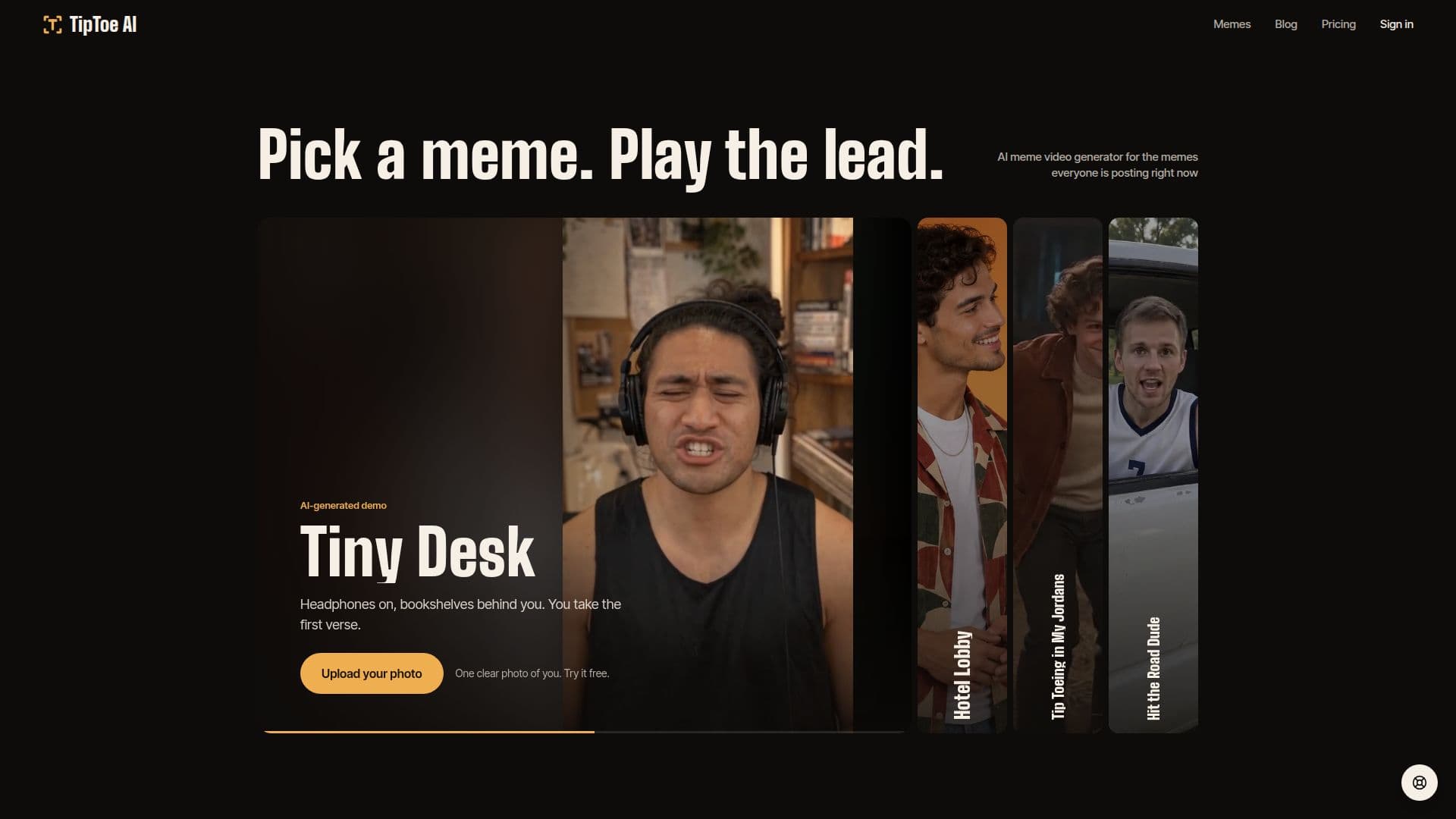
TipToe AI is an innovative AI meme video generator that allows users to star in popular trending memes. The platform simplifies video creation by eliminating the need for prompts or complex editing. Users begin by selecting a trending meme from a curated list, such as "Tiny Desk," "Hotel Lobby," or "Tip Toeing in My Jordans." Each meme comes with a pre-set scene, camera movements, and timing, ensuring a consistent and recognizable meme format.
Read More
To create a video, users upload a clear, well-lit photo of one person. For memes featuring multiple characters, like "Tiny Desk," users can add photos for each friend they wish to include, with AI performers filling any empty spots. The AI technology then animates the photo, maintaining the user's likeness while adhering to the meme's specific actions and beats. The process typically takes a few minutes, with standard quality videos completing in 2 to 5 minutes and best quality in 5 to 15 minutes. Users do not need to wait on the page, as finished videos are stored in their "My videos" section.
The output is a vertical MP4 video, optimized for sharing on platforms like TikTok, Instagram Reels, and YouTube Shorts. These videos are delivered without watermarks and are silent, allowing users to add the trending audio directly within their chosen social media app when posting. This approach ensures the video aligns with current sound trends and is easily recognizable by audiences. TipToe AI offers a free trial for short, 4-second versions of memes, which can be watched on the site. For longer or higher-quality videos, users can purchase credit packs or subscribe to monthly plans. Purchased videos are downloadable, while free trial videos are not. The platform emphasizes user privacy, stating that photos are used only for video generation and deleted once the video is finished, with finished videos remaining in "My videos" for 30 days and not shown publicly. Consent is required for using photos of others, and public figures' photos are not permitted.
- CategoryAI Meme Generators
- Pricing ModelFreemium
- DeploymentCloud
- PlatformsWeb
TipToe AI's Core Features
AI Meme Video Generation
No Prompts Required
No Editing Needed
Star in Trending Memes
Upload Your Photo
Vertical MP4 Output
No Watermark on Purchased Videos
Silent Videos for Social Media Sound Integration
Free Short Video Trial
Credit-Based System
Monthly Subscription Plans
One-Time Credit Packs
Videos Optimized for TikTok, Reels, Shorts
Privacy-Focused Photo Handling
Multiple Meme Options
How to use TipToe AI?
Pick a Meme: Select a trending meme from the available options, each with a demo video.
Add Your Photo: Upload a clear, well-lit photo of yourself or friends (with consent).
Generate Video: Press a button to start the AI generation process, which takes a few minutes.
Get Your Video: Access the finished vertical MP4 video in "My videos."
Download & Share: Download purchased videos and add trending sounds in TikTok, Reels, or Shorts before posting.
TipToe AI's Use Cases
- Personalized Meme Creation
- Social Media Content
- Quick Video Production
- Testing Photo Suitability
- Participating in Trends
- Creative Expression