Description
Ticket Artisan is an AI-powered tool designed to bridge the gap between design and development by automatically generating development tickets and user stories from visual mockups. The core functionality revolves around analyzing uploaded design images, such as PNG or GIF files, to extract actionable information that can be directly used by development teams.
Read More
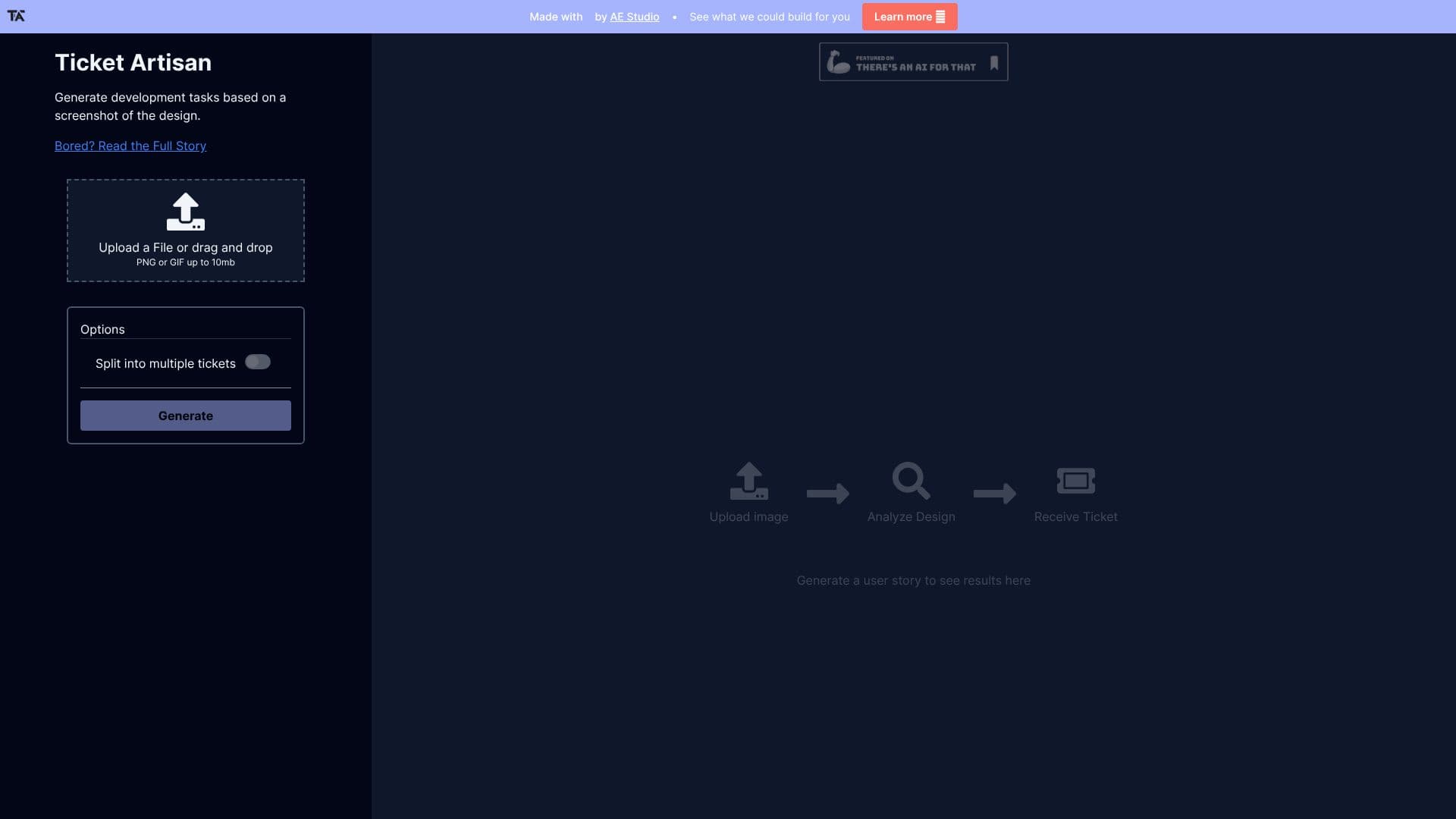
Users can upload their design files through a simple drag-and-drop interface or by selecting files from their local storage. The platform supports image files up to 10MB. Once uploaded, Ticket Artisan's AI engine processes the design, identifying key elements, user flows, and functional requirements. This analysis results in the generation of detailed user stories and development tasks, which are presented to the user for review and implementation.
The tool aims to significantly reduce the manual effort involved in translating design concepts into development specifications. By automating this process, Ticket Artisan helps to ensure consistency, accuracy, and speed in the early stages of the software development lifecycle. It is particularly beneficial for teams looking to accelerate their workflow, improve communication between designers and developers, and maintain a clear backlog of tasks.
Key capabilities include the ability to split complex designs into multiple tickets, ensuring that each task is manageable and well-defined. The output is structured to be easily integrated into existing project management systems, although direct integrations are not specified in the provided content. The primary benefit is the direct conversion of visual assets into structured development work, saving valuable time and resources.
- CategoryAI Project Management
- DeploymentCloud
- PlatformsWeb
Ticket Artisan's Core Features
Generates development tasks from design screenshots
Creates user stories based on visual designs
Supports PNG and GIF file uploads
Handles files up to 10MB
Option to split designs into multiple tickets
AI-powered design analysis
Streamlines the design-to-development workflow
Provides actionable development tickets
How to use Ticket Artisan?
Upload Design: Upload your design file (PNG or GIF) or drag and drop it into the designated area.
Analyze Design: The AI analyzes the uploaded design to identify key elements and requirements.
Receive Tickets: Generate development tickets and user stories based on the AI's analysis.
Implement Tasks: Use the generated tickets to guide your development process.
Ticket Artisan's Use Cases
- Design to Development
- User Story Generation
- Task Breakdown
- Workflow Acceleration
- Design Handoff