
Description
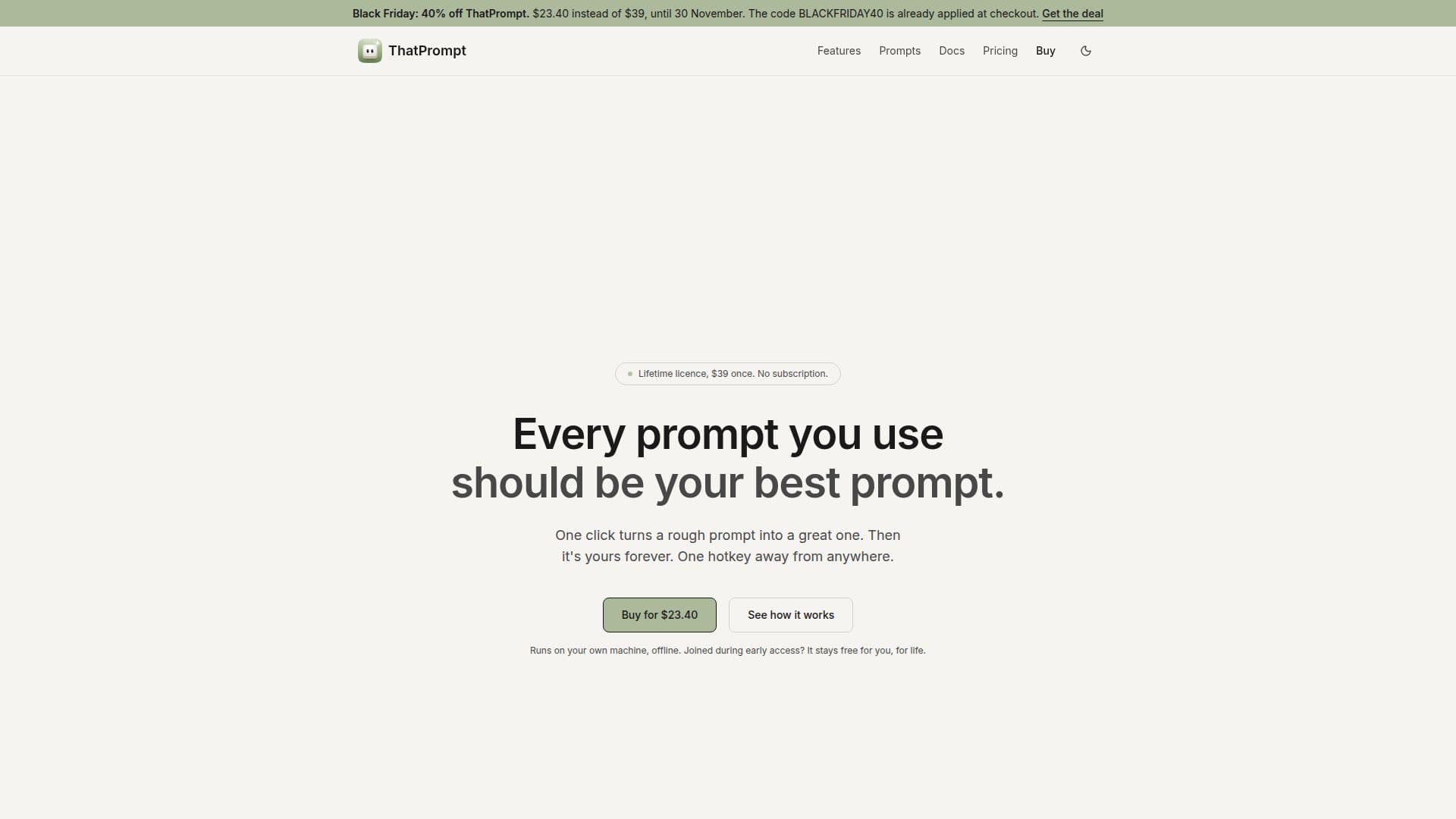
ThatPrompt is a dedicated desktop application for macOS and Windows that revolutionizes how users manage and optimize their AI prompts. It addresses the common problem of scattered, unorganized, and ineffective prompts by providing a centralized, intelligent library. Users can save any prompt, enhance it with a built-in language model that runs locally on their device, and instantly retrieve it from any application using a global hotkey.
Read More
The core functionality of ThatPrompt revolves around its "Enhance" feature. This capability rewrites rough, vague prompts into clearer, more specific, and effective ones by adding context, constraints, and desired output formats. This process ensures users get better results from their AI tools on the first try, eliminating the need for manual prompt engineering or multiple iterations. Crucially, this enhancement process, along with automatic prompt title generation, operates entirely offline on the user's machine, safeguarding privacy as prompt content never leaves the device or reaches external servers.
Beyond enhancement, ThatPrompt offers robust organization and retrieval features. Users can organize their prompt library into folders and utilize fuzzy search to find any prompt quickly. The system also intelligently ranks results based on usage, surfacing frequently used prompts first for even faster access. Customisable keyboard shortcuts further streamline the workflow, allowing users to save, enhance, find, and paste prompts without switching applications.
ThatPrompt is designed for a wide audience, including developers, writers, and anyone who frequently interacts with AI tools like ChatGPT, Claude, or Cursor. It functions as a prompt-specific engine rather than a generic text expander or notes app, providing AI-powered assistance and intelligent retrieval that traditional tools lack. The application is available via a one-time lifetime license, with no subscriptions or usage limits, and includes all future updates. It supports installation on up to two devices simultaneously, offering a flexible and secure solution for personal and professional use.
- CategoryPrompt Engineering Tools
- Pricing ModelOne-time purchase
- DeploymentDesktop Application
- PlatformsmacOS, Windows
ThatPrompt's Core Features
AI prompt enhancement on-device
Automatic prompt title generation
Global hotkey command palette for instant access
Fuzzy search across the entire prompt library
Usage-ranked search results for frequently used prompts
Folders for organizing prompts
Import and export of prompt library
Customizable keyboard shortcuts
Offline operation after initial model download
Desktop application for macOS and Windows
Privacy-focused: prompts never leave your device
Works with any application that accepts pasted text
One-time lifetime license with all updates
14-day money-back guarantee
How to use ThatPrompt?
Install ThatPrompt: Download and install the desktop application on your macOS or Windows machine.
Download Model: During setup, select and download a language model to enable offline enhancement and title generation.
Save & Enhance Prompts: Paste any prompt into ThatPrompt, use the "Enhance" button to refine it, and then save it to your library.
Organize Prompts: Create folders to categorize and manage your saved prompts efficiently.
Find & Paste: Press the global hotkey from any application, type a few characters to fuzzy search, and hit Enter to copy and paste the desired prompt.
Customize Shortcuts: Rebind keyboard shortcuts in settings to tailor the app to your workflow.
ThatPrompt's Use Cases
- Code Review Prompt Enhancement
- Marketing Email Generation
- Data Analysis Prompt Structuring
- Debugging Assistance
- Content Creation Prompt Optimization
- API Response Generation
- Meeting Summary Prompts
- Legal Document Drafting