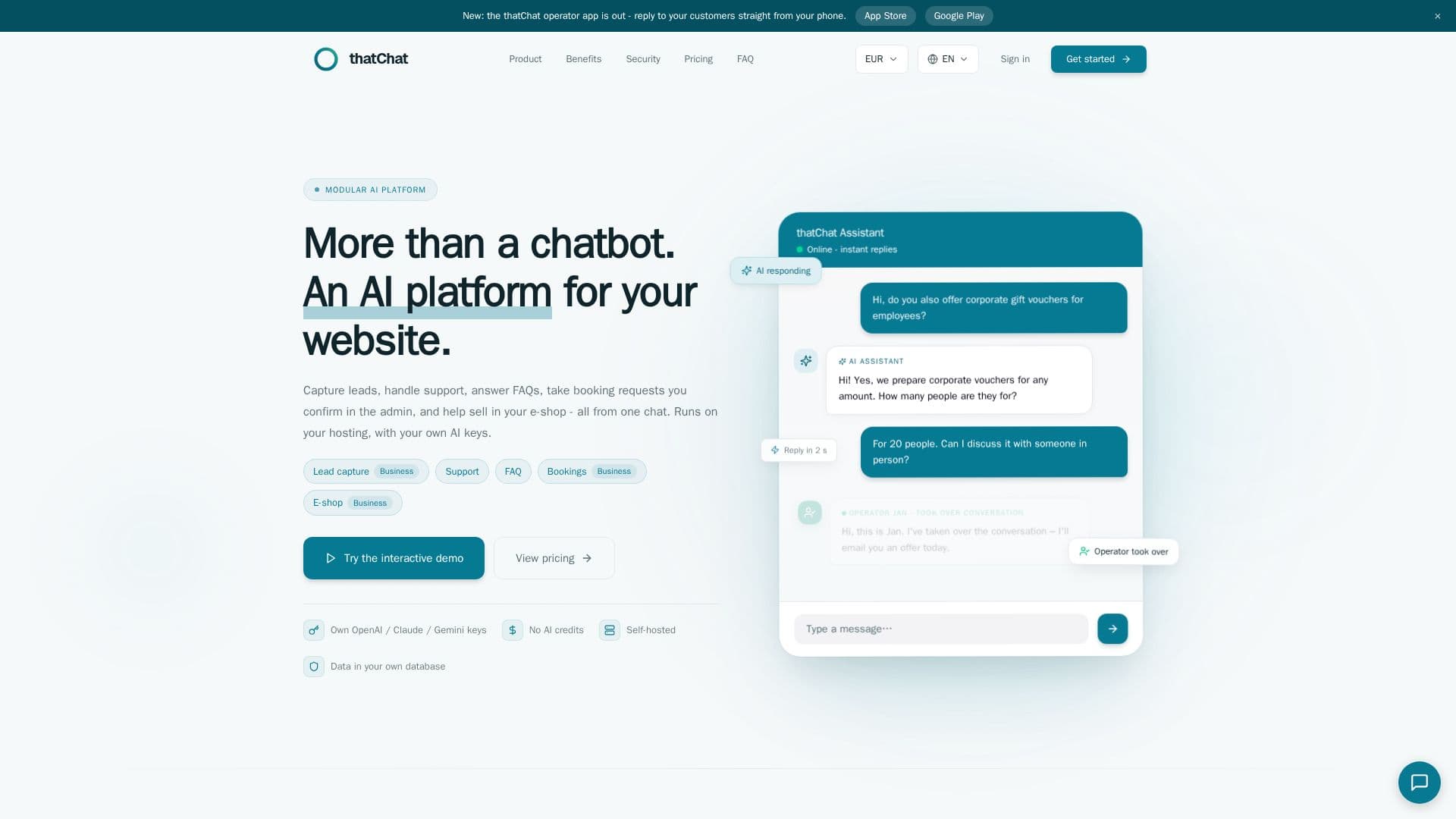
Description
thatChat is a modular AI platform tailored for web and e-commerce applications. It provides a comprehensive solution for capturing leads, handling customer support, answering FAQs, and processing booking requests. Unlike traditional SaaS models, thatChat is self-hosted, giving users complete control over their data and configurations. Users can deploy the platform on their own infrastructure, whether it's standard PHP hosting, VPS, or Docker, and connect it with AI providers like OpenAI, Anthropic Claude, Google Gemini, Groq, and Mistral.
Read More
The platform supports multiple AI models, allowing users to set priorities and automatic fallbacks. This flexibility ensures that businesses can tailor their AI interactions to meet specific needs. thatChat also integrates seamlessly with existing workflows, offering features like AI-to-human handoff, lead capture, and booking requests. The platform is designed with GDPR compliance in mind, providing tools for data export, erasure, and consent management.
Pricing for thatChat is transparent, with users paying directly for AI API usage based on actual consumption. The platform offers different plans to cater to various business sizes, from small sites to large enterprises. Each plan includes features like a knowledge base, operator handoff, and multilingual support, with advanced options available for larger teams.
thatChat's value proposition lies in its independence and customization capabilities. By avoiding vendor lock-in and offering a self-hosted solution, businesses can maintain control over their AI interactions and data. This approach not only reduces support costs but also ensures faster response times and enhanced data security.
- CategoryAI Chatbots
- Pricing ModelPaid
- DeploymentSelf-hosted
- PlatformsPHP, VPS, Docker
thatChat's Core Features
Self-hosted AI platform
Supports multiple AI providers
Lead capture and booking requests
AI-to-human handoff
GDPR compliance tools
Multilingual support
Customizable AI model orchestration
No vendor lock-in
How to use thatChat?
Deploy: Upload thatChat via FTP/SFTP to your PHP hosting
Connect AI: Connect your AI provider like OpenAI or Anthropic
Train knowledge: Import data from your website or feeds
Go live: Launch AI support and manage conversations
thatChat's Use Cases
- Lead Generation
- Customer Support
- FAQ Management
- Booking Requests
- E-commerce Assistance