
Description
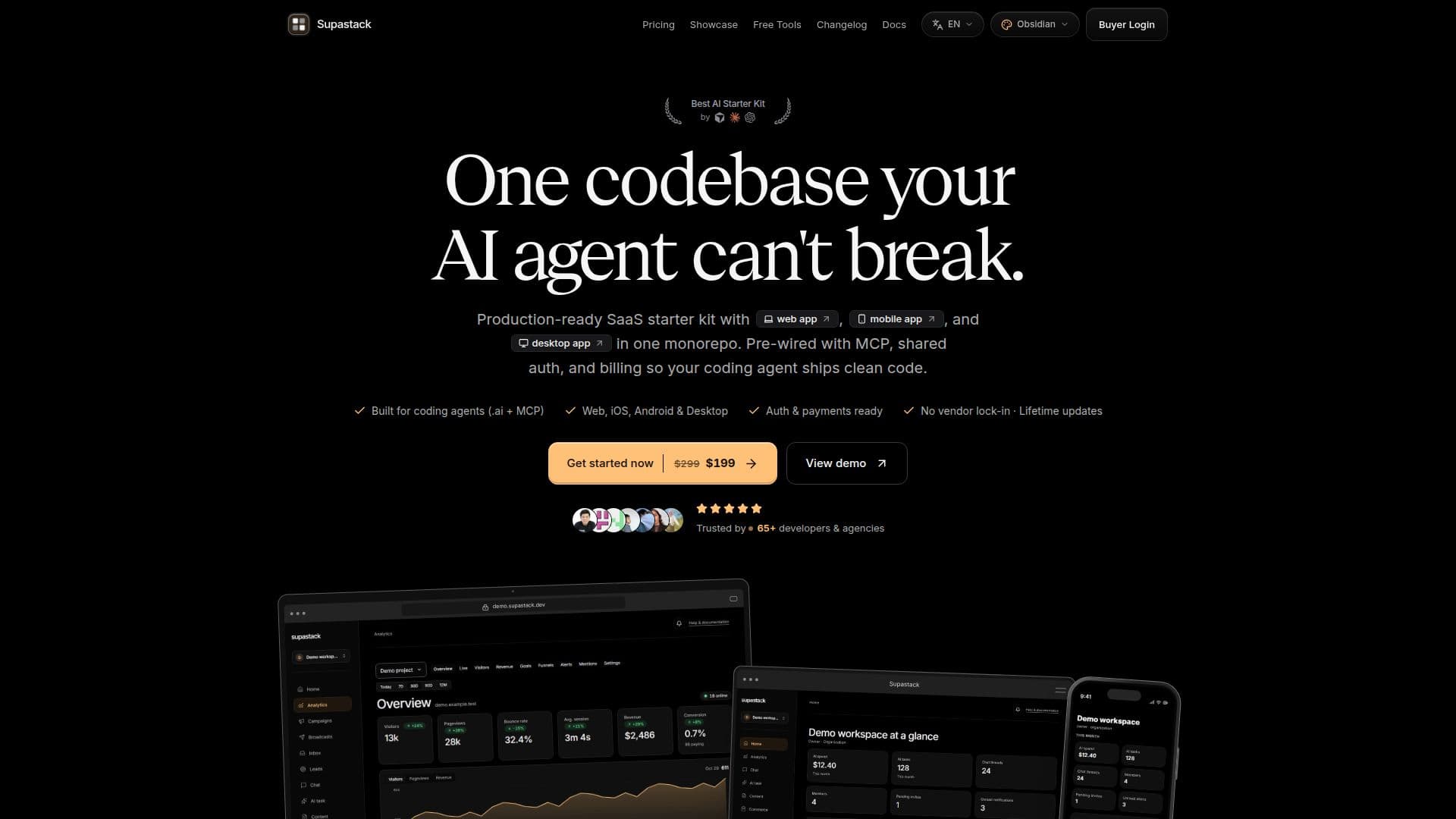
Supastack offers a comprehensive AI SaaS starter kit designed to accelerate the development of web, mobile, and desktop applications. It provides a modular, production-ready foundation built on a unified TypeScript codebase, integrating Next.js for web, Expo for iOS and Android, and Tauri for macOS and Windows. This monorepo approach streamlines development by allowing a single codebase to power multiple platforms.
Read More
The kit comes pre-wired with essential functionalities, including robust authentication (email, OTP, social sign-in scoped to personal workspaces), flexible payment processing (checkout, customer portal, webhooks across eight providers), and integrated AI workflows. Developers can bring their own AI keys, route providers, and cap spending, making it adaptable to various AI service needs. Additionally, it supports background jobs and transactional email, ensuring a complete backend solution.
Supastack aims to save significant development time and cost by providing a ready-to-use foundation, allowing developers to focus on building unique product features rather than repetitive setup tasks. It includes features like shared authentication, team workspaces, and a pre-configured AI router. The platform emphasizes no vendor lock-in and offers lifetime updates with a one-time license purchase.
Targeted at developers, startups, and agencies, Supastack provides editable source code and extensive documentation to facilitate customization and rapid deployment. It supports various sign-in methods, AI chat with conversation history and spending limits, and subscription-based billing with paid features. The kit also addresses mobile-specific payments through RevenueCat and ensures AI access keys are encrypted and usage is tracked for privacy and security. With options for standalone platforms or a full bundle, Supastack is designed to be a solid base for launching profitable AI SaaS products.
- CategoryAI App Builders
- Pricing ModelOne-time purchase
- DeploymentCloud
- PlatformsWeb, iOS, Android, macOS, Windows
Supastack's Core Features
Unified TypeScript Monorepo
Multi-platform Support (Web, iOS, Android, Desktop)
Pre-wired Authentication (Email, OTP, Social Sign-in)
Integrated Stripe Billing & Payments
AI Provider Integration with Usage Budgets
Team Workspaces
Background Jobs
Transactional Email Services
Lifetime Updates
No Vendor Lock-in
Editable Source Code
AI Chat with Conversation History
Usage Tracking and Spending Limits for AI
Mobile Purchases via RevenueCat
Encrypted AI Access Keys
How to use Supastack?
Prepare Environment: Install Node.js 22+, Git, an editor, and Corepack, then clone the Supastack repository.
Install Dependencies: Run `corepack pnpm install` from the repository root to download necessary libraries.
Configure Environment: Create `.env` and `apps/web/.env.local` files with local settings for demonstration.
Start Web Server: Execute `corepack pnpm dev` to launch the web application, typically on `http://localhost:3000`.
Access Demonstration: Open `http://localhost:3000/dashboard` in your browser to interact with the local demo workspace.
Test AI Task: Navigate to the AI task section, enter a request, and run a local AI task to see the simulated output.
Set Up Database: For persistent accounts and real sign-up, configure Postgres and apply migrations.
Customize & Launch: Add branding, product features, connect service accounts, and test before deploying your app.
Supastack's Use Cases
- Rapid AI SaaS Development
- Multi-Platform App Creation
- Secure User Authentication
- Subscription Billing Integration
- Custom AI Workflow Integration
- Backend Foundation for Startups
- Developer Productivity Enhancement
- Mobile App Monetization