
Description
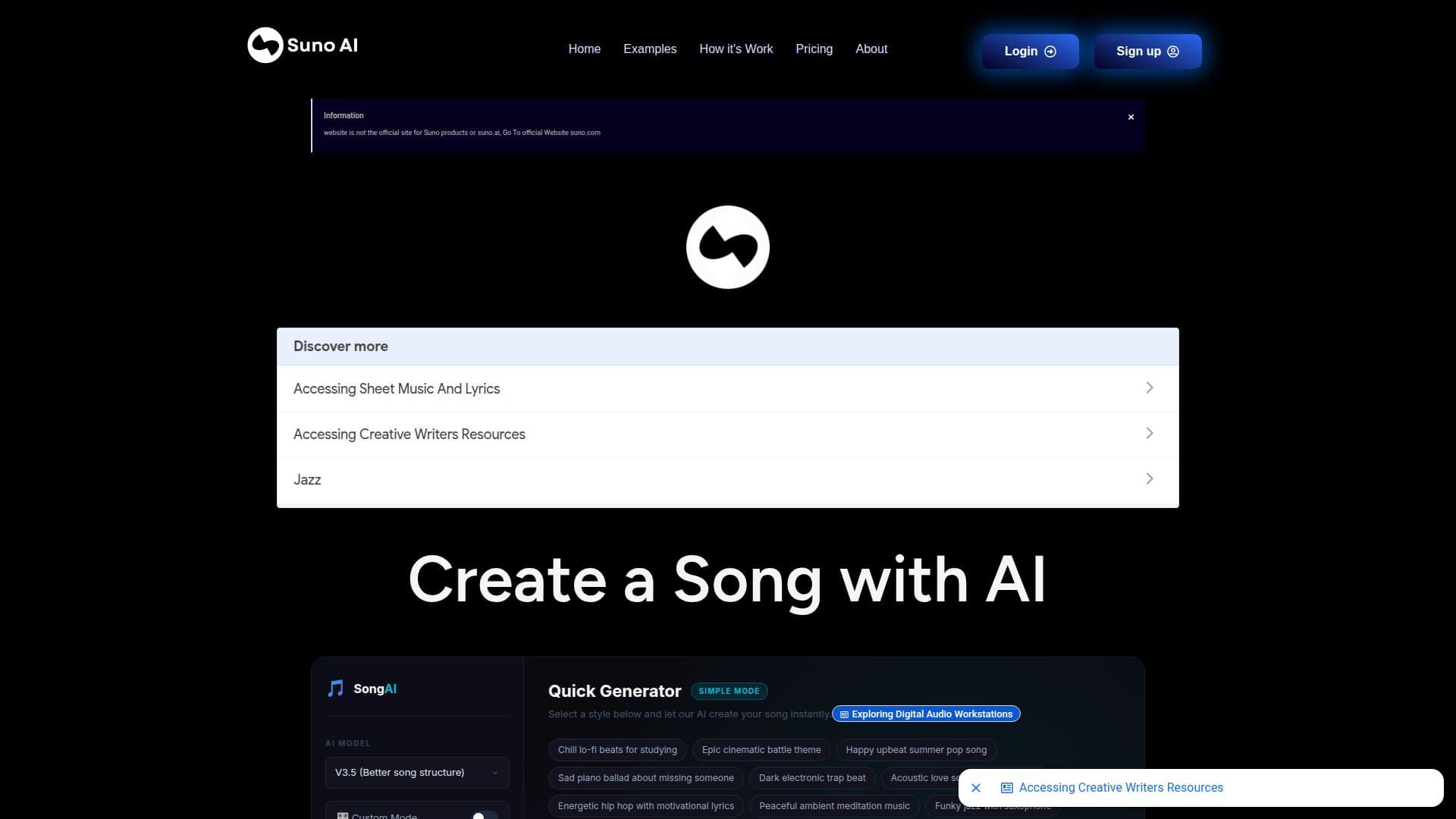
Suno AI at suno-ai.org is an online music-generation page where you describe the song you want and the AI creates it. You enter a text description and click Create to generate a track, with additional controls for style, structure, and vocals.
Read More
The workflow supports a Custom Mode for controlling style, structure, and vocals, and an Instrumental option for producing music without vocals. You can listen to a sample first and then create your own custom song.
The site notes it is an information website and not the official site for Suno products or suno.ai, and directs users to the official website at suno.com. It is aimed at anyone who wants to turn a written idea into a finished song without music production experience.
- CategoryAI Music Generators
- Pricing ModelFreemium
- DeploymentCloud
- PlatformsWeb
Suno AI (suno-ai.org)'s Core Features
Text-to-song generation from a written description
Custom Mode for control over style, structure, and vocals
Instrumental mode for music without vocals
Listen to a sample before creating your own track
Browser-based creation with no music skills required
Free first song generation
How to use Suno AI (suno-ai.org)?
Describe your song: Enter a text description of the music you want.
Choose a mode: Use Custom Mode to control style, structure, and vocals, or enable Instrumental for no vocals.
Generate: Click Create and let the AI produce your song.
Preview and refine: Listen to the result and adjust your description to create another version.
Suno AI (suno-ai.org)'s Use Cases
- Custom songs
- Instrumental tracks
- Quick music ideas