
Description
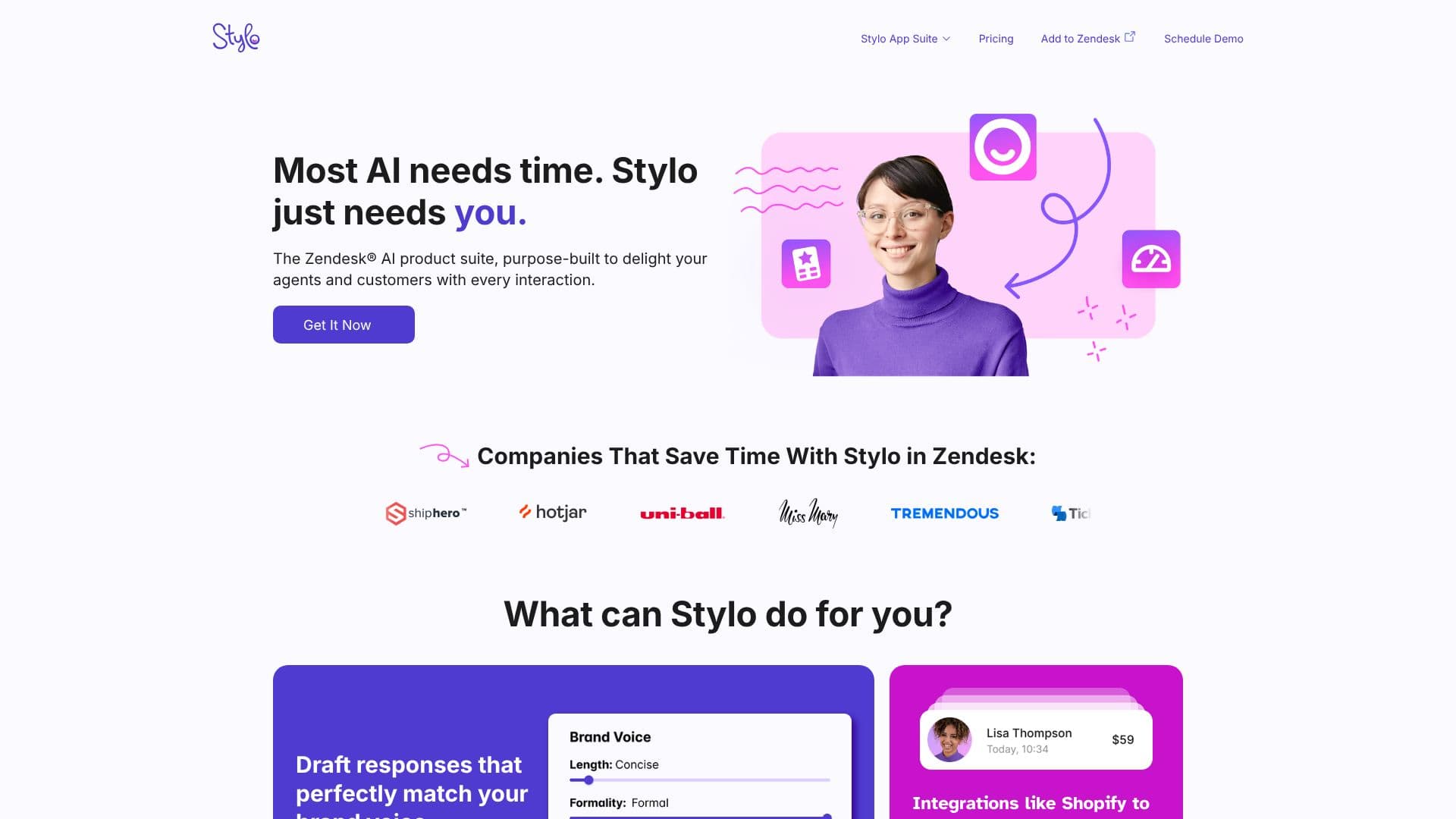
Stylo acts as an AI assistant embedded within every Zendesk ticket, designed to streamline customer support operations. Its primary function is to comprehend the nuances of customer inquiries, identify the most appropriate solutions from available resources, and generate draft responses for support agents. This allows agents to quickly review and send replies, significantly reducing handling times.
Read More
One of Stylo's key strengths is its ability to maintain brand voice consistency. Users have control over how Stylo communicates, ensuring that the drafted responses align with their company's unique tone and style. This is crucial for delivering a personalized and professional customer experience.
To enhance its contextual understanding and response quality, Stylo offers a library of integrations. These integrations, such as with Shopify, provide the AI with relevant data to craft more informed and effective replies. Beyond ticket responses, Stylo also includes applications for voice and call analysis. The Stylo Voice and Scores apps enable users to translate, score, and summarize calls, ensuring that actionable insights from customer interactions are not missed.
Furthermore, Stylo aids in knowledge base management with its Scribe & Scorecard features. It provides monthly reports on Help Center effectiveness for AI use and assists in drafting, translating, and improving knowledge base articles. This proactive approach to content management ensures that support resources are optimized for both human agents and AI assistance.
Stylo is priced to be accessible, starting at $15 per agent per month. The platform has received positive feedback from users who highlight its efficiency gains, the insightful nature of its responses, and its ability to elevate workflows. The integration with tools like ChatGPT is noted as a game-changer for reducing SLA response times and improving customer sentiment.
- CategoryAI Personal Assistants
- Pricing Model$15/agent per month
- DeploymentZendesk App
- PlatformsWeb
Stylo Zendesk AI Assistant's Core Features
AI-powered Zendesk ticket analysis
Automated response drafting
Brand voice customization for replies
Integration library for enhanced context
Voice and call summarization tools
Knowledge base article drafting and improvement
Help Center AI readiness reporting
Reduced customer support response times
Improved customer experience through sentiment analysis
Efficient agent workflow enhancement
How to use Stylo Zendesk AI Assistant?
Integrate: Add the Stylo app to your Zendesk account.
Configure: Set up brand voice preferences and connect relevant integrations.
Analyze: Allow Stylo to process incoming Zendesk tickets and calls.
Draft: Review AI-generated response suggestions within tickets.
Edit & Send: Refine drafted replies and send them to customers.
Optimize: Utilize Scribe & Scorecard for knowledge base improvement.
Monitor: Track performance with AI insights and reports.
Stylo Zendesk AI Assistant's Use Cases
- Automated Ticket Responses
- Brand Voice Consistency
- Call Analysis and Summarization
- Knowledge Base Enhancement
- Support Efficiency Improvement
- Customer Experience Elevation
- Contextual Response Generation