
Description
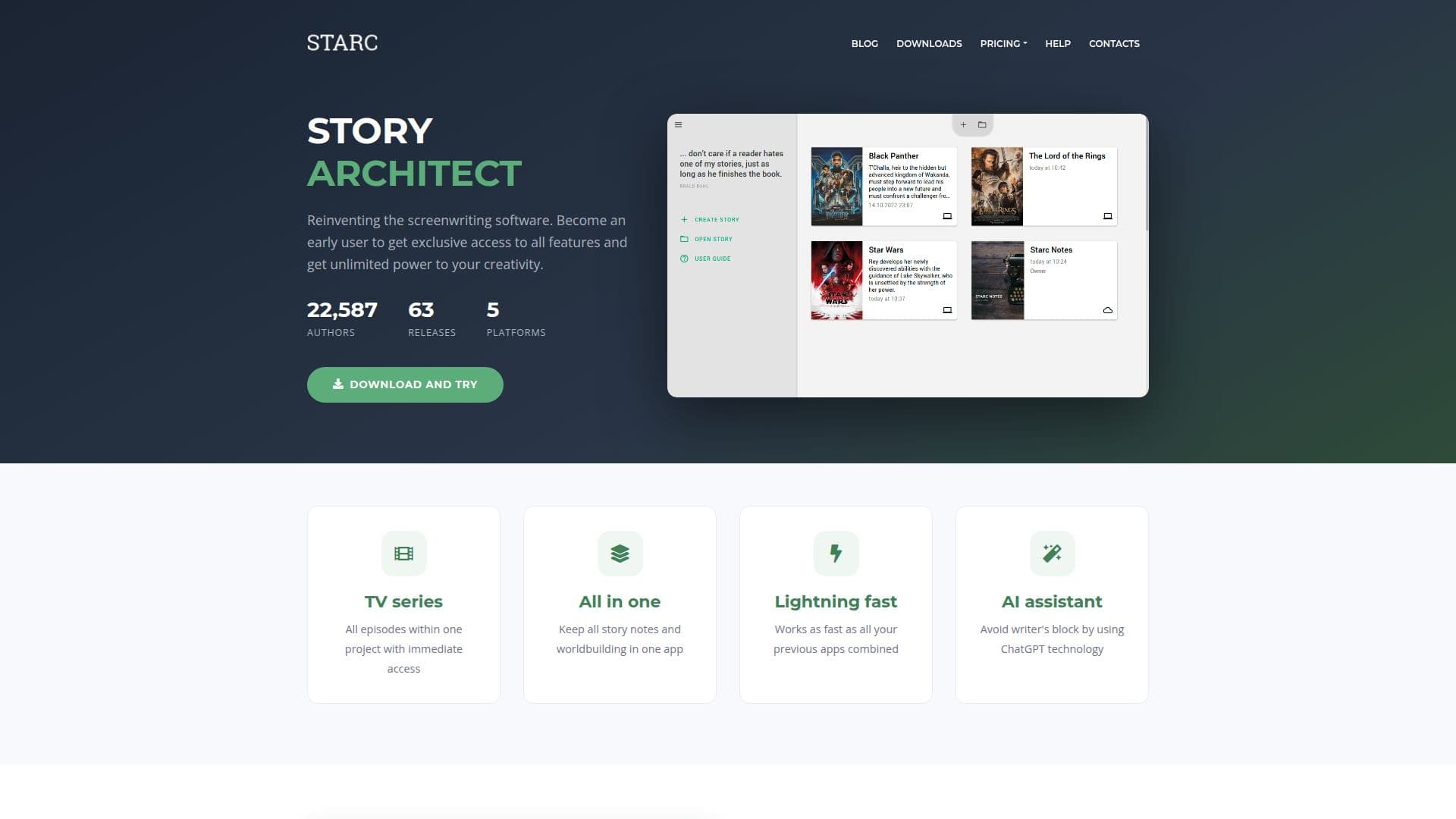
Story Architect is a versatile screenwriting application available for Mac, Windows, and iPhone. It provides a smooth and powerful writing experience tailored for dedicated authors. The app is designed to streamline the screenwriting process by offering only the necessary features, ensuring a faster workflow compared to other apps.
One of the standout features of Story Architect is its AI assistant, which leverages ChatGPT technology to help writers overcome creative blocks. This assistant can paraphrase, summarize, augment, shorten, and generate text on demand, making it a valuable tool for authors working in any language.
The app supports multiple forms of storytelling within a single project, including screenplays, comics, plays, and books. Users can store all their story notes and worldbuilding elements in one place, with the ability to create unlimited projects even in the free version.
Story Architect also includes a script editor that handles text formatting according to industry standards, allowing writers to focus solely on their stories. The virtual card board feature provides a visual way to organize and structure stories, with options to apply color tags, make notes, and arrange cards by act.
Additional tools such as mind maps, character profiles, and a dark or light theme enhance the writing experience. The app is developed with strong author involvement, ensuring that it meets the needs of its users. Future updates will include showrunner tools, series planning, and more.
Pricing for Story Architect is flexible, allowing users to pay only for the features they need. The personal license includes unlimited projects and documents, while educational licenses offer discounts for students and professors. The AI assistant is powered by credits, which can be purchased separately.
Story Architect's Core Features
AI assistant for creative support
Unlimited projects and documents
Script formatting automation
Virtual card board for story structure
Mind map tool for brainstorming
Character profiles and visual references
Dark and light themes
Real-time collaboration
How to use Story Architect?
Configure: Set up your project preferences
Use: Start writing with AI assistance
Organize: Use the virtual card board for structure
Optimize: Customize themes and settings
Story Architect's Use Cases
- Screenwriting
- Story Planning
- Character Development
- Collaborative Writing
- Creative Brainstorming