Description
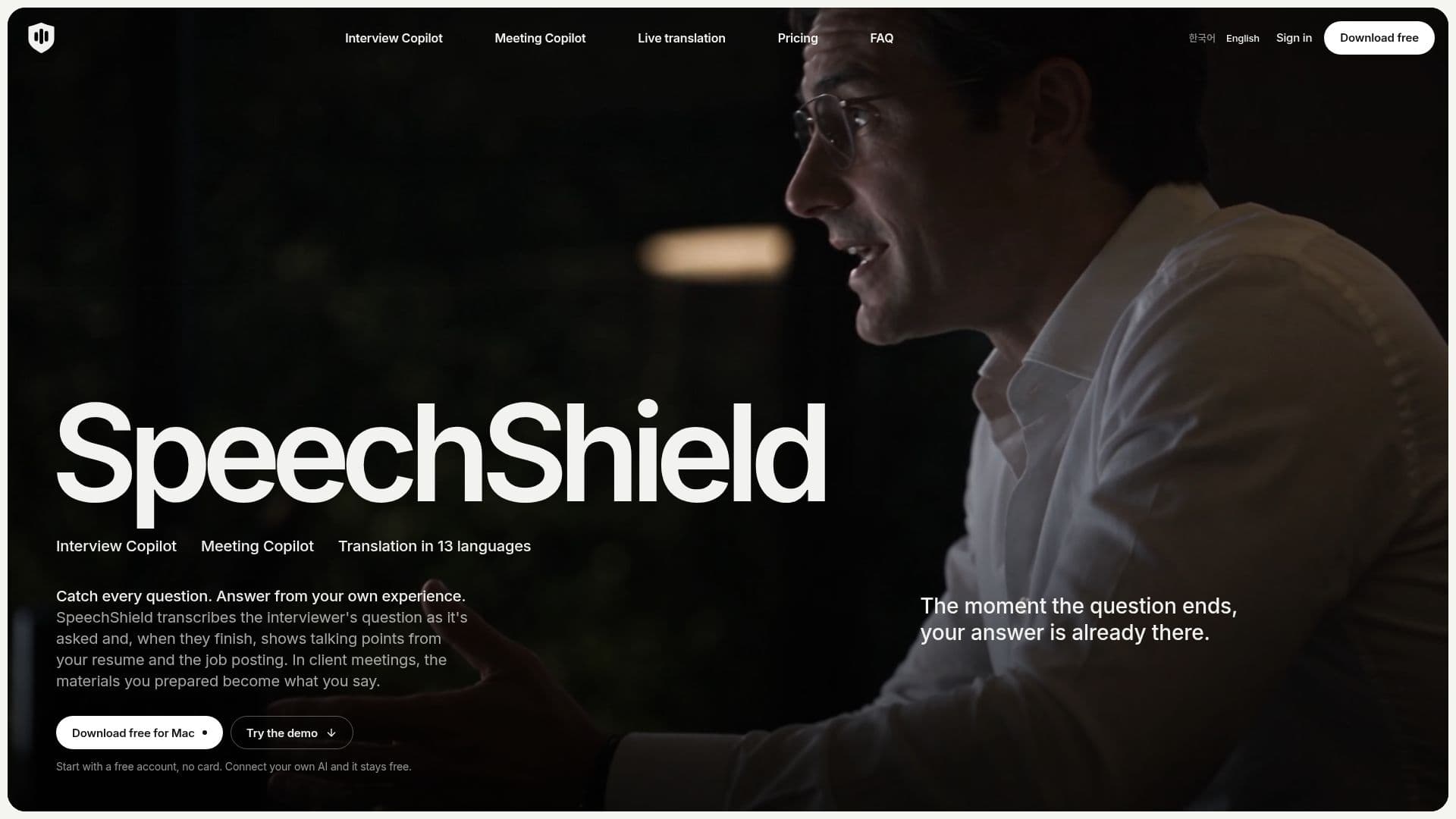
SpeechShield is an innovative application designed to assist users during interviews, meetings, and live translations. It operates by transcribing the interviewer's questions and providing relevant talking points based on the user's resume and job posting. This functionality ensures that users can respond accurately and confidently, even when faced with challenging questions.
Read More
In addition to interviews, SpeechShield is equipped to handle client meetings by using proposals, price lists, and notes to suggest responses. This feature is particularly useful for professionals who need to provide precise information without fabricating details. The application supports live translation in 13 languages, allowing users to read suggestions in their preferred language during English interviews.
SpeechShield is compatible with Apple silicon Macs running macOS 26 or later, and it can be accessed via iOS Safari or Android Chrome on phones connected to the same Wi-Fi. The tool is designed to be undetectable during screen sharing, ensuring privacy and discretion.
Users can start with a free account, which includes a one-time trial of SpeechShield-hosted AI, offering 60 minutes and 50 answers. For unlimited use, users can connect their own API key or use the Claude or Codex CLI on their Mac. Pro and Max plans offer extended features and usage, with Pro providing 1,200 minutes and 1,000 answers per month, and Max offering unlimited access under fair use.
SpeechShield is ideal for professionals who require assistance in interviews and meetings, providing a seamless experience that enhances communication and understanding. The application is secure, with data encrypted on the user's Mac, and it offers flexibility in choosing the AI model for transcription, answers, and translation.
- CategoryAI Meeting Assistants
- Pricing ModelFreemium
- DeploymentCloud
- PlatformsmacOS
SpeechShield's Core Features
Interview transcription and talking points
Meeting transcription and suggestions
Live translation in 13 languages
Free plan with trial AI usage
Pro and Max subscription plans
Compatibility with Apple silicon Macs
Undetectable during screen sharing
Encrypted data storage on Mac
Integration with Claude and Codex CLI
Phone browser access via QR code
How to use SpeechShield?
Configure: Set up interview or meeting context
Use: Transcribe and receive suggestions
Optimise: Choose AI model for tasks
Review: Access session history and notes
SpeechShield's Use Cases
- Interview Preparation
- Client Meetings
- Live Translation
- Mock Interviews
- Screen Sharing Privacy