Description
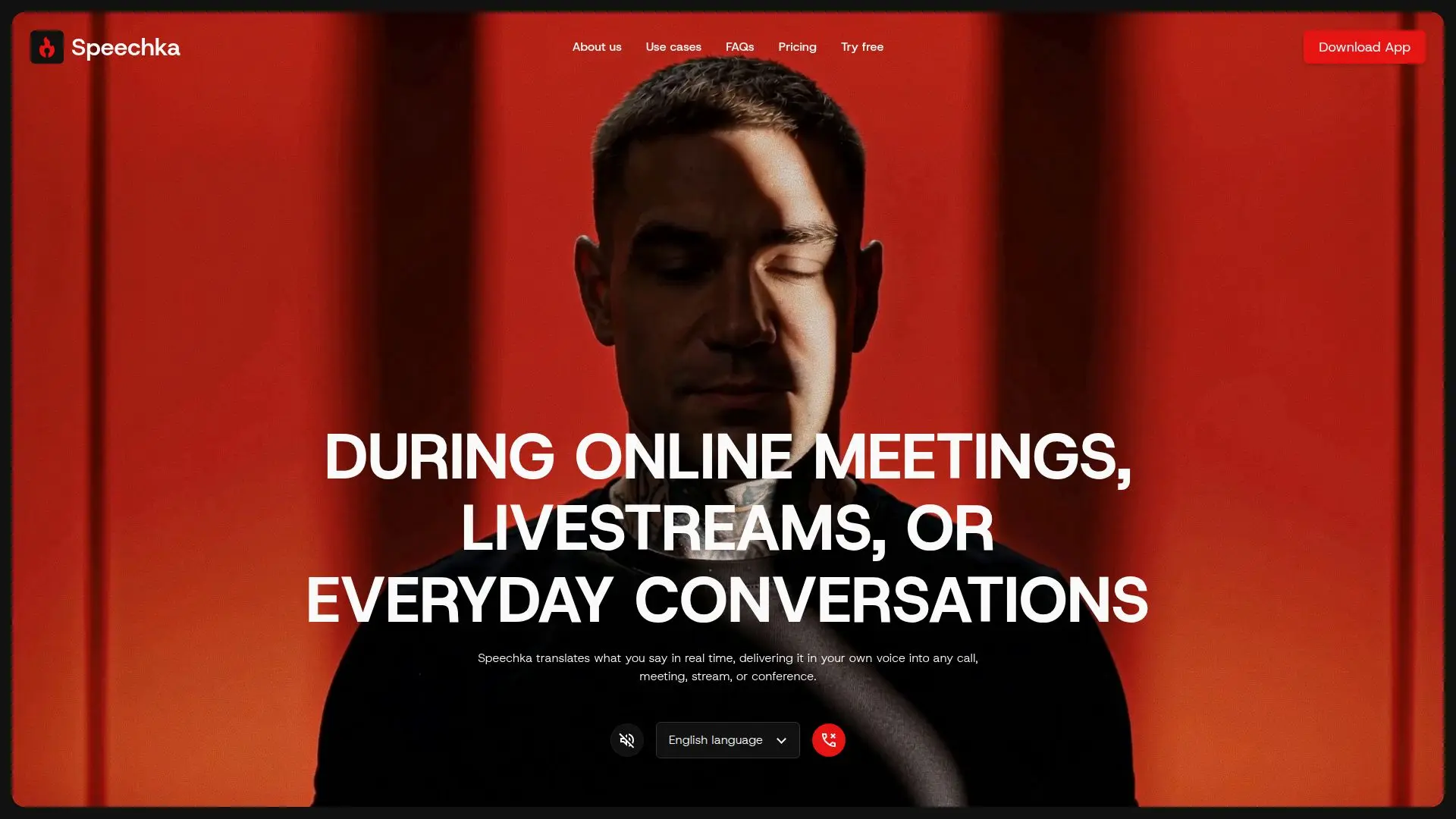
Speechka is a cutting-edge real-time voice translation application designed to facilitate seamless communication across language barriers. By translating your speech into another language while preserving your own voice, Speechka ensures that conversations remain natural and engaging. This tool is particularly useful for meetings, calls, livestreams, and conferences, where clear communication is essential.
Read More
The app offers two modes of operation: Listen Mode and Broadcast Mode. In Listen Mode, translated speech is played back only to you through your headphones or speakers, making it ideal for practicing languages or checking pronunciation. Broadcast Mode, on the other hand, sends your translated voice directly to other participants, allowing them to hear your personal voice in their own language while you continue speaking naturally.
Speechka supports integration with a wide range of applications that accept microphone input, including popular platforms like Zoom, Google Meet, Microsoft Teams, Discord, Slack, OBS, and Webex. This flexibility ensures that you can use Speechka with the tools you already rely on for communication.
The app allows you to create a personal voice profile, ensuring that your translated speech maintains your identity, speaking style, and natural accent. This feature is particularly beneficial for professional settings where maintaining personal branding is important.
Speechka offers a free trial period, allowing users to experience its capabilities before committing to a subscription. The monthly subscription is priced at USD 19.99, providing users with credits for meetings, conferences, livestreams, and more. Additional credits can be purchased as needed.
Overall, Speechka is designed for individuals and organizations that require effective multilingual communication without the need for subtitles or interpreters. Its context-aware translation capabilities ensure that conversations remain fluid and natural, making it an invaluable tool for international teams, educators, event organizers, and content creators.
- CategoryAI Translators
- Pricing ModelSubscription
- DeploymentCloud
- PlatformsWeb, Desktop
Speechka's Core Features
Real-time voice translation
Preserves personal voice
Supports 44 languages
Listen and Broadcast modes
Integrates with popular apps
Personal voice profile creation
Context-aware translation
Monthly subscription with credits
How to use Speechka?
Choose languages: Select the languages for translation
Create your voice: Record your personal voice profile
Start translation: Begin speaking to hear real-time translation
Use modes: Choose between Listen and Broadcast modes
Speechka's Use Cases
- Multilingual Meetings
- Live Conferences
- Global Livestreams
- Educational Workshops
- International Sales Calls