Description
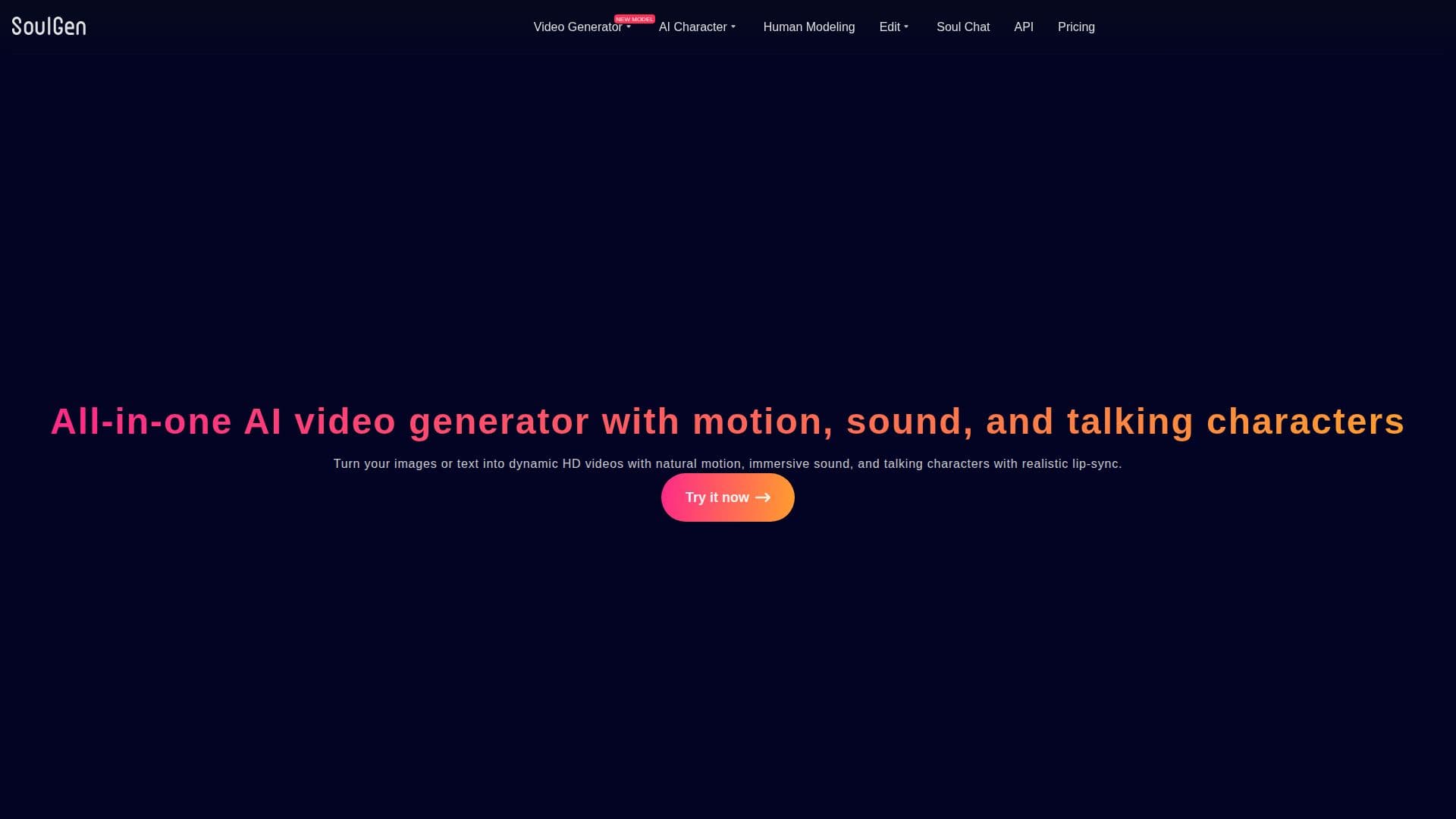
SoulGen is an AI-powered image and video generation platform that turns text prompts and reference images into visual content. Its video generator produces HD videos at 720p and 1080p with natural motion, immersive sound, and realistic lip-synced speech, using deep learning models trained on large-scale video and audio data.
Read More
Beyond video, SoulGen offers text-to-image generation in realistic or anime styles, AI image editing to add, extend, or remove content with simple text prompts, and AI outpainting to expand an image with new backgrounds and elements. It can also create lookalike portraits from a reference photo, and includes AI character and human modeling features.
The platform runs on a credit-based system, with costs varying by feature, model, resolution, and whether audio is included. AI-generated videos are unique to each user's inputs and, according to the site, can be used for commercial purposes as long as the content complies with applicable laws and does not infringe third-party rights. User-generated content is automatically deleted from SoulGen's servers within seven days.
SoulGen provides an OpenAPI for developers, covering video generation, text-to-image, image editing, and task and material queries, with AK and AK/SK authentication and signed webhook callbacks. It is operated by Synapse AI Limited, incorporated in Hong Kong.
- CategoryAI Image Generators
- Pricing ModelUsage-based
- DeploymentCloud
- PlatformsWeb
SoulGen's Core Features
AI video generation with motion, sound, and lip-sync
HD output at 720p and 1080p
Image-to-video and text-to-video generation
Text-to-image generation in realistic or anime styles
AI image editing to add, extend, or remove content
AI outpainting to expand images with new elements
Lookalike portrait creation from a reference photo
Developer OpenAPI with signed webhook callbacks
How to use SoulGen?
Upload a reference image: Add an image or select from your creations to start.
Describe your video: Enter a text prompt describing the video or edit you want.
Choose a model and options: Select the model, resolution, and whether to include audio.
Generate and download: Produce the video or image and download the result.
SoulGen's Use Cases
- Talking videos
- Image-to-video
- Portrait creation
- Image editing
- Image expansion