Description
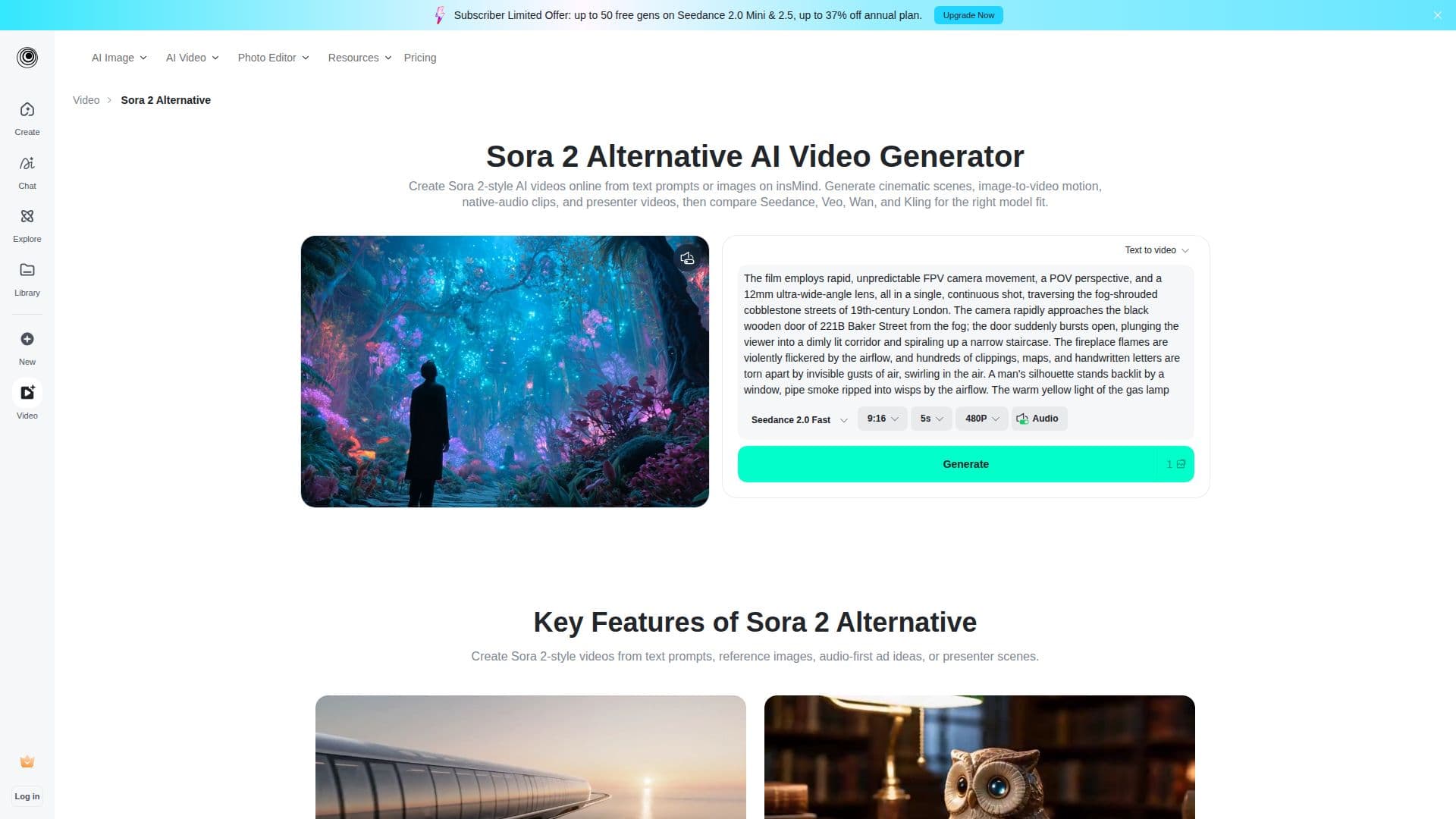
insMind offers a powerful online AI video generator that serves as an alternative to Sora 2, enabling users to create videos from text prompts, images, and audio. This platform is designed for those who seek to produce high-quality cinematic clips, advertisements, social media content, and presenter scenes without the need for extensive editing skills.
Read More
The Sora 2 alternative AI video generator allows users to start with detailed prompts that specify the subject, scene, camera movement, lighting, and audio mood. This flexibility supports various searches related to Sora 2, including text-to-video and image-to-video functionalities. Users can also upload reference images and describe how they should animate, making it ideal for creating engaging visual content.
One of the standout features of insMind is its support for native audio, allowing users to create product reveals and story clips where motion and sound design work in harmony. For videos that require human faces or talking elements, the Kling AI video generator route is recommended, ensuring identity consistency and appropriate pacing.
insMind also facilitates comparisons with other popular AI video models such as Seedance 2.5, Google Veo 3.1, and Wan 2.7, helping users choose the best model based on their specific needs for speed, audio quality, and realism. This makes it a valuable tool for anyone searching for a Sora 2 alternative or looking to enhance their video creation process.
The platform is user-friendly and caters to a wide range of creators, marketers, and businesses, enabling them to turn ideas into polished content quickly and efficiently. Whether for social media, marketing campaigns, or educational purposes, insMind provides the tools necessary to create visually appealing videos that capture attention and engage audiences effectively.
- CategoryAI Video Generators
- Pricing ModelFreemium
- DeploymentCloud
- PlatformsWeb
Sora 2 (insMind)'s Core Features
Text-to-Video Scene Generation
Image-to-Video from a Reference
Native Audio for Ads and Stories
Presenter Videos with Stable Faces
Model Comparison for Video Creation
Cinematic Clip Generation
Social Media Video Optimization
User-Friendly Interface
How to use Sora 2 (insMind)?
Step 1: Start with a Prompt or Image - Write a detailed prompt or upload a reference image.
Step 2: Pick the Workflow - Choose between prompt-to-video, image-to-video, or Kling for presenter videos.
Step 3: Generate and Review - Check the output for quality and refine the prompt if necessary.
Step 4: Export for Your Channel - Download the video in the appropriate format for your platform.
Sora 2 (insMind)'s Use Cases
- Social Media Videos
- Marketing Videos
- Educational Content
- Product Demos
- Creative Storytelling