Description
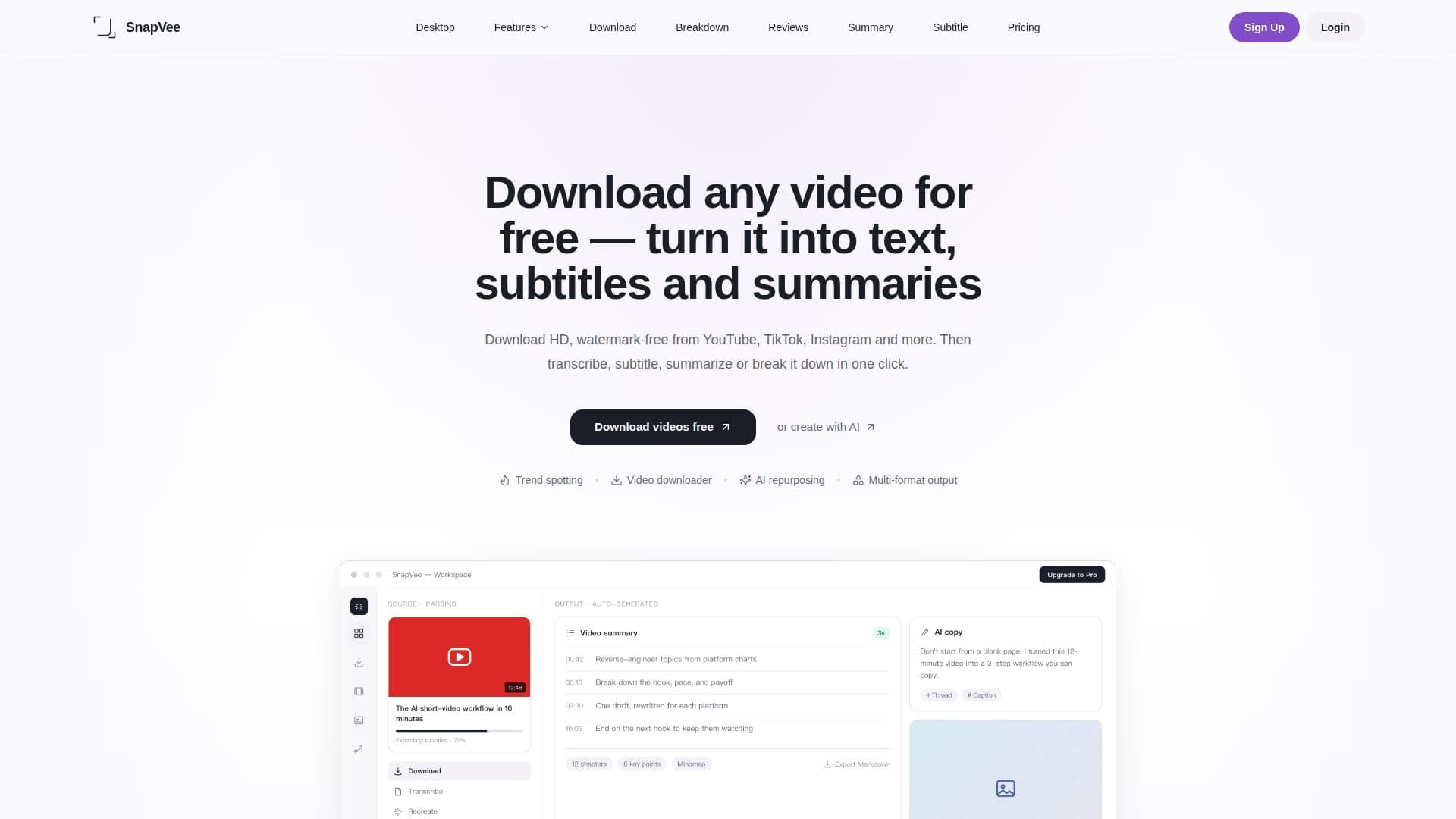
SnapVee is an AI content workspace designed for creators, enabling them to download public videos from platforms such as YouTube, TikTok, Instagram, X, Facebook, Threads, Pinterest, and Vimeo in high-definition 4K resolution without watermarks. The tool simplifies the process of transforming video content into various formats, including text and subtitles, making it an essential resource for content creators, educators, and social media managers.
Read More
With SnapVee, users can easily transcribe videos to text, generate bilingual subtitles, and obtain structured video summaries. The platform supports a range of public content, ensuring that users can access and repurpose material they are authorized to use. By pasting a public link or uploading a local file, users can initiate subtitle transcription to receive timestamped text with SRT/VTT export options, or utilize the video summary feature for structured notes and key points.
The AI image generation capabilities of SnapVee further enhance its utility, allowing users to create visuals for their content. The platform employs various AI models, including GPT Image 2, Nano Banana, and Seedream, enabling users to switch models based on their specific needs. SnapVee operates on a freemium model, offering a free trial that includes limited downloads and media minutes, while also providing a Pro subscription for users requiring more extensive capabilities.
SnapVee is built to streamline the content creation workflow, combining video downloading, transcription, summarization, and AI image generation under one account. This integration reduces the need for creators to switch between multiple tools, thus enhancing productivity and efficiency. Whether for personal use, educational purposes, or professional content creation, SnapVee serves as a comprehensive solution for managing video content effectively.
- CategoryOther AI Tools
- Pricing ModelFreemium
- DeploymentCloud
- PlatformsWeb, Desktop
SnapVee's Core Features
4K video downloads
No watermark downloads
Subtitle transcription
Bilingual subtitles generation
Video summarization
AI image generation
Desktop watermark removal
Public video intake for creator workflows
Unlimited downloads with Pro subscription
Monthly media minutes and AI credits
How to use SnapVee?
Paste a public video link or upload a local file.
Select the desired output format (text, subtitles, or summary).
Run the subtitle transcription or video summary feature.
Review and export the generated content in SRT or VTT format.
Use AI image generation to create visuals based on prompts.
Access your downloads from the designated folder on your device.
Monitor your usage and allowances through your account dashboard.
SnapVee's Use Cases
- Content Creation
- Transcription Services
- Video Summarization
- AI Image Generation
- Social Media Management