Description
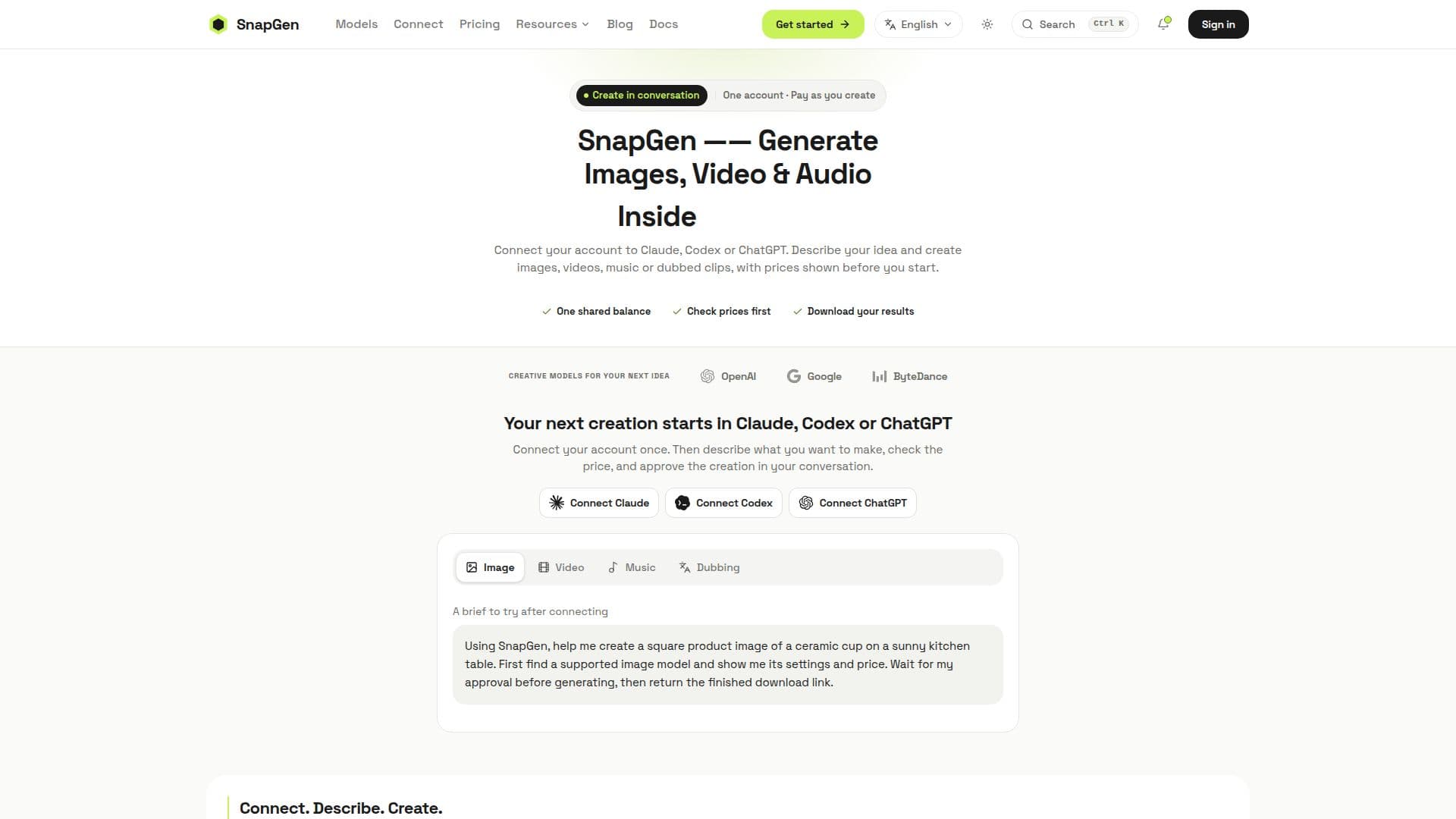
SnapGen provides a comprehensive gateway for creating diverse AI-generated content, including images, videos, music, and dubbed audio. Users can connect their preferred AI assistants, such as Claude, Codex, or ChatGPT, to leverage a wide array of underlying AI models. The platform emphasizes transparency by allowing users to compare model prices and review estimated costs before initiating any generation task.
Read More
At its core, SnapGen acts as an intermediary, offering access to models from leading providers like OpenAI, Google, Meta, Kuaishou, ByteDance, MiniMax, ElevenLabs, Suno, and xAI. This enables users to generate content ranging from text-to-image, image-to-video, and text-to-video, to music composition, speech-to-text transcription, text-to-speech synthesis, voice changing, and audio dubbing. Each model comes with specific capabilities, such as resolution options (e.g., 360p, 720p, 1080p, 4K for video), clip durations, and input types (text prompts, reference images, or even existing audio/video for dubbing).
The workflow is designed to be straightforward: users connect their assistant, describe their desired creation, and then generate. Before a creation is finalized, SnapGen allows for explicit approval of each request, ensuring users are aware of the content, settings, and maximum USD cost. The platform also supports various operations for music generation, including extending, covering, remastering, and splitting stems, as well as different export formats like MP3, WAV, and MIDI.
SnapGen offers a pay-as-you-go pricing model, where users top up their account balance in increments of $5, $20, $50, or $100. This credit system covers the cost of generations, which are billed per request, per second, or per character/token, depending on the model and task. The platform also includes safety checks, reviewing task text and images with OpenAI safety services before generation and checking results before they become available. Commercial use of generated content is permitted, provided it adheres to SnapGen's Terms of Service, Acceptable Use Policy, and the model provider's terms.
- Pricing ModelPay-as-you-go
- DeploymentCloud
- PlatformsWeb
SnapGen's Core Features
AI Image Generation
AI Video Generation
AI Music Generation
AI Audio Dubbing
Model Price Comparison
Integration with Claude, Codex, ChatGPT
Text-to-Video Generation
Image-to-Video Generation
Text-to-Image Generation
Speech-to-Text Transcription
Text-to-Speech Synthesis
Voice Changing
Sound Effects Generation
Pay-as-you-go Pricing
Commercial Use Rights
How to use SnapGen?
Connect Assistant: Open Plugins in ChatGPT or other assistants, add SnapGen as a custom MCP server, and sign in with your SnapGen account.
Choose Model: Use the assistant to search for supported media models by task, family, or model ID.
Inspect Inputs & Price: Read the selected model’s inputs, limits, defaults, and current rate before proceeding.
Create Content: Describe your desired image, video, music, or dubbing task to the assistant.
Approve Request: Confirm the content, settings, and maximum USD cost for the generation request.
Follow Task: Keep the task ID to check status and download the finished output (MP4, MP3, WAV, etc.).
SnapGen's Use Cases
- Creative Content Production
- Audio Dubbing & Translation
- Video Animation from Text/Images
- Music Composition & Editing
- Speech-to-Text Transcription
- Text-to-Speech Narration
- Voice Transformation
- Sound Effects Generation