Description
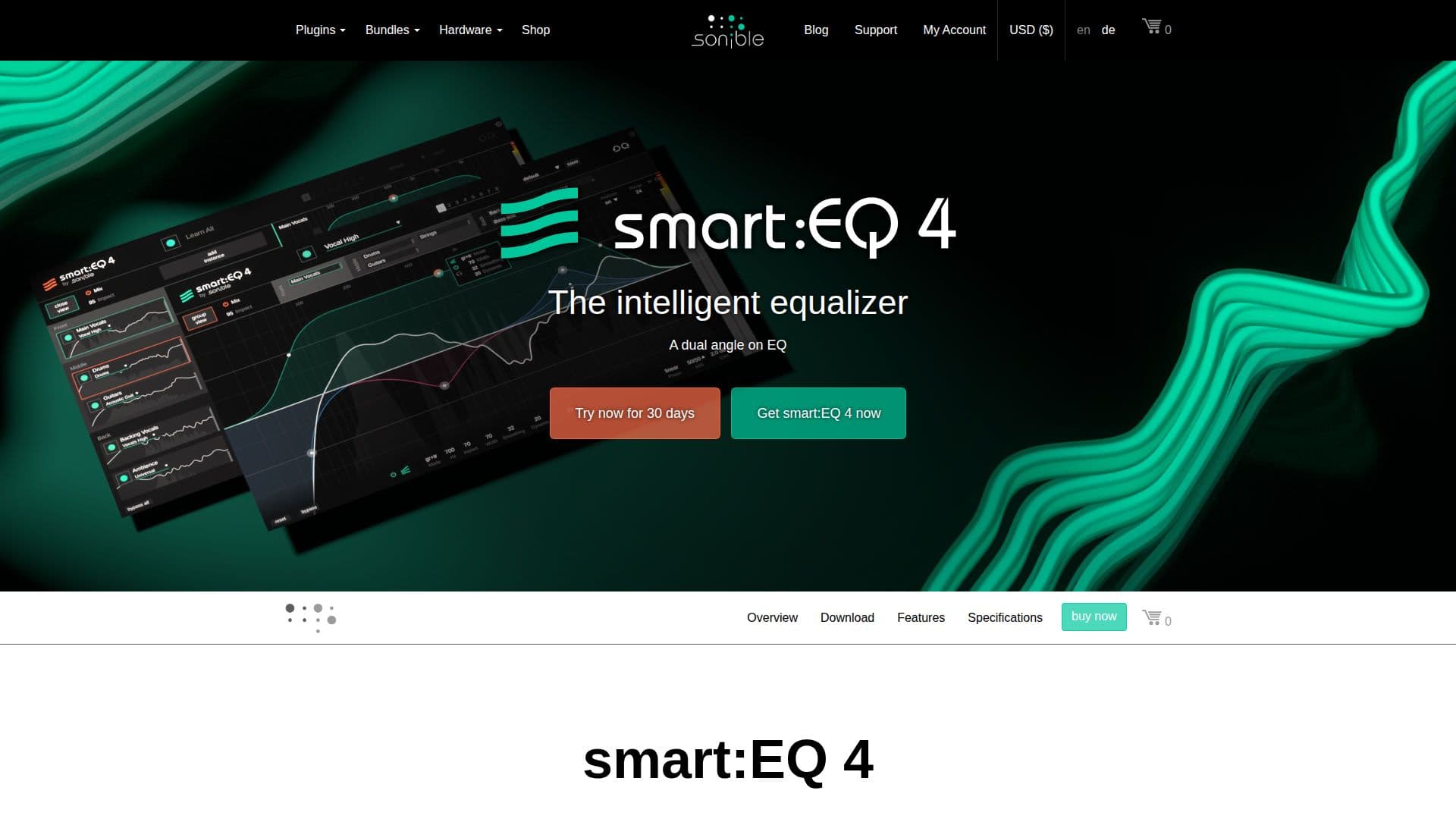
smart:EQ 4 by sonible is an intelligent equalizer designed to streamline the mixing process using advanced AI technology. Within seconds, it creates spectral balance in single audio tracks, allowing users to establish an unmasking hierarchy through a simple drag-and-drop interface. This innovative tool empowers users to approach their projects from a mix perspective, making it easier to manage multiple tracks simultaneously.
Read More
The core of smart:EQ 4 is its AI-filter, which automatically corrects tonal imbalances, ensuring that each track achieves optimal tonal balance. With intelligent cross-channel processing, users can easily control the spectral mixing of up to 10 tracks, setting priorities for each smart:filter. This feature brings elements to the forefront of the mix while allowing others to recede into the background, facilitating a more cohesive sound.
Unlike traditional equalizers that often overlook the context of a mix, smart:EQ 4 keeps the mix context in mind, enabling users to refine their tracks effortlessly. The smart:filter technology allows for automatic balancing based on selected target profiles, which can be customized for different instruments, vocals, or entire mixes. Users can even load reference tracks to create custom profiles, emulating the spectral character of their desired sound.
In addition to its AI capabilities, smart:EQ 4 includes dynamic standard filters, Mid/Side processing, and an Auto Gain feature to compensate for level changes. The comprehensive analyzer feature provides insights into the track at hand and all instances within the same group, enhancing the user's ability to make informed mixing decisions. With its user-friendly interface and powerful features, smart:EQ 4 is a versatile tool that meets the needs of mixing engineers, producers, and musicians alike, making it an essential addition to any audio production workflow.
- CategoryAI Audio Editors
- Pricing ModelFreemium
- DeploymentCloud
- PlatformsWindows, Mac
smart:EQ 4's Core Features
AI-powered equalization
Dynamic EQing
Reference track feature
Auto gain
Mid/Side processing
Smart:filter technology
Hierarchical control over multiple tracks
Customizable profiles for instruments and vocals
Comprehensive analyzer feature
How to use smart:EQ 4?
Configure: Set up the smart:EQ 4 plugin in your DAW.
Select: Choose the target profile for your track.
Adjust: Use the smart:filter to tweak tonal balance.
Mix: Drag and drop up to 10 tracks for spectral mixing.
Analyze: Utilize the analyzer feature for insights on your mix.
Refine: Make adjustments based on the feedback from the analyzer.
Finalize: Apply finishing touches using dynamic filters.
smart:EQ 4's Use Cases
- Mixing Tracks
- Spectral Balancing
- Custom Profile Creation
- Dynamic EQ Adjustments
- Multi-Track Management