Description
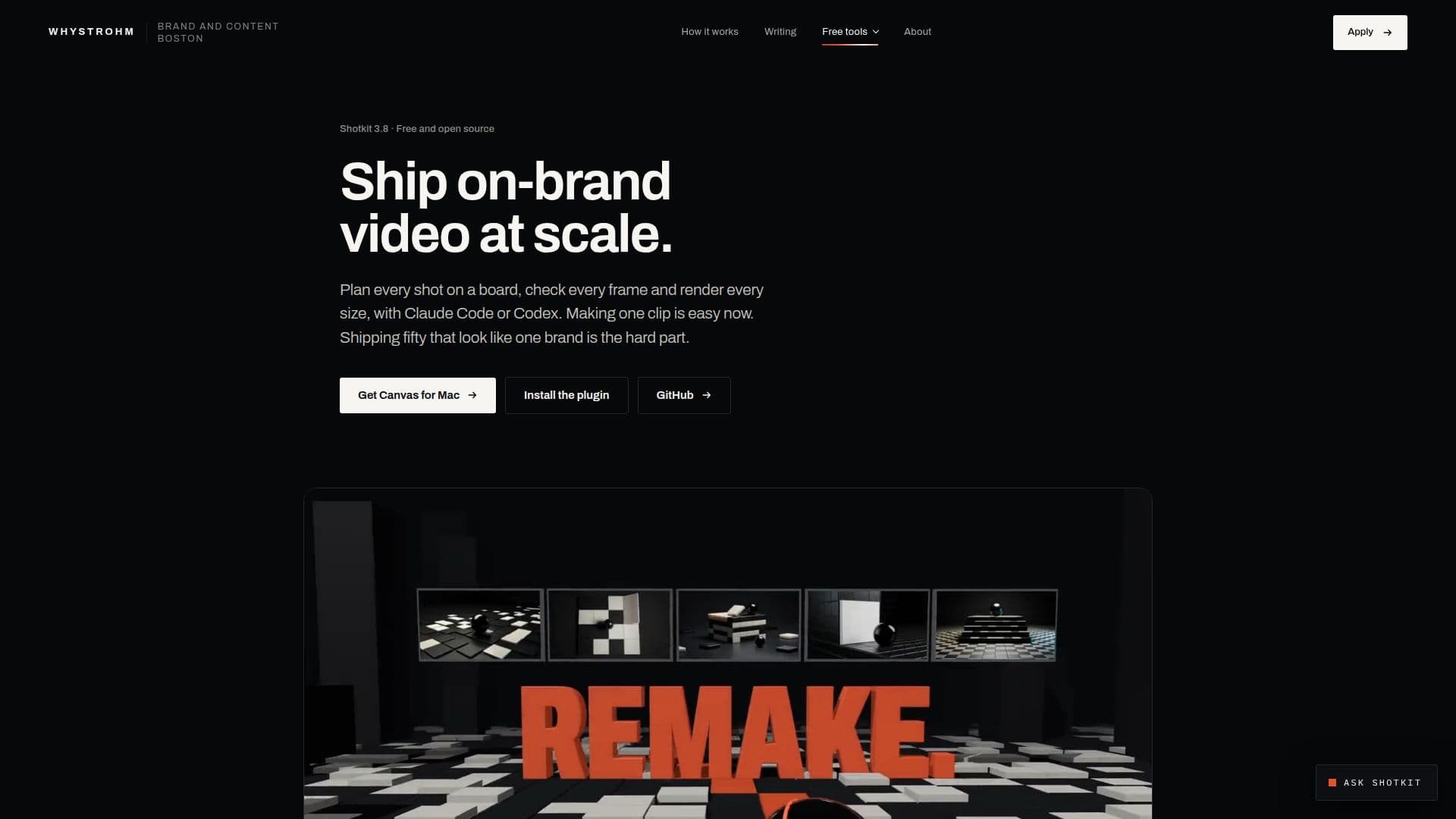
Shotkit is a free, open-source toolkit designed for use with Claude Code, streamlining the process of video production from concept to final cut. It takes a plain language video brief and converts it into a detailed storyboard, complete with shot specifications, generator prompts, and a frame-by-frame review. This system is built to help users ship on-brand video at scale, making it easier to produce numerous clips that maintain a consistent brand identity.
Read More
The tool offers two primary modes of operation: a plugin for Claude Code and a standalone Canvas application for macOS. The Claude Code plugin allows users to input a brief and their media (photos or clips) to receive a clear plan in various shareable formats, including an offline storyboard page, a printable PDF client page, a PowerPoint deck with stills, and a rough cut with an edit list for Premiere or Resolve. This integration enables direct interaction within Claude Code using simple commands.
The Shotkit Canvas, available for Mac, provides a live board environment where users can plan, check, and cut video content in one place. It facilitates chat with Claude within the user's brand context, allows approval of prices before generation, and offers features to move, trim, and caption clips. Canvas supports rendering cuts in multiple sizes (16:9, 9:16, 4:5, 1:1) using Remotion. It operates locally on the user's Mac, ensuring files remain on their machine.
Shotkit ensures brand consistency by saving brand elements like colors, typography, voice, and 'never-rules' from a provided website, then planning and checking every shot against these guidelines. It learns user preferences by allowing likes or dislikes of clips, captions, or renders, which are saved as preferences for that specific brand without training on user files. The system can start from existing footage, suggesting files for shots, flagging weak ones, and identifying missing elements. It generates storyboards with sketched shots, which can be replaced by user photos or AI-generated frames. The tool also offers designed type with motion, set in brand colors and fonts, and can cut reels to the beat of an added track.
For AI generation, Shotkit can create frames and clips to test ideas or fill gaps. A critic agent checks each generated frame, and only misses are redone, with every price requiring user approval. The system supports ten different image and video generators, providing prompts for six still generators (Midjourney, Flux, Ideogram, GPT Image, Nano Banana, Seedream) and four motion generators (Kling, Veo, Seedance, Hailuo). Users can either paste prompts into their chosen generator or connect their fal.ai key for direct generation, with billing handled by fal.ai and requiring explicit user consent for every spend. The entire workflow is structured in five approval steps: adding brand, planning the board, approving price, checking frames, and cutting every size.
- CategoryAI Video Generators
- Pricing ModelFree
- DeploymentCloud, Self-hosted
- PlatformsmacOS, Claude Code
Shotkit's Core Features
Video brief to storyboard conversion
Shot specifications generation
AI image and video generator prompt creation
Frame-by-frame critical review
Brand consistency enforcement (colors, type, voice)
User preference learning for brand assets
Integration with existing footage
Storyboard generation with shot sketches
Designed motion typography
Exportable presentation decks (PowerPoint, Keynote, Google Slides)
AI concept generation for frames and clips
Multi-size video rendering (16:9, 9:16, 4:5, 1:1)
Claude Code plugin for workflow integration
Standalone Shotkit Canvas application for macOS
Open-source code and documentation
How to use Shotkit?
Install Shotkit: Clone the GitHub repository and run the installation script in your terminal.
Type a brief in Claude Code: Restart Claude Code, then use the `/shotkit` command followed by your video description and desired aspect ratio.
Read the board: Open the generated `output/board.html` file in your browser to review the timeline, contact sheet, and shot specifications.
Make the frames: Copy prompts from the board into your chosen image/video generator, or connect a fal.ai key for automated generation.
Check the frames: In Claude Code, type "Check the new frames" to have the critic agent review each frame against the brief and brand lock.
Revise and re-check: For rejected frames, type "Revise the prompts for the shots marked REVISE" in Claude Code, then generate and check new frames.
Validate and preview: Run `sk validate` to check the entire run and `sk preview` to build a client-ready preview page.
Cut every size: In Canvas, trim clips, change lines, and render the final video in multiple aspect ratios (16:9, 9:16, 4:5, 1:1).
Shotkit's Use Cases
- Video Content Planning
- Brand-Consistent Video Production
- AI-Assisted Frame Generation
- Multi-Platform Video Adaptation
- Streamlined Video Workflow
- Content Studio Operations
- Founder Content Creation
- Marketing Campaign Media