Description
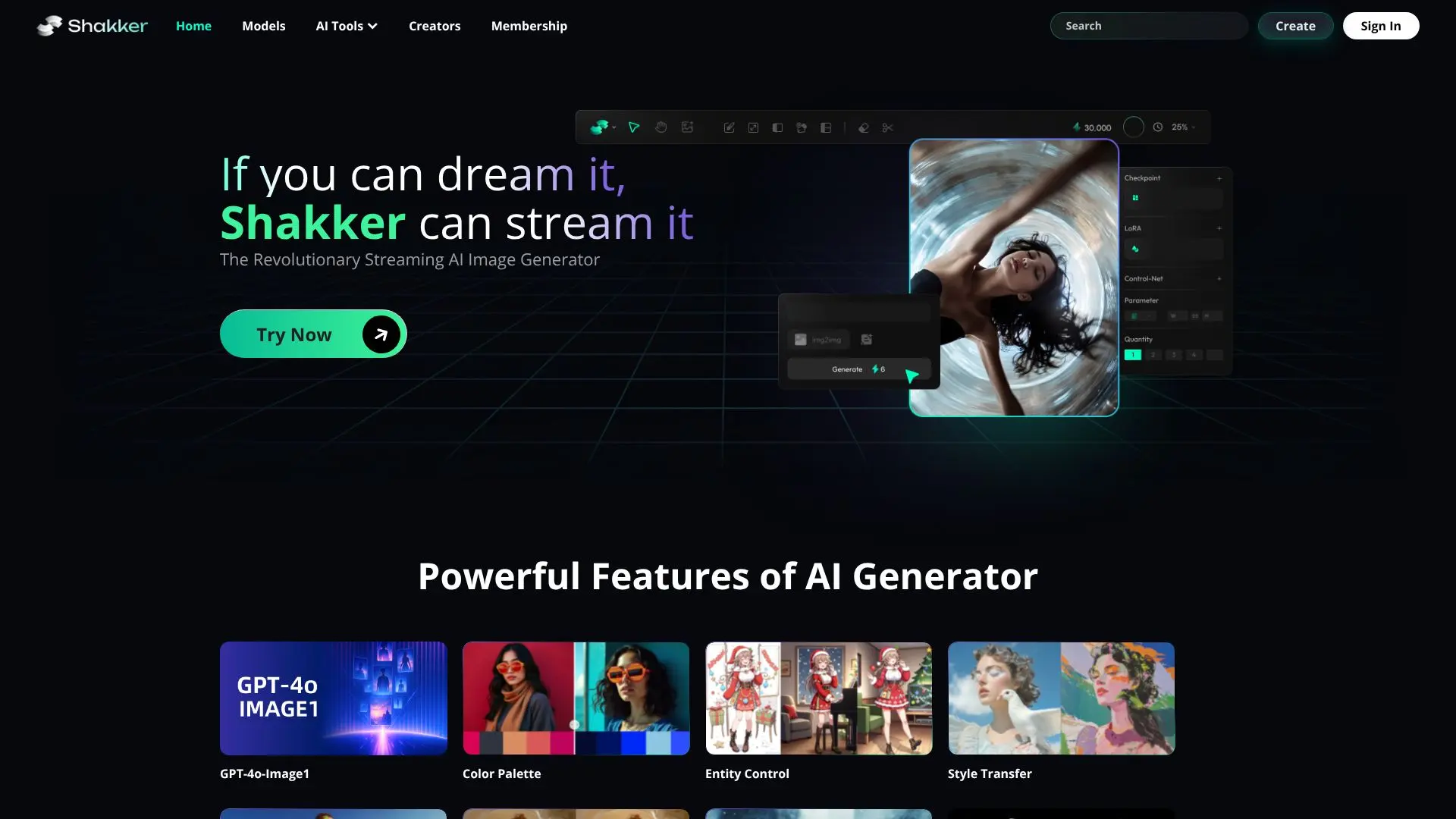
Shakker is a comprehensive generative AI design platform designed to streamline the creative process for users of all skill levels. The tool boasts a wide array of diverse models, enabling users to generate images across various styles and concepts, from photorealism to illustration and architectural design. Its core functionality is powered by a robust AI Generator that supports advanced features such as GPT-4o-Image1 integration, color palette control, entity control, style transfer, spatial control, inpainting, outpainting, and face swap capabilities.
Read More
The platform offers access to an extensive library of exclusive models, including specialized LoRAs and checkpoints, catering to niche artistic needs like fashion, graffiti art, concept art, and 3D character design. Users can explore models from creators like DynamicWang, AWPortraitFL, and many others, fostering a vibrant community of AI art enthusiasts and developers. Shakker also provides powerful tools to support creators, including an online A1111 WebUI, an online ComfyUI interface, and a dedicated training tool for fine-tuning models.
Shakker aims to democratize AI-powered design by providing accessible and powerful tools. Whether you are a professional designer, an aspiring artist, or a hobbyist, Shakker offers the resources to craft your vision with an infinite canvas. The platform emphasizes community, with many creators sharing their models and contributing to the platform's growth. This collaborative environment, combined with advanced AI capabilities, makes Shakker a go-to solution for generating unique and high-quality visual content efficiently and effectively.
Key features include a user-friendly interface, a vast selection of models, and tools for advanced image manipulation. The platform supports various artistic styles and industries, from product design and architecture to game development and photography. Shakker's commitment to providing a powerful yet accessible AI design experience positions it as a valuable asset for anyone looking to leverage generative AI for creative projects.
- CategoryAI Image Generators
- Pricing ModelFreemium
- DeploymentCloud
- PlatformsWeb
Shakker's Core Features
Generative AI Image Generation
Diverse Model Library (LoRA, Checkpoint)
Advanced Image Editing Controls (Inpainting, Outpainting, Face Swap)
Style Transfer Capabilities
Color Palette and Entity Control
Online A1111 WebUI Access
Online ComfyUI Access
AI Model Training Tool
Support for Multiple Artistic Styles
Community-Driven Model Sharing
GPT-4o-Image1 Integration
How to use Shakker?
Explore Models: Browse the extensive library of diverse AI models available on Shakker.
Configure Generation: Utilize advanced controls like color palette, entity control, and style transfer.
Generate Images: Input prompts and parameters to create unique visual content.
Utilize Tools: Access WebUI, ComfyUI, or the training tool for advanced workflows.
Fine-tune Models: Use the training tool to customize models to your specific needs.
Share Creations: Engage with the community and showcase your generated artwork.
Shakker's Use Cases
- Concept Art Generation
- Logo and Icon Design
- Architectural Visualization
- Product Photography Mockups
- Illustration Creation
- Game Asset Design
- Fashion Design Concepts
- Personalized Art Creation