
Description
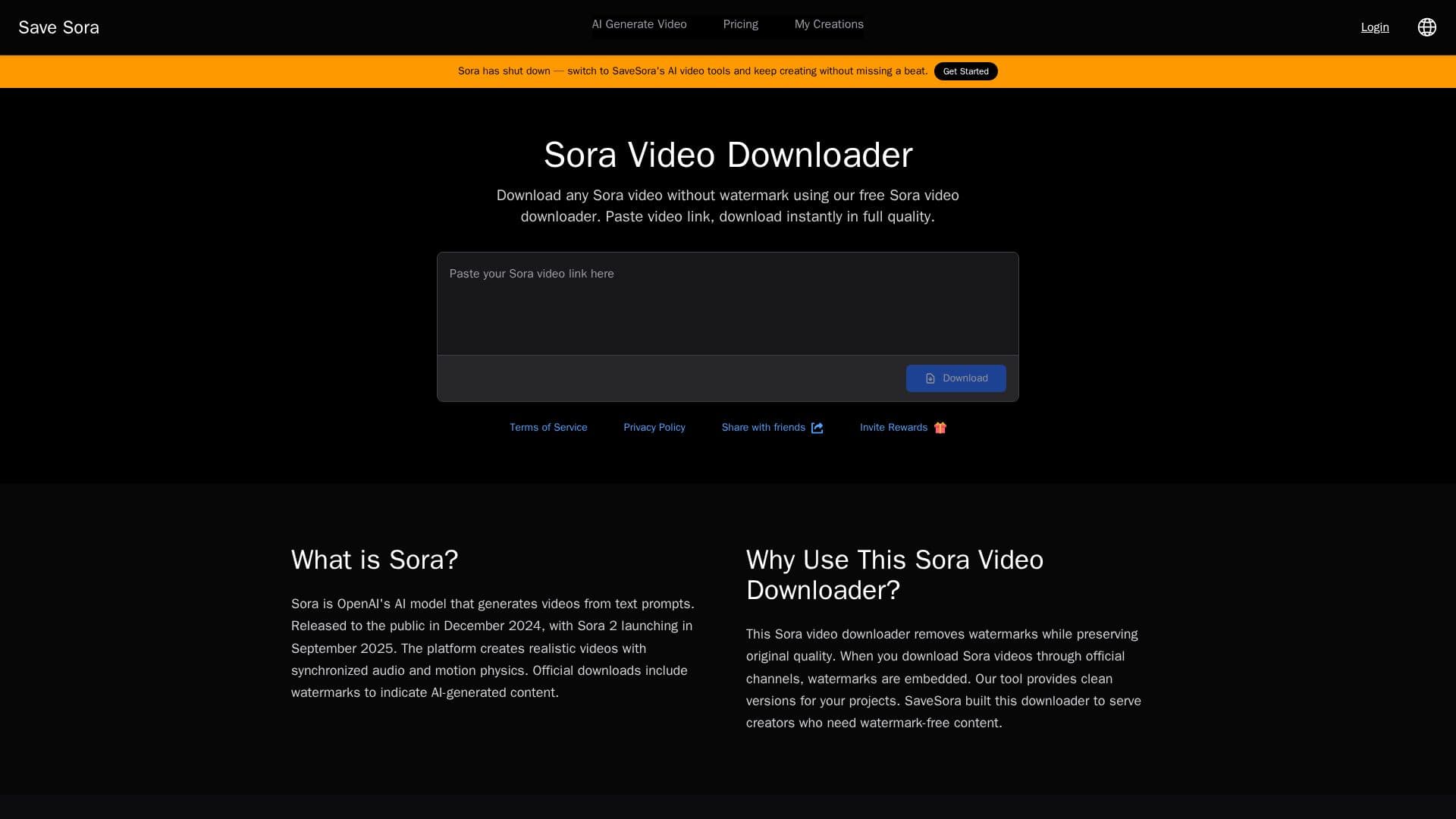
SaveSora is a free online downloader for OpenAI Sora videos. Because Sora's official platform only lets users download their own content, SaveSora lets you download Sora videos from any shared link and also shows the original text prompt that generated the video. You paste a public Sora share link, and the tool returns a clean download, removing the watermark that official exports include while preserving the native resolution up to 1080p.
Read More
The workflow is a simple three steps: find a video in the Sora app and copy its link, paste it into SaveSora, then download the clean MP4 and view the prompt. It works on any device with a browser, requires no registration, and processes videos securely without storing user data. Output is delivered in MP4, matching Sora's native format, with no compression.
SaveSora highlights prompt discovery as a learning feature, letting you see the exact prompt behind a shared video to understand AI video generation techniques. It is positioned for content creators, researchers, and anyone exploring AI-generated videos.
The core downloader is completely free with no hidden fees. SaveSora is an independent tool, not affiliated with OpenAI or the Sora team, and it currently supports single-video downloads with a batch feature noted as coming soon.
- CategoryOther AI Tools
- Pricing ModelFree
- DeploymentCloud
- PlatformsWeb
SaveSora's Core Features
Free Sora video downloading from any shared link
Watermark-free downloads
Original quality preserved up to 1080p with no compression
Original prompt discovery for each video
MP4 output matching Sora's native format
No registration required
Works on desktop, mobile, and tablet browsers
Secure processing with no stored user data
How to use SaveSora?
Find a video: Browse Sora and tap the three-dot menu on a video you want to download.
Copy the link: Select Copy Link to save the video URL.
Paste into SaveSora: Drop the link into the tool and click download.
Download and view: Save the clean MP4 and see the original prompt used to create it.
SaveSora's Use Cases
- Download shared Sora videos
- Watermark-free clips
- Prompt learning
- Research and exploration