Description
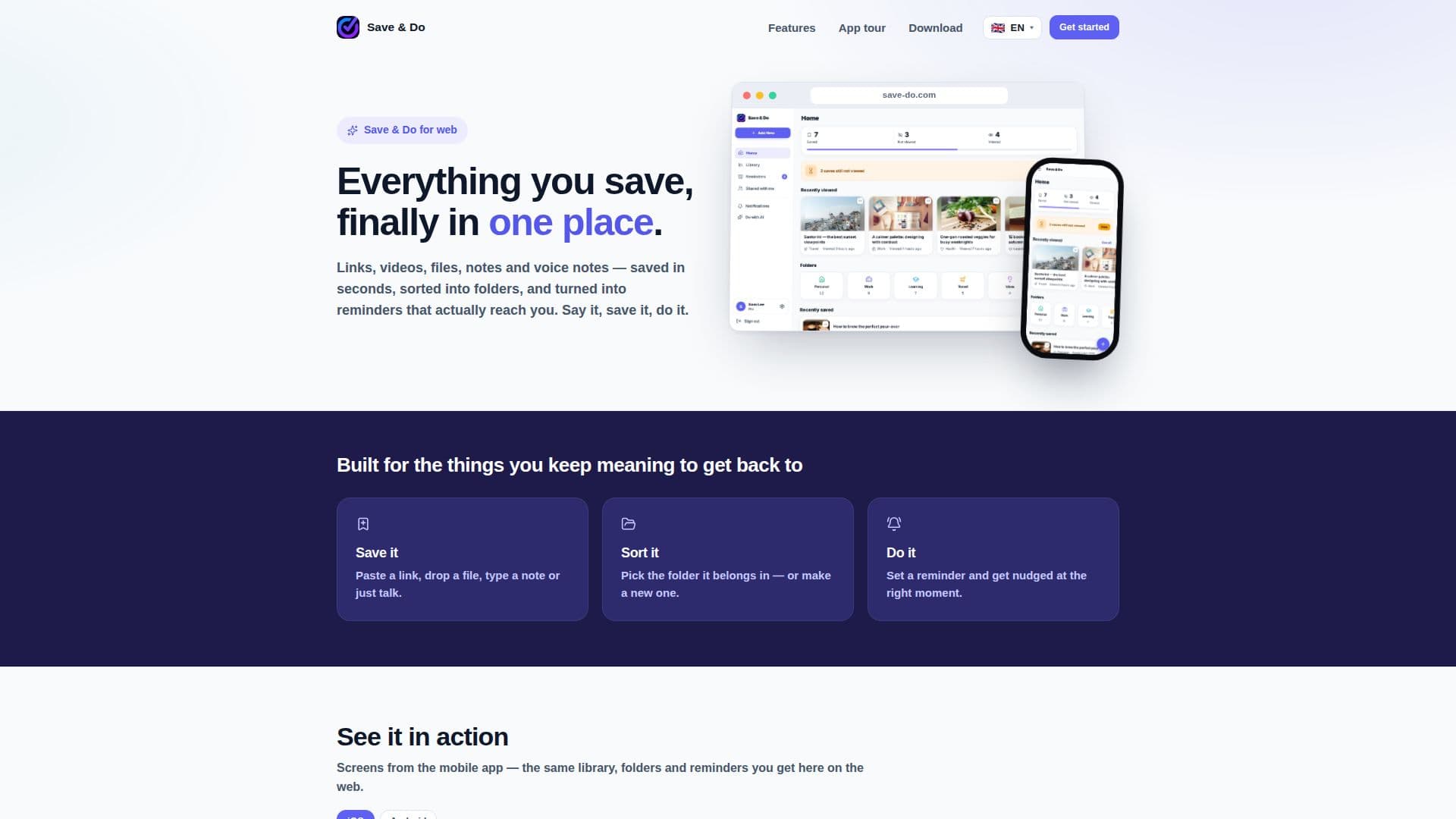
Save & Do is a comprehensive platform designed to help users manage and organize their saved content efficiently. It provides a unified library where you can store links, videos, files, notes, and voice notes, making it easy to access everything in one place. The tool supports both iPhone and Android apps, as well as web access, ensuring seamless synchronization across devices.
Read More
With Save & Do, you can save content in seconds, whether it's a TikTok video, a YouTube link, or a quick note. The platform's AI capabilities enhance the user experience by transcribing voice notes into searchable text and setting reminders based on voice commands. Additionally, the AI assistant can summarize articles, videos, and documents, making information retrieval quick and efficient.
The platform offers robust organizational features, including color-coded folders and subfolders, allowing users to sort their saved items according to their preferences. The search and filter functions enable users to find any saved content swiftly, while the reminder feature ensures that important tasks are not overlooked.
Save & Do also supports collaboration, allowing users to share folders or individual saves with friends, family, or teammates. Shared content can be commented on, and users can assign viewer or editor access to collaborators. The platform prioritizes user privacy and security, with encrypted data transmission and options to manage AI data sharing.
Users can personalize their experience with language options, theme settings, and notification preferences. Save & Do is free to start, with a Pro subscription available for advanced features. It is an ideal tool for individuals looking to streamline their content management and stay organized.
- CategoryProductivity
- Pricing ModelFreemium
- DeploymentCloud
- PlatformsiPhone, Android, Web
Save & Do's Core Features
Unified library for all saved content
AI transcription of voice notes
AI-generated summaries of articles and videos
Color-coded folders and subfolders
Search and filter functions
Reminder setting with voice commands
Collaboration features with viewer/editor access
Data encryption and privacy controls
How to use Save & Do?
Save content: Add links, videos, files, or notes
Organize: Sort into folders and subfolders
Set reminders: Use voice or text commands
Collaborate: Share content with others
Save & Do's Use Cases
- Content Organization
- Voice Note Transcription
- Reminder Management
- Collaborative Sharing
- Secure Data Storage