
Description
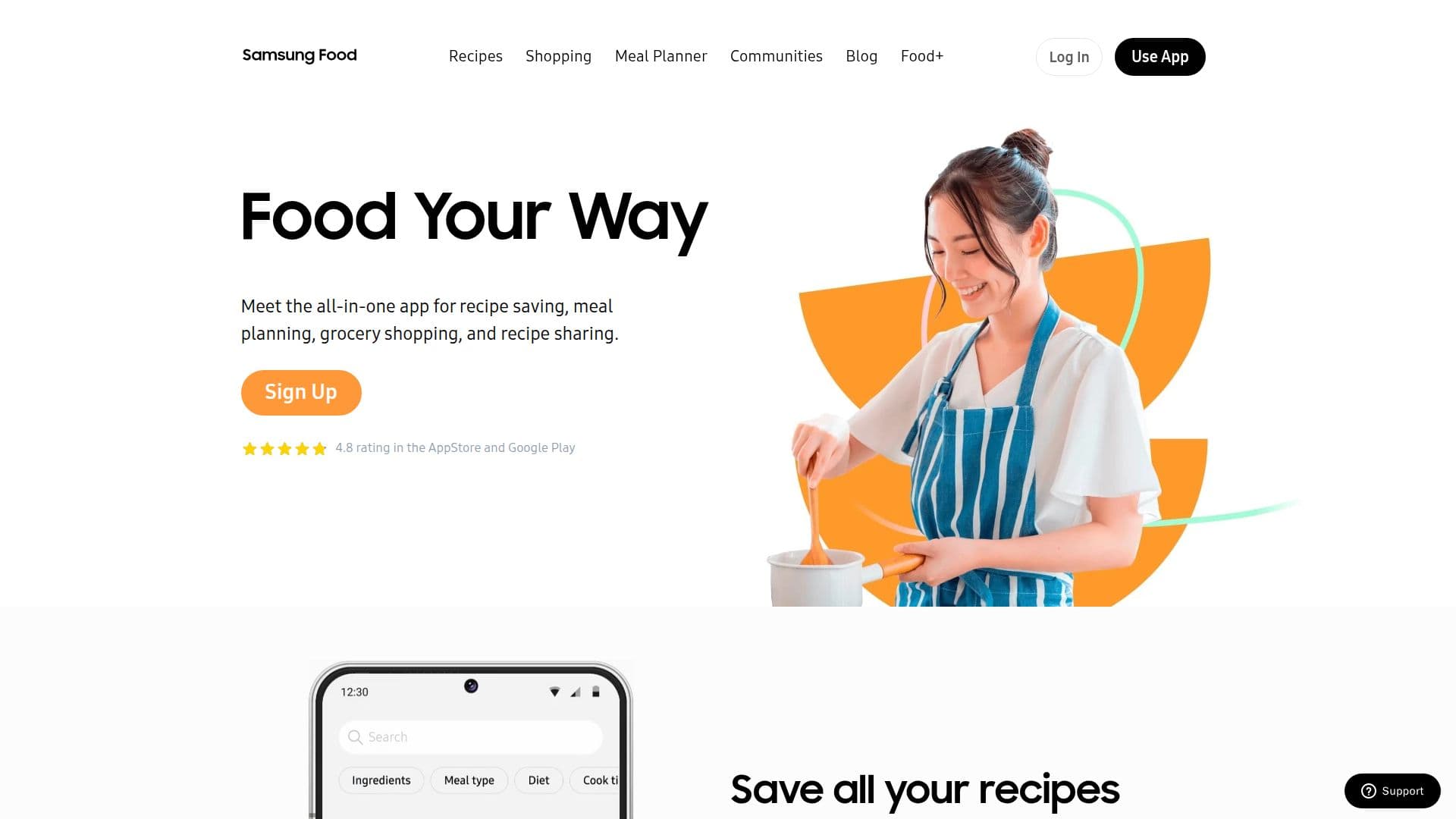
Samsung Food is the ultimate cooking app that helps you organize your recipes, meal plan, grocery shop, and more. Formerly known as Whisk App, it has been designed to cater to the needs of home cooks around the world. With a user-friendly interface and a host of features, Samsung Food makes cooking enjoyable and efficient.
Read More
One of the standout features of Samsung Food is its ability to save recipes from any website into a digital recipe box. This allows users to create, organize, and share their cooking inspiration all in one place. The app also fosters community engagement, enabling users to discover new dishes that fit their dietary preferences and restrictions.
Meal planning is made easy with Samsung Food's drag-and-drop functionality, allowing users to arrange their personal recipe collection into a weekly meal plan. Whether the goal is to save time, reduce food waste, or eat healthier, the meal planner is designed to help users achieve their culinary objectives.
Grocery shopping is streamlined with Samsung Food, as users can instantly convert any recipe or meal plan into a smart shopping list with just one click. This feature not only saves time but also enhances the shopping experience, whether in-store or online.
Health-conscious users will appreciate the detailed nutrition information and calorie counts available for any recipe saved to Samsung Food. This feature empowers users to make informed decisions about their meals, making it easier to meet health goals.
Samsung Food has received positive feedback from users, with many praising its intuitive design and comprehensive features. From saving recipes to meal planning and grocery shopping, this app is a valuable tool for anyone looking to enhance their cooking experience. With a 4.8 rating on both the App Store and Google Play, it is clear that home cooks around the world love Samsung Food for its ability to simplify meal preparation and inspire culinary creativity.
- CategoryNutrition & Meal Planning
- Pricing ModelFreemium
- DeploymentCloud
- PlatformsAndroid, iOS, Web
Samsung Food's Core Features
Recipe saving from any website
Weekly meal planning
Smart shopping list generation
Detailed nutrition information
Recipe sharing capabilities
Community recipe discovery
Cross-platform availability
User-friendly interface
How to use Samsung Food?
Save recipes: Use the app to save recipes from any website.
Plan meals: Drag and drop recipes into your weekly meal plan.
Create shopping lists: Generate a shopping list from your meal plan with one click.
Track nutrition: Access detailed nutrition info for saved recipes.
Samsung Food's Use Cases
- Recipe organization
- Meal planning
- Grocery shopping
- Nutritional tracking
- Recipe sharing