Description
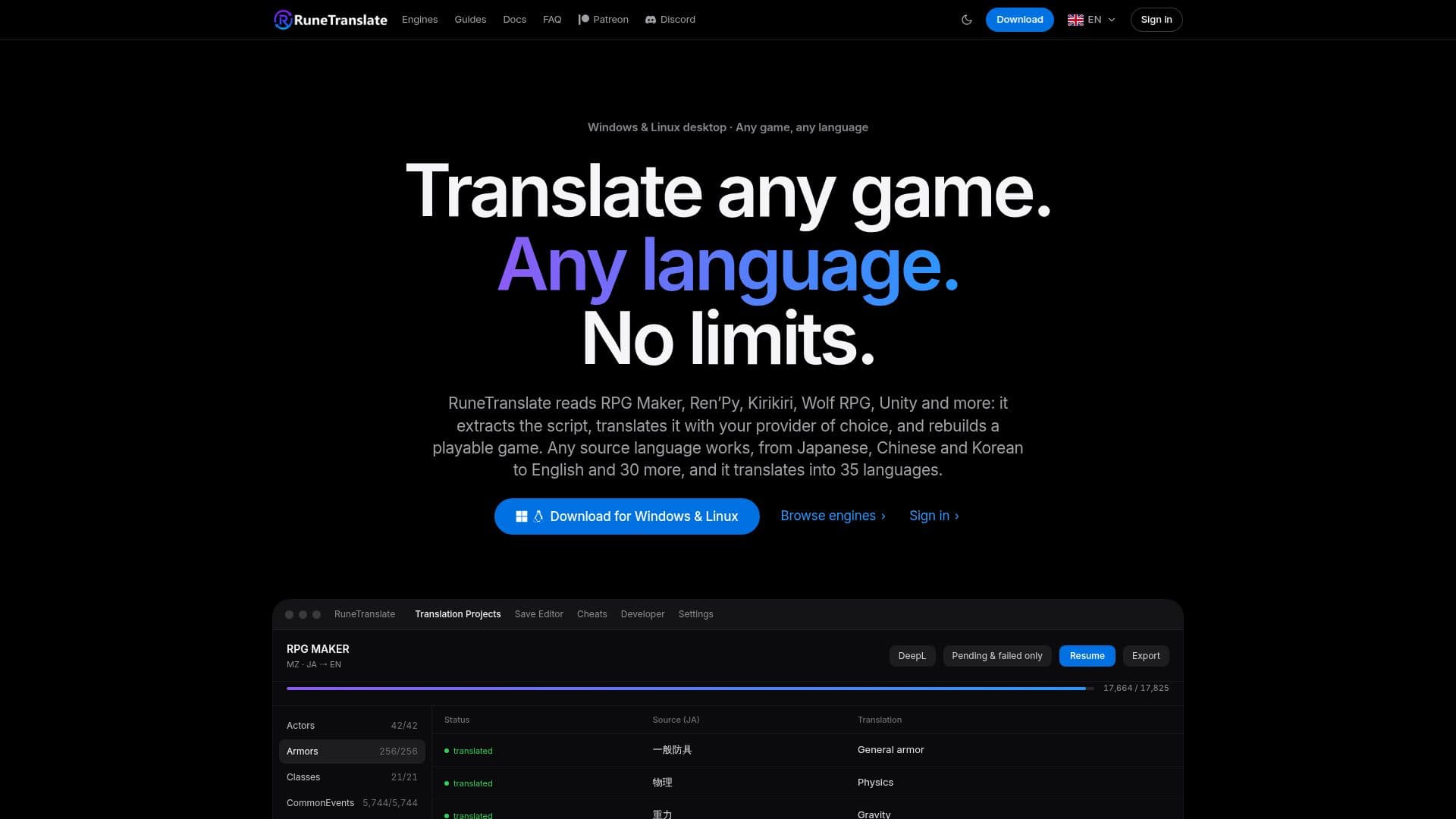
RuneTranslate is a comprehensive game translation tool designed for Windows and Linux, enabling users to translate games from virtually any language into their own. It supports a wide array of 18 game engines and formats, such as RPG Maker (MV/MZ/XP/VX/Ace), Ren'Py, Kirikiri/KAG, Wolf RPG, TyranoBuilder, Electron VN, Unity, RPG Developer Bakin, SRPG Studio, NScripter/ONScripter, Godot Engine, Artemis, YU-RIS, AliceSoft System, Unreal Engine 4/5, LiveMaker/LiveNovel, and GameMaker. The application processes game files, extracts dialogue, menu choices, and UI strings, and then generates a playable, translated build.
Read More
The tool incorporates RuneSight, a neural classifier that intelligently distinguishes between prose and code-like operands, preventing critical game elements like asset paths or comparison keys from being mistranslated. It also freezes engine-specific markup before translation, ensuring that formatting and functionality remain intact in the translated output. RuneTranslate offers a flexible choice of twelve translation providers, including popular options like DeepL (with free and next-gen models), OpenAI (ChatGPT), Anthropic Claude, DeepSeek, Google Translate, Yandex Translate, and Gemini Nano. Several providers, including Google Translate, free DeepL routes, Yandex Translate, and Gemini Nano, do not require an API key, making translation accessible to all users.
Beyond core translation, RuneTranslate provides several powerful features. Its Image Studio allows users to detect, translate, clean, and typeset text embedded within game artwork, baking the translated text back into the original image format. A built-in Save Editor enables direct modification of game save files for RPG Maker, Ren'Py, and TyranoBuilder, letting users adjust gold, stats, variables, and switches. Additionally, a Cheat Mode can inject a live, hotkey-toggled cheat menu into RPG Maker MV/MZ and Ren'Py games, offering options like godmode, full heal, and variable editing. For collaborative projects, RuneTranslate supports real-time team translation, allowing multiple users to work on a game simultaneously with live presence and translation credits.
RuneTranslate operates on a freemium model. The free tier unlocks every supported engine, most translation providers (excluding RuneLingua), the full editor, save editor, and AI refiner, though translation speed is modestly throttled. Paid tiers (Supporter, Pro, Ultimate) offer full-speed translation, access to RuneLingua (RuneTranslate's own machine translation with character quotas), cloud translation memory, glossaries, provider routing, collaborative project hosting, and increased project slots. The platform requires a free account for use, supporting sign-in via Patreon, Google, or email.
- CategoryAI Translators
- Pricing ModelFreemium
- DeploymentDesktop app
- PlatformsWindows, Linux, Steam Deck
RuneTranslate's Core Features
Translate 18 game engines and formats (RPG Maker, Ren'Py, Unity, Unreal, Godot, GameMaker, etc.)
Neural classifier (RuneSight) to distinguish text from code
Markup freezing to preserve game formatting
Twelve translation providers (DeepL, OpenAI, Claude, Google Translate, Yandex, Gemini Nano, etc.)
Free translation routes with no API key required
Image Studio for translating text embedded in game artwork
Built-in Save Editor for RPG Maker, Ren'Py, and TyranoBuilder games
Cheat Mode for RPG Maker MV/MZ and Ren'Py games
Collaborative translation projects with live editing
AI Refiner for a second pass over translations to improve quality
Translation memory for reusing previous translations
Glossary and term locking for consistent terminology
Provider routing to optimize cost by sending short strings to free providers
Support for local models via Ollama or LM Studio
Export translated games as playable builds or patch files
How to use RuneTranslate?
Sign In: Create a free account using Patreon, Google, or email to access the app.
Insert Game: Add your game folder to RuneTranslate and select the appropriate engine.
Choose Translator: Select from twelve translation providers, including free options like Google Translate or DeepL.
Translate: Initiate the translation process; the app will extract text and translate it.
Refine & Edit: Use the built-in editor, AI refiner, translation memory, and glossary to review and improve translations.
Export Build: Export a playable, translated copy of your game or an .rtpatch file to share.
RuneTranslate's Use Cases
- Translate RPG Maker Games
- Localize Visual Novels
- Translate Unity & Unreal Games
- Collaborative Game Translation
- Edit Game Saves
- Inject In-Game Cheats
- Translate Image-Based Text
- Offline Game Translation
- Cost-Optimized Translation